22
Vapodest 50s carousel
5.8. Mains connection
Please check the nominal voltage on the product information plate before con-
necting to the mains. Should the nominal voltage deviate for more than +/- 10%,
then you must contact your service engineer.
- Make sure that the mains switch at the front of the instrument is in position
"0"
- Connect the mains cable with the rear appliance plug and the shockproof
socket
- Check if excess current release at the rear (chapter 4.2., pos. 9) of the equip-
ment is in position „1“. This switch turns the equipment off when it takes too
much current.
5.9. Connection to the balance
Set up the balance according to the instruction manual enclosed. Connect balan-
ce to Vapodest using the data transfer cable (The respective data cables can be
obtained directly from the manufacturer of the balance). A balance with a standard
RS 232 interface can be connected directly with the ComBox.
In chapter ‘7.1.3. Type of balance’ you are told according to which criteria to choose
the correct type of balance.
If there are any problems with your balance please contact the manufacturer of
the balance or C. Gerhardt.
5.10. How to install the software
Vapodest Manager can be installed on a PC/Laptop with Microsoft Windows XP
®
or Windows Vista
®
.
.
Important windows settings
To avoid any malfunctions of the Vapodest Manager, please make sure to switch off
all energy saving options incl. screen saver in the Windows control panel.
If you work with different user accounts please make sure to log in as administrator
before starting the installation.
5.10.1. How to install Vapodest Manager
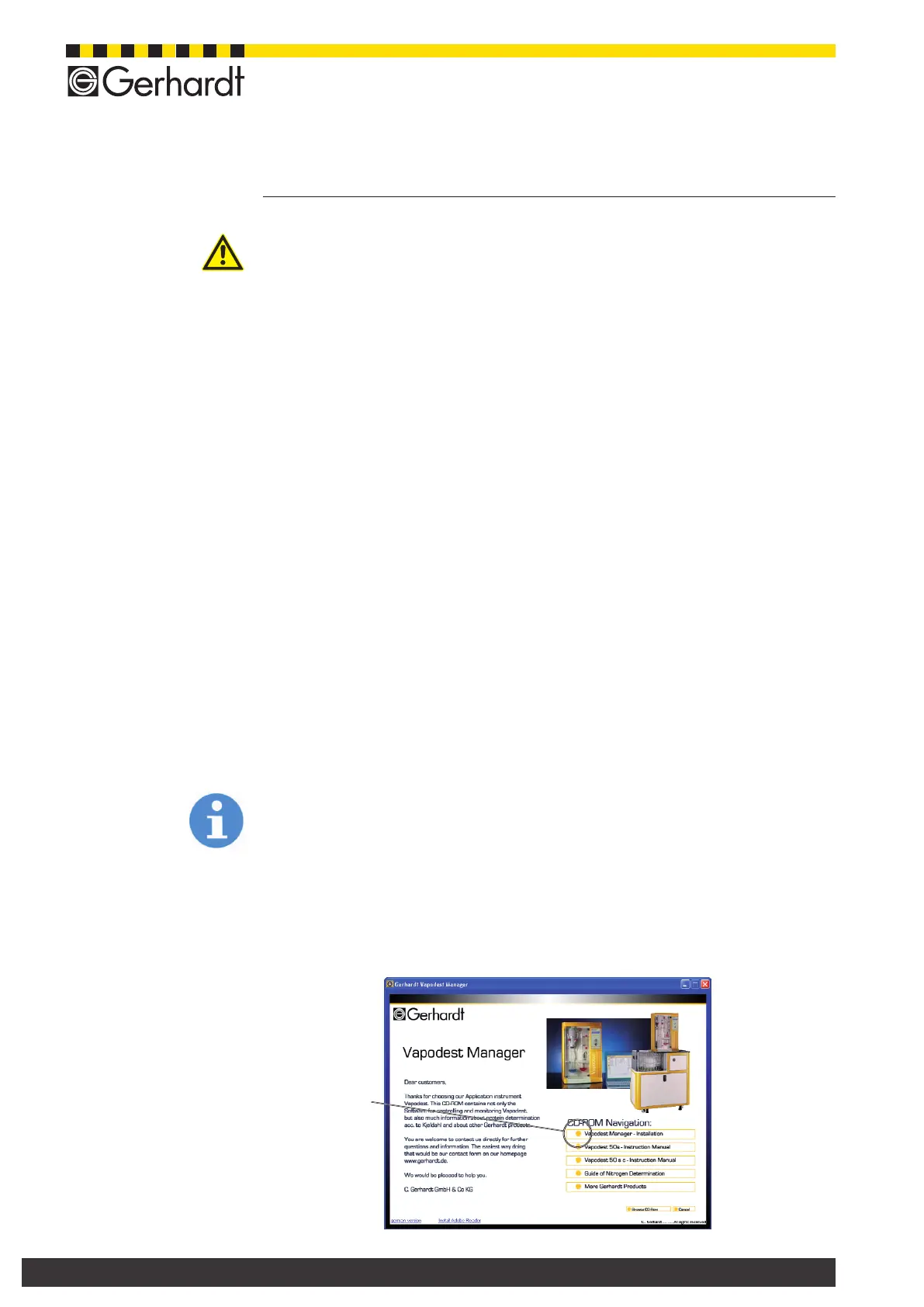
1. Insert CD-ROM and select "Setup.exe" (if auto start function is not activa-
ted).
5 Assembly and installation
Warnung vor
einer Gefahrenstelle
Vapodest Manager
installation



 To Next Page