27
Vapodest 50s carousel
6 Operation
6.3. Operator panel Vapodest Manager
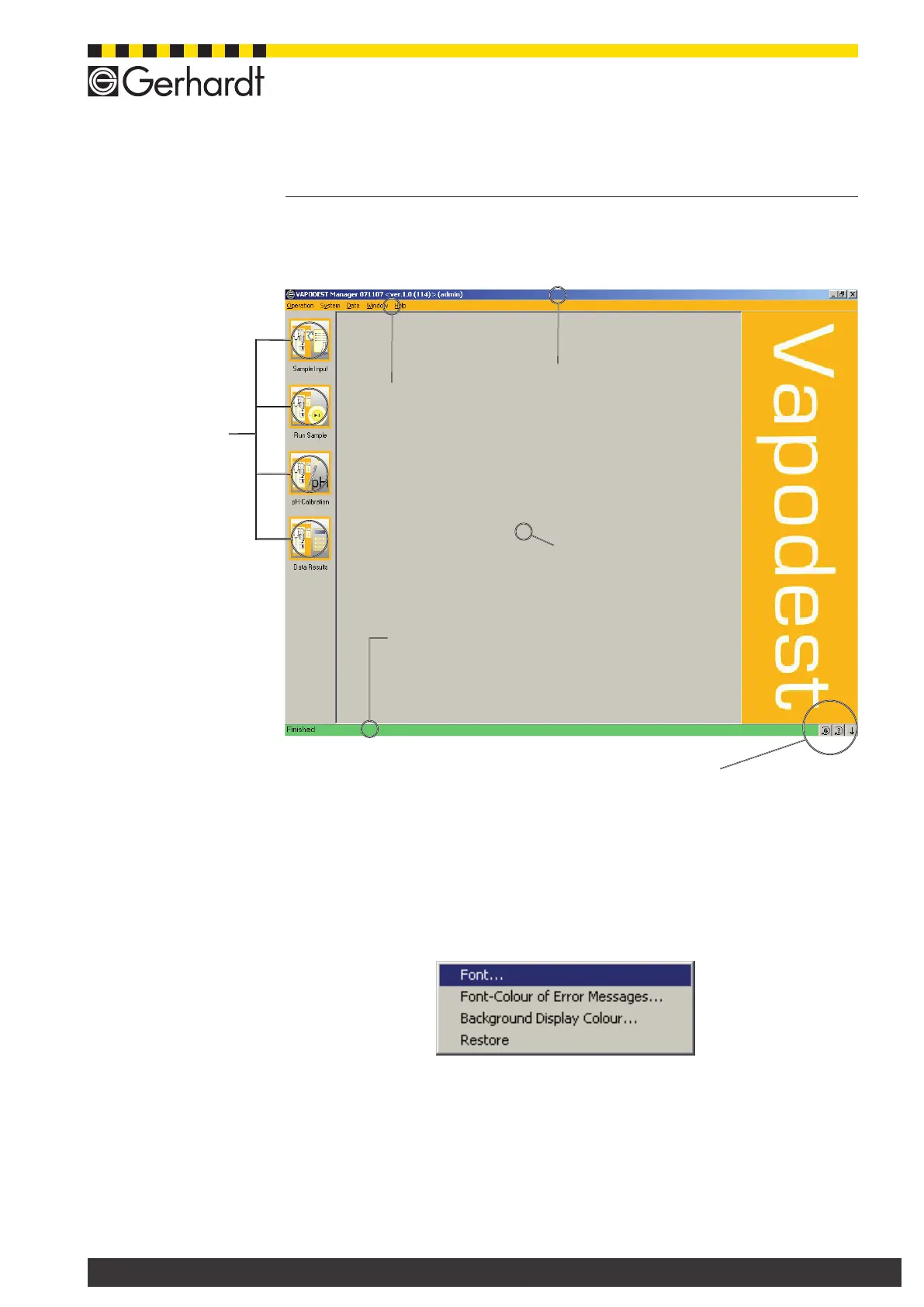
After starting Vapodest Manager, the following window will be visible:
Push buttons
for daily routine
operations
Menu bar
Click to select addi-
tional menu options
Title bar
Information about
Vapodest Manager
and current number
of version
Status bar
Shows information about
the current status of Va-
podest
Menu window
Input windows are
displayed
Additional operator panels
Use your right mouse key to click on the program window to open the menu con-
text:
You can determine fonts, colour for error messages and background of screen.
The selection of fonts and colours is done in the typical style of Window.
Carousel key
Using this key you can put the ca-
rousel to a certain position (see
chap. 10.2).



 To Next Page