59
Vapodest 50s carousel
11 Table of results
11.2.7. Delete results
You can delete individual lines or several lines at the same time.
- With the left mouse key, highlight the line which you want to delete (should you
want to delete several lines press the Strg-key simultaneously).
- Press key "Delete" and conrm the dialogue eld with "OK".
Comment
Prior to deleting the data, you can archive them using the CSV-export in an excel
program (see chapter 11.2.6. CSV-export).
11.2.8. Correct results
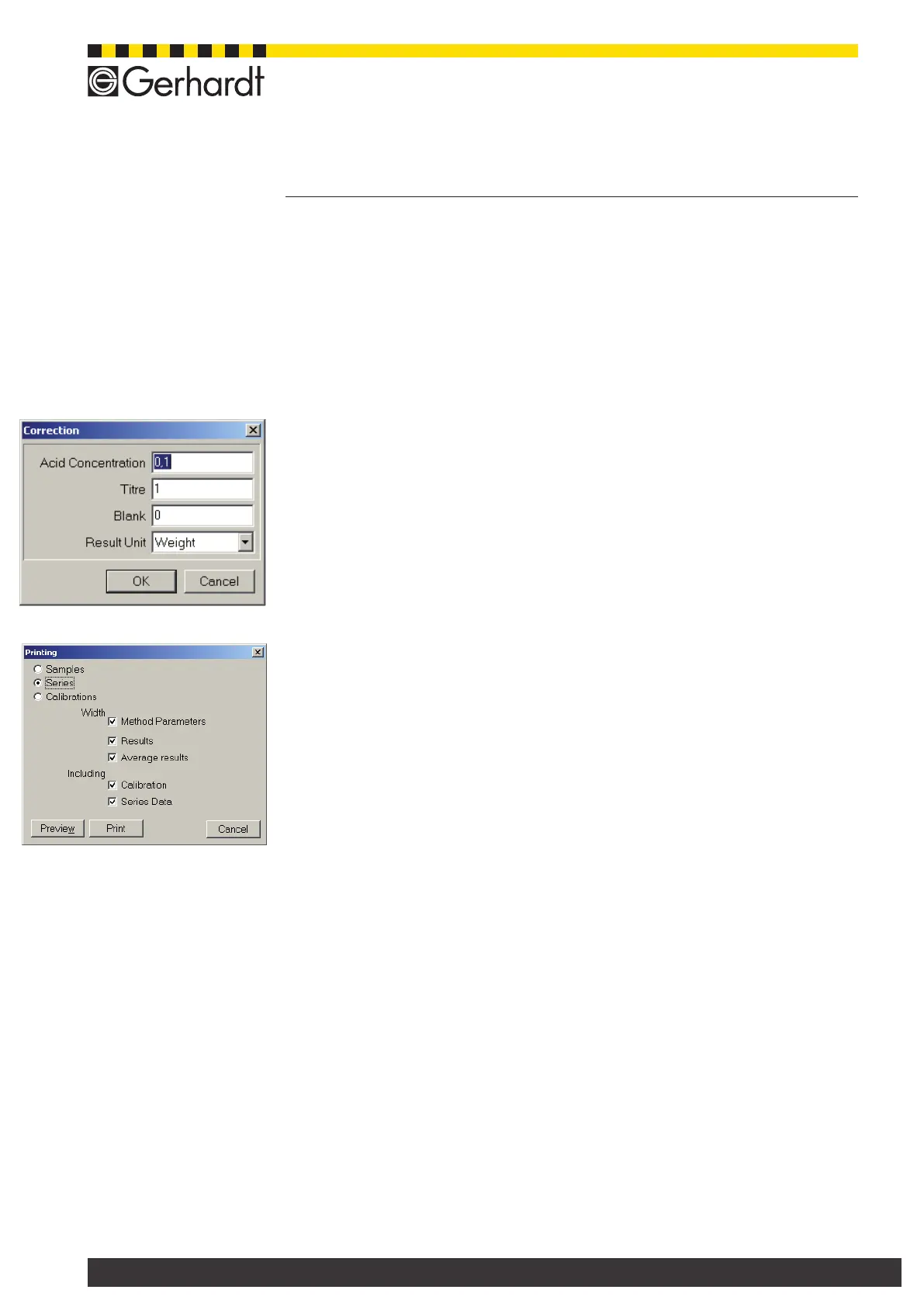
You can correct single results later on.
- Highlight the line, where you want to make corrections with left mouse key (to
highlight several lines press the strg-key simultaneously).
- Press key "Correct" and enter the individual corrective data
- Press key "OK" to conrm
11.3. Print data
You can print data of single samples or series. Press key "Print" to open the print
menu.
In order to do so, highlight one single or several lines in the table of results. To
highlight several lines, hold the Strg-key pressed down and click on the lines
desired.
Samples
The data of the highlighted sample is printed.
Series
The data of the entire series belonging to the highlighted sample are printed.
Calibration
Only the calibration data belonging to the highlighted sample are printed. Depen-
ding on the selection, you can chose further options for the print, like e.g. method
parameter, results, mean value (of same samples), calibration and series data.
Press key "Preview" to obtain a print preview. Press key "Print" to start printing
process.



 To Next Page