45
Vapodest 50s carousel
9 Sample input
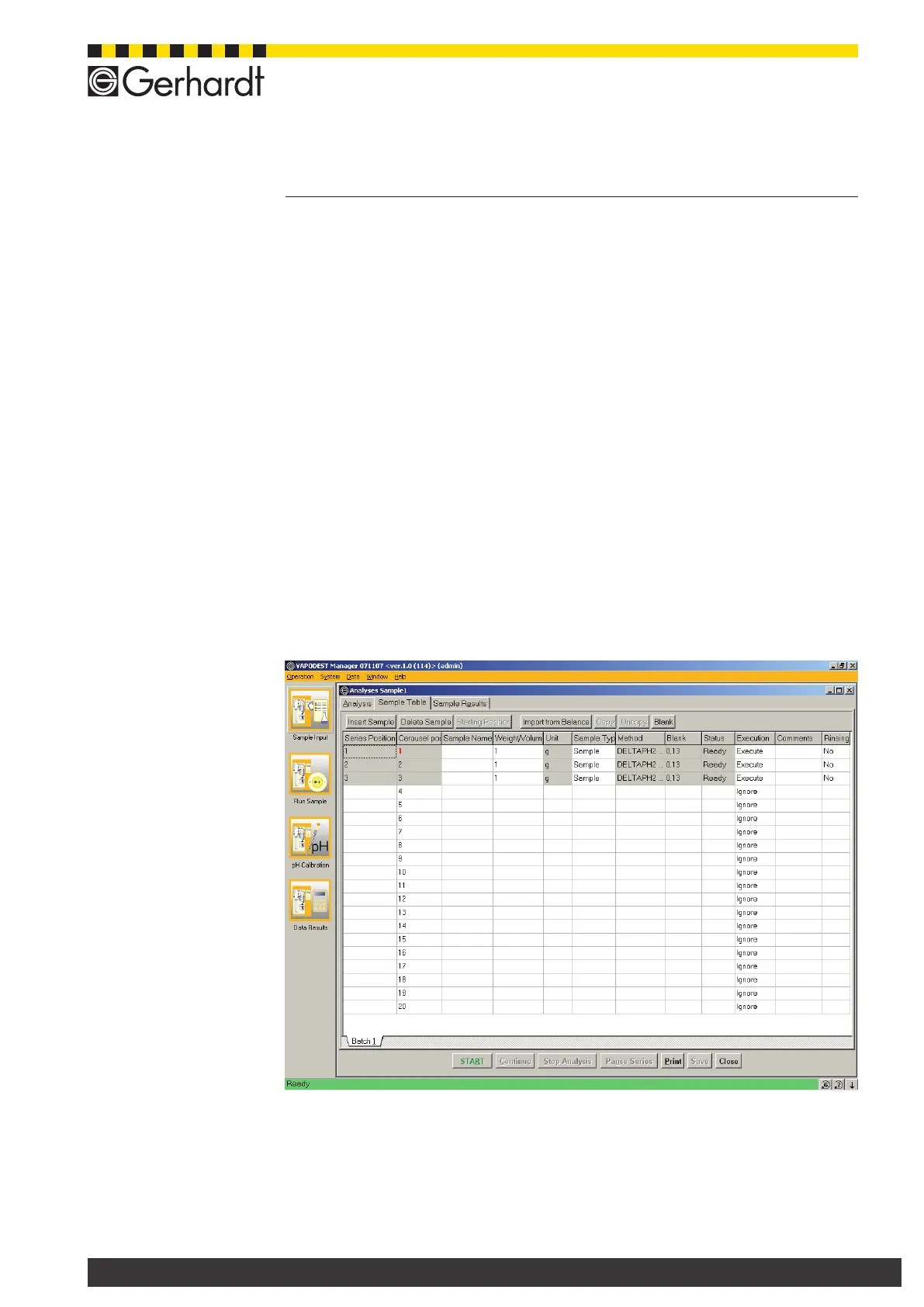
9.1.1.3. Delete sample
Highlight a eld in the line, which you would like to delete and press key "Delete
Sample".
9.1.1.4.Denepositionforthestartofaseries
Usually, the rst sample is dened as the start of a series. This position is marked
red in the column "Carousel position". If you want another sample as the start
position then you have to high light the respective line and print the key "Start
Position".
9.1.1.5. Import balance
Press this key if you want to enter the weight of the sample directly into the Va-
podest.
9.1.1.6. Print sample table
Press key "Print" to open the print window. Here, you can execute further func-
tions. Select "Sample Input" and press key "Print" to start the printing job (also see
chapter "11.3. Print Data" to get more informations about this menu)
9.1.1.7. Store table
Press key "Store" to store data.
9.1.2. Description of the columns and rows
- Rows in general
A double click on the white elds of a sample row corrects the values. Grey
elds cannot be corrected.
- Column "Serial position"
Samples are numbered from 1 to max. 20



 To Next Page