57
Vapodest 50s carousel
11.2.3. Filter data
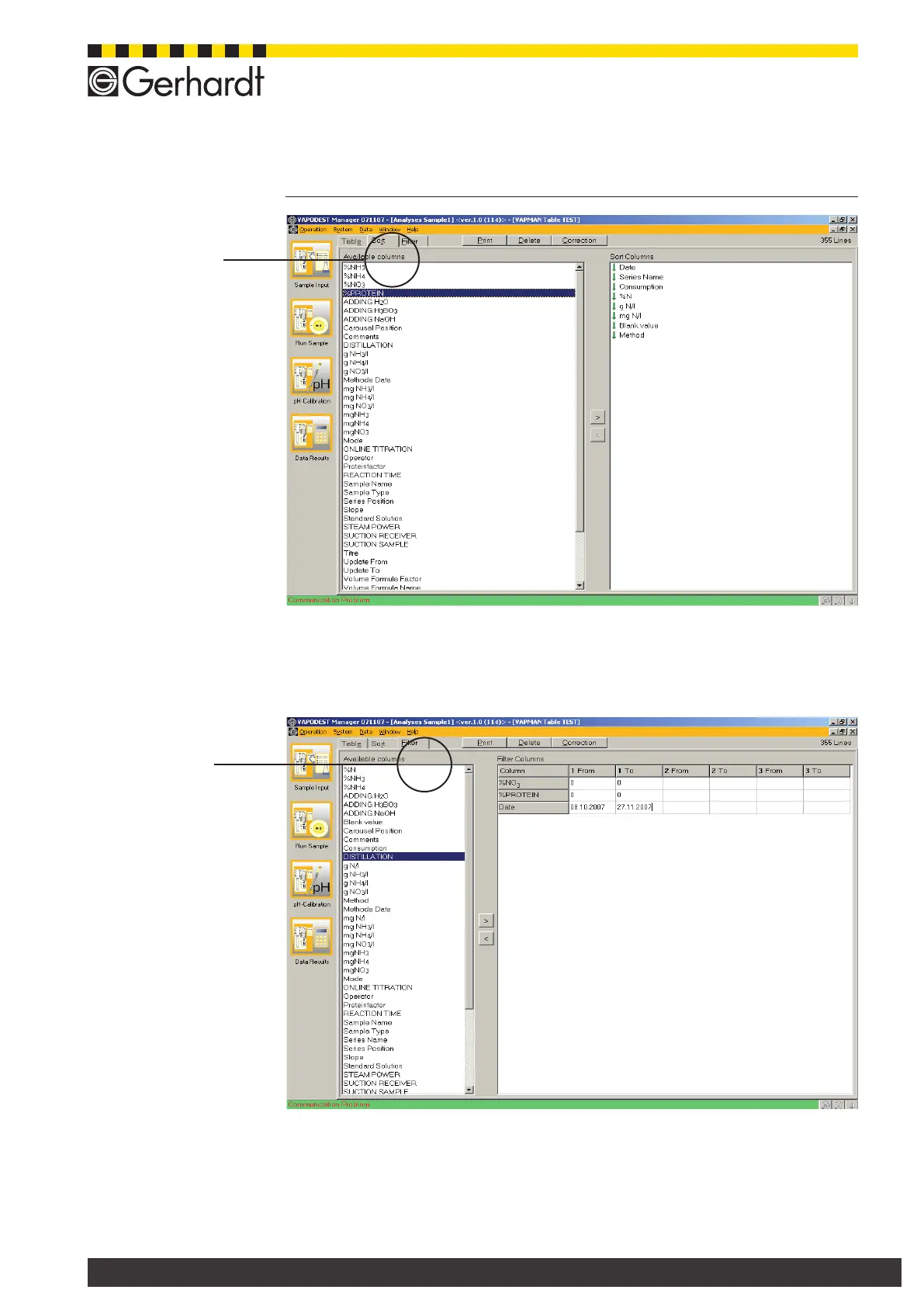
In the table window "Filter" you determine the display of your data in the table.
In order to dene the lter criteria of the tables or to alter them, you use the keys
"<" and ">".
Each table can have its own lter. A lter is assigned to each column, whereas up to
15 lters can be dened. You can assign up to 3 conditions to one lter. A condition
is dened by the range of the value which is entered in the elds "from" and "to".
11.2.4. Search for data
Fig. 11.2.3.a
Dene lter
Fig. 11.2.2.a
Sort data
11 Table of results



 To Next Page