44
Vapodest 50s carousel
9 Sample input
9.1.1.1 Enter sample
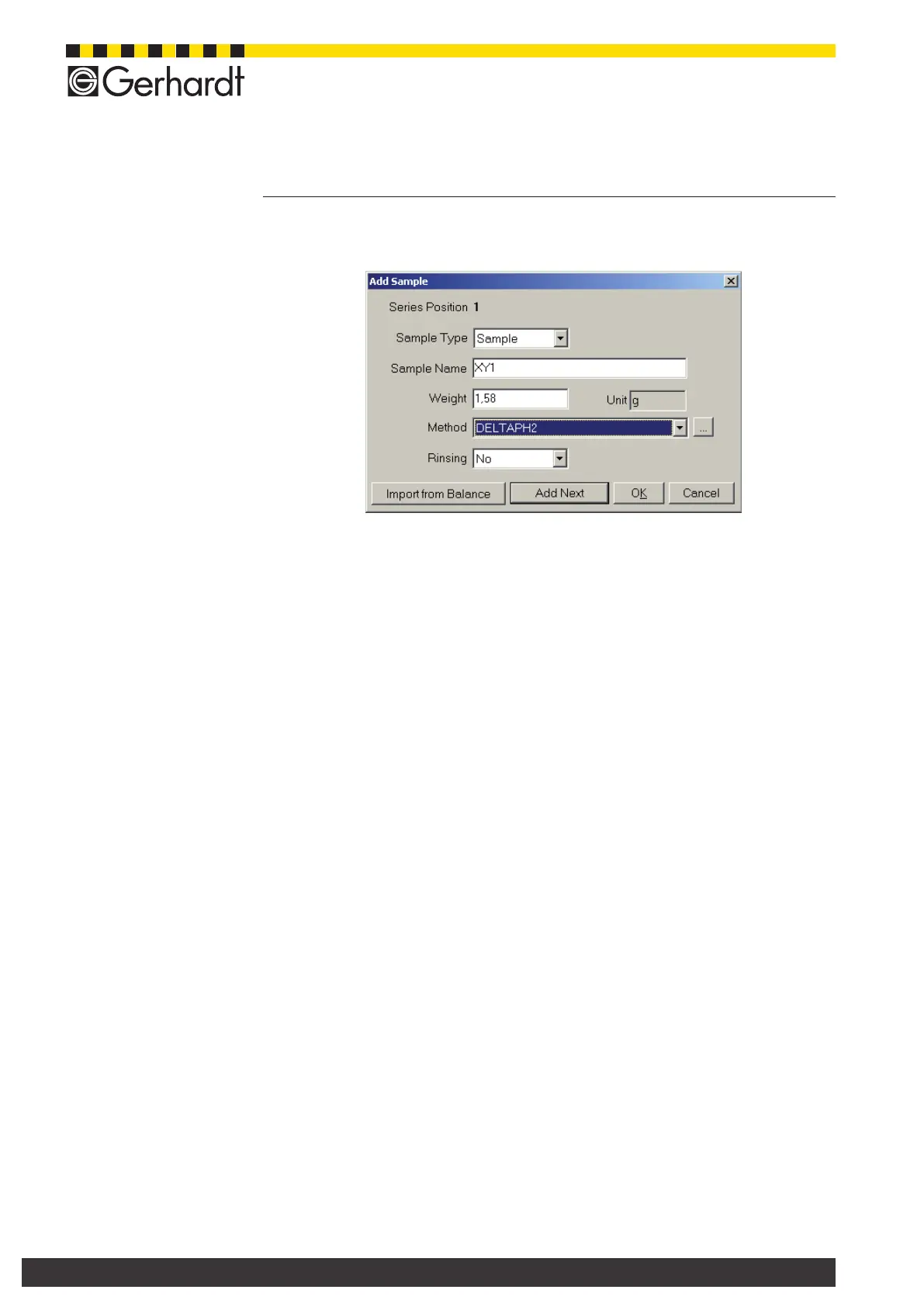
Press key "Enter sample", to open the window for the sample input.
Sample type
Open the selection list to determine the type of sample:
Sample
A sample with dened weight, volume is analysed.
Standard 1, 2 and 3
In this position a standard is used.
Blank
In this position a blank value should be determined
No Titration
A distillation without further titration is done. If needed, the titration can be done
manually at a later point.
Cleaning
This position is used to clean the Vapodest, e.g. after working with an exces-
sively foaming sample. Put an empty, clean digestion tube in this position.
Sample name
Enter a sample name here.
Weight/Volume
Enter the weight/volume of the sample here or press key „ImportBalance" to
transfer the weight directly from the balance.
Method
Select a method from the method list, with which this type of sample should be
analyzed. (See chap. 8 Create a method).
Rinsing
Contrary to the procedure explained above, "Sample type - Cleaning" the digestion
tube is not exchanged after the analysis. After nished rinsing the next sample is
processed.
If additional sample types are entered, press key "Additional Sample". Press key
"OK", to accept task and to close the window.
9.1.1.2. Print sample table
Press key "Print" to open the print window. Here, you can execute further functions.
Select "Sample Input" and press key "Print" to start the printing job.



 To Next Page