32
Vapodest 50s carousel
7 System settings
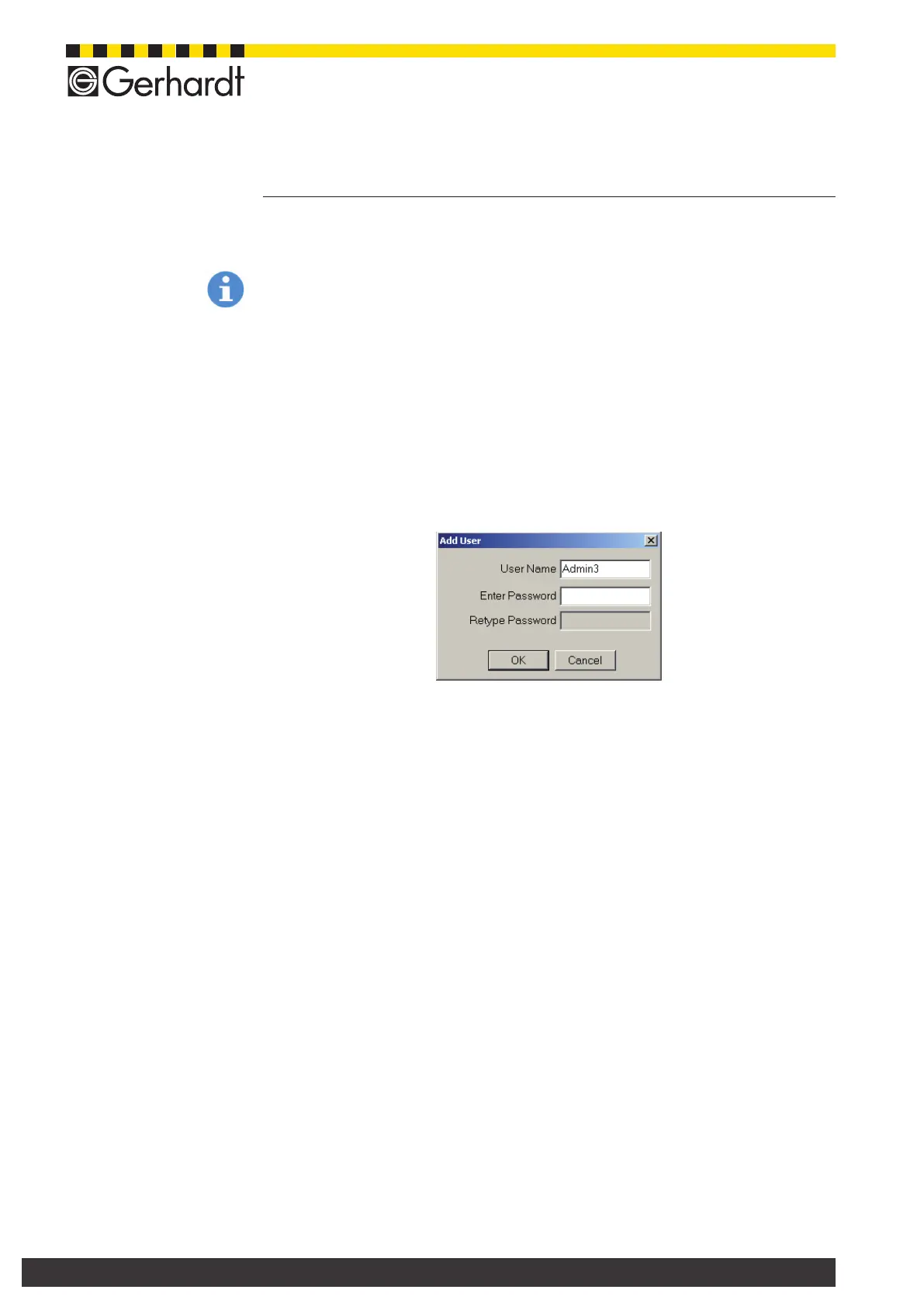
Enter a new pass word in the eld "Enter password" and conrm password by
re-entering it in eld "Repeat password". Then press "OK".
Make sure to remember your pass word to be able to register again as admini-
strator.
7.5.1. Add user
Press key "Store user" and enter the user name and the respective authorisation.
Then press "OK".
7.5.2. Delete user
Select a name from the user list and and press key "Delete user".
Then press "OK".
7.5.3. Administration of password
Select a name from the user list and press the key "Password".
Assign new password
Enter a new pass word in the eld "Enter password" and conrm pass word by
re-entering it in eld "Repeat pass word". Then press "OK".
Delete password
Press key "Delete", to delete an existing pass word.
7.5.4. Authorisation (Assign user rights)
Select a name from the user list and then this name is assigned a user right from
a selection of the list "Authorisation".
- Administrator
Unlimited user rights.
- Lab Manager
Extensive user rights, no assigning of pass word, but system functions, setting
up methods, input of samples, running of analysis, pH-calibration possible.
- Operator
Limited user rights, setting up methods, input of samples, running of analysis.
pH-calibration possible.
- Lab technician
Very limited user rights, running of analysis, input of sample data, pH-calibration
possible.



 To Next Page