51
Vapodest 50s carousel
10 Execution of method
As soon as the message "System is ready" is shown in the status display, you
can start the determination of the series by pushing key "Continue".
The various program steps are shown in the display. Each automatic change of
sample is displayed by "Change of position".
If the analysis is interrupted due to an error, the program is automatically continued
after the correction of the error.
During an analysis in process, the analysis window cannot be closed. Vapodest
Manager can only be closed after the program is terminated.
After the last sample is terminated, the message "Analysis terminated" is shown
in the status display. By pressing key "Enter" you get back to the start picture of
the series determination. Then, you have the option to enter a new series or leave
the analysis with the key "Esc".
10.5. Functions during an analysis in process
During the analysis in process, you have the option to inuence the procedure
manually, to enter new sample series and to read the results of the current ana-
lysis.
10.5.1. Key ‘Pause’
The analysis of the current sample is aborted and can be continued at a later
time.
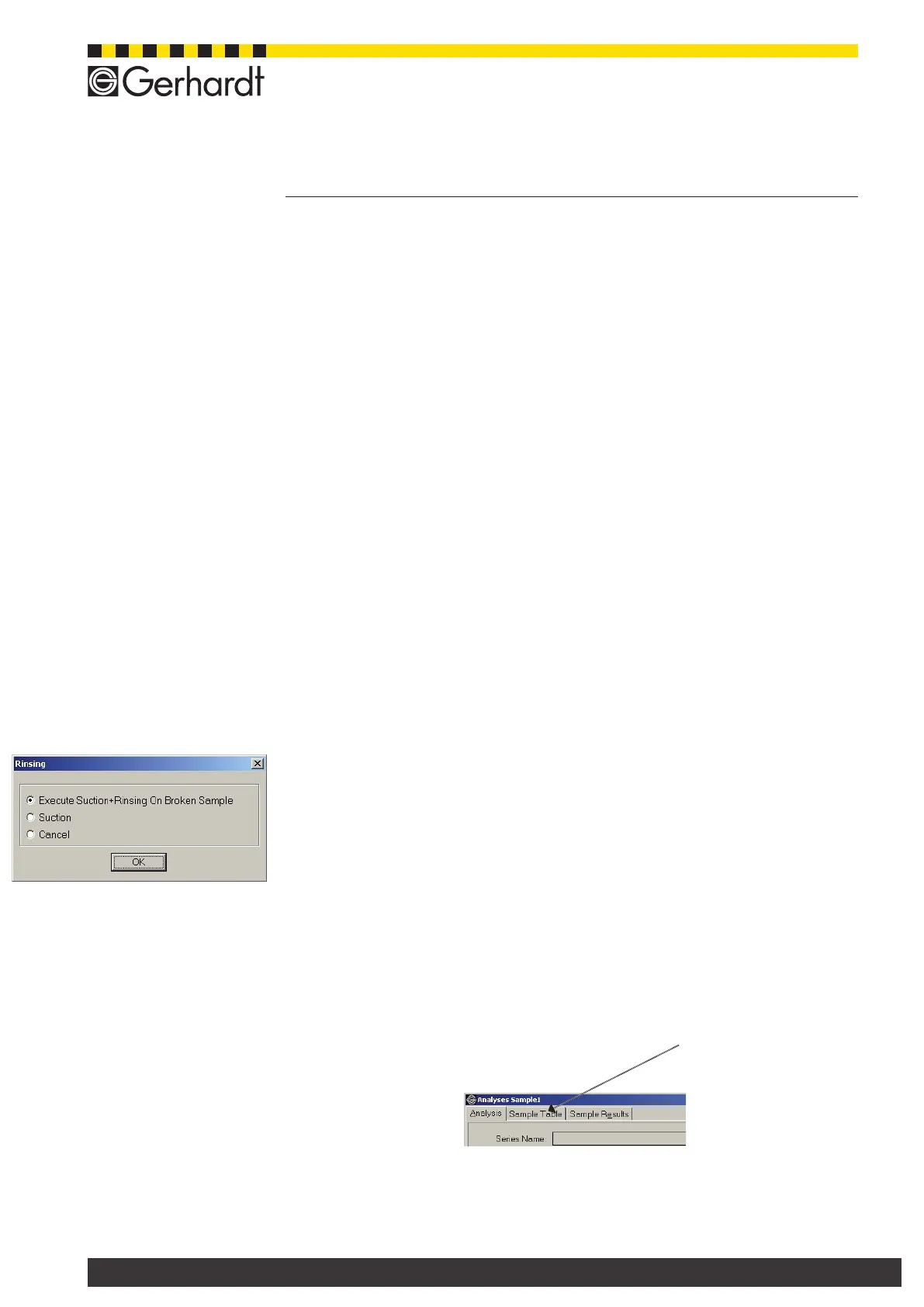
10.5.2. Key "Abort Analysis"
The analysis of the current sample is aborted, but the remaining samples of this
series can be analyzed at a later point. After pressing this button you have the
choice between the following options:
- Execute Suction+Rinsing On Broken Sample
Abort with suction of receiver and rinsing of the system
- Suction
Abort with suction of receiver but without cleaning of the system
- Cancel
Abort without suction and rinsing
10.5.3. Key "Pause Series"
If necessary, you can abort the series in process and continue at a later date..
In the sample series table you can view info about the status of the individual
samples. In order to do so, activate the window "Sample table".
10.5.4. Key "Stop"
The analysis of the current sample is aborted, the remaining samples of this series
can be analyzed at a later point



 To Next Page