48
Vapodest 50s carousel
10.2. Load sample into carousel
Make sure that the carousel is loaded in the order which is dened in the sample
table. Otherwise the results of the analysis are not correct.
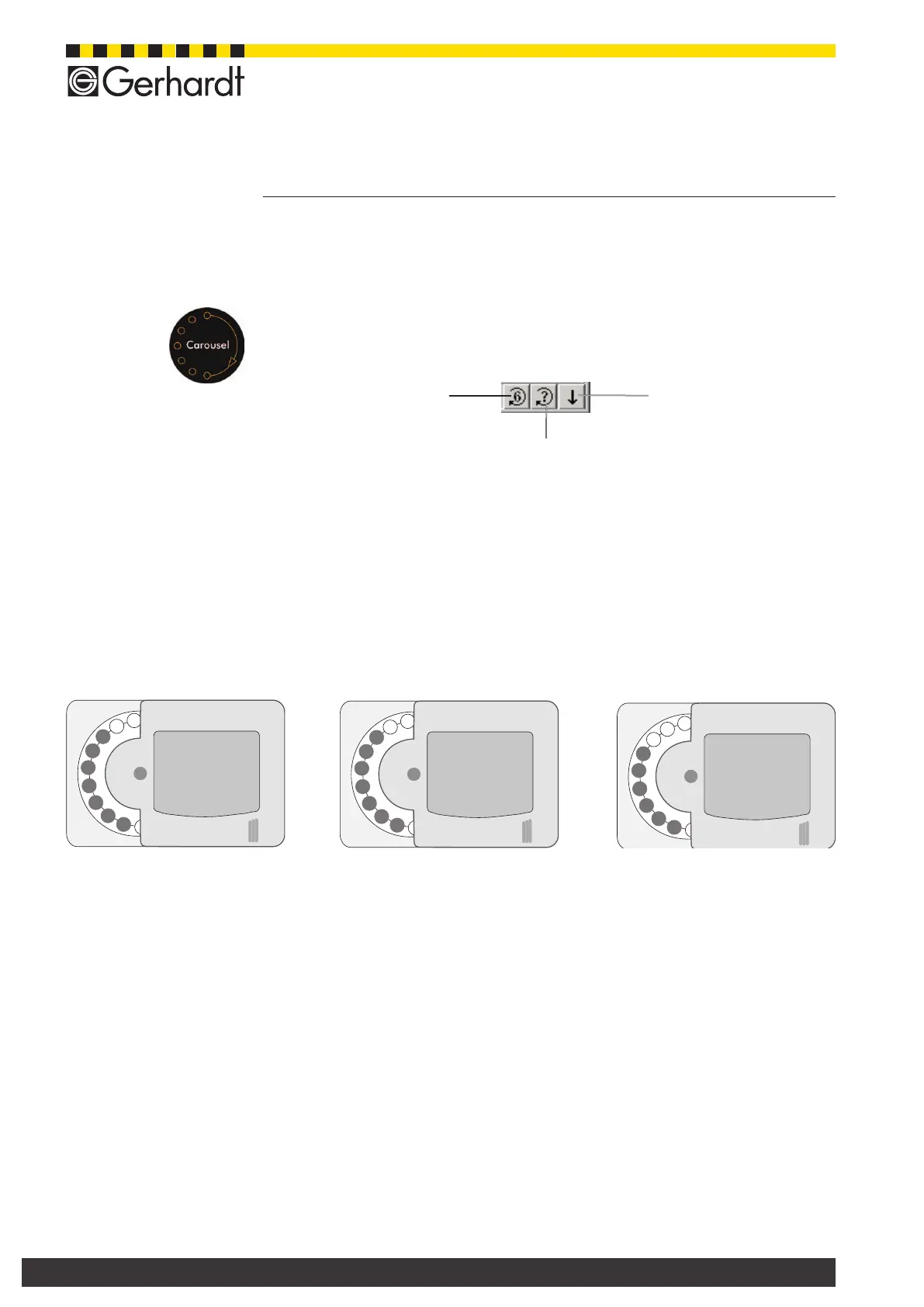
Put sample carousel in the loading position
You can run the carousel either use the key carousel of the Vapodest-Manager or
by tapping on the sensor switch directly on the Vapodest (see g. left).
Put carousel in loading position A (see ill. below), open loading hatch and then put
in the rst glasses. Close loading hatch again and go the next loading position B
and then to C. During the analysis, a built in sensor automatically checks whether
a position of the carousel has not been loaded. There is also a message on the
display.
LoadingpositionA,B,C,examplewithcarousel20-fold
Carousel 6 positions
turn further
Digestion tube
lower
put carousel in dened
position
Loading position A Loading position B Loading position C
Tap on sen-
sor switch
10 Execution of method



 To Next Page