54
Vapodest 50s carousel
11 Table of results
In the sample table, all records about all analysis data, actions during the program,
results and many more info are presented in table format. Thus Vapodest Manager
offers vast logging- and documentation functions, thus functions to support quality
control. The table format offers a well dened view of all analysis data e.g. all data
of the month of May 2007 can be viewed in a table ‘May 2007’ sorted according
to various criteria.
11.1. Open sample table
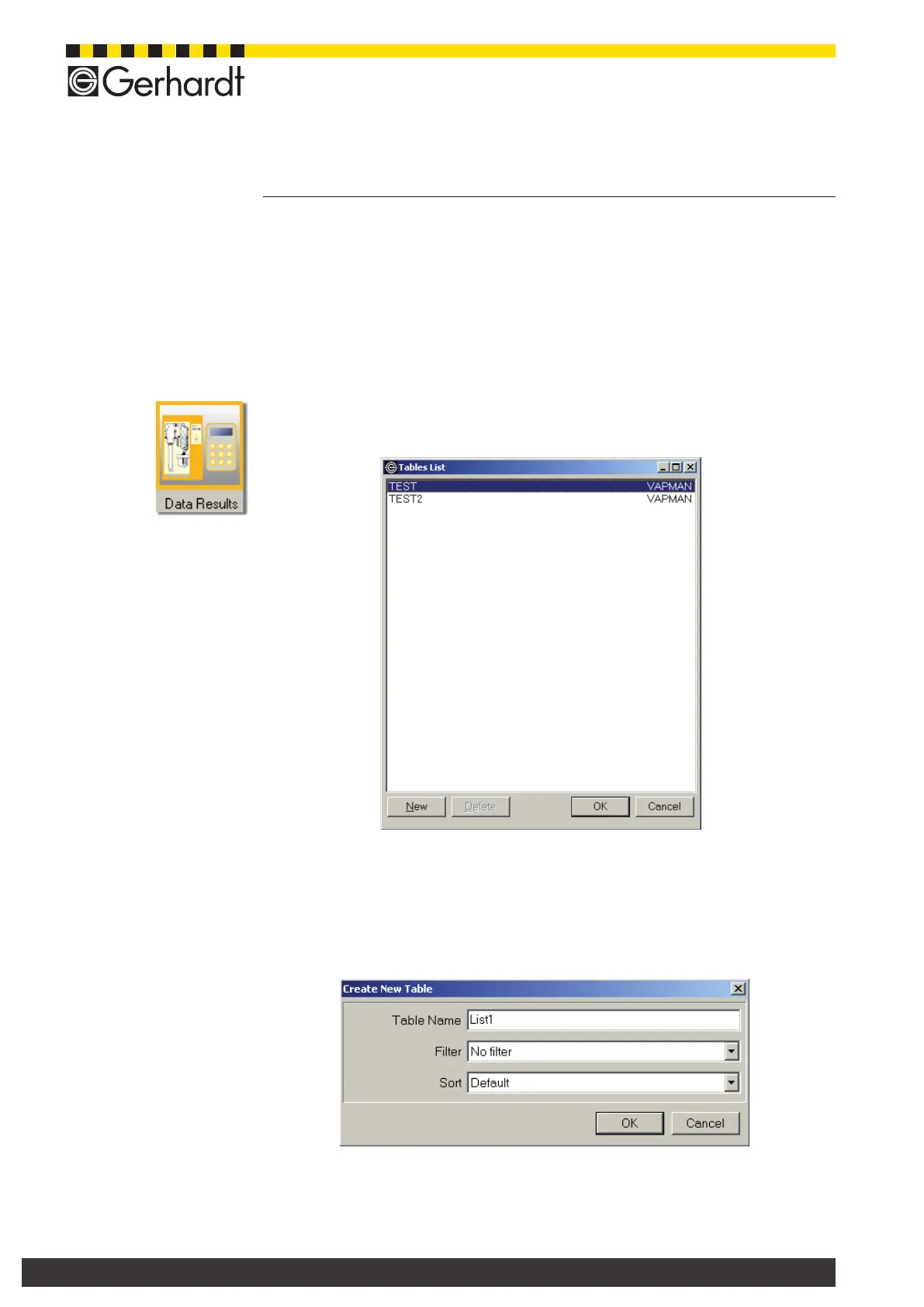
In the menu bar select Data > Results or press the push button "Result table",
to open the following window.
A list with already dened table is shown. Now you can set up a new table or open
or delete an existing table
11.1.1. Set up new table
- Press key „New“ or ALT+N. Now, the following window is opened:
- Enter a table name (max. 255 characters, no special characters or blanks)
- You can assign a lter from an existing table to this table.
(see chapter „11.2.3. Filter data“).



 To Next Page