GAV Settings
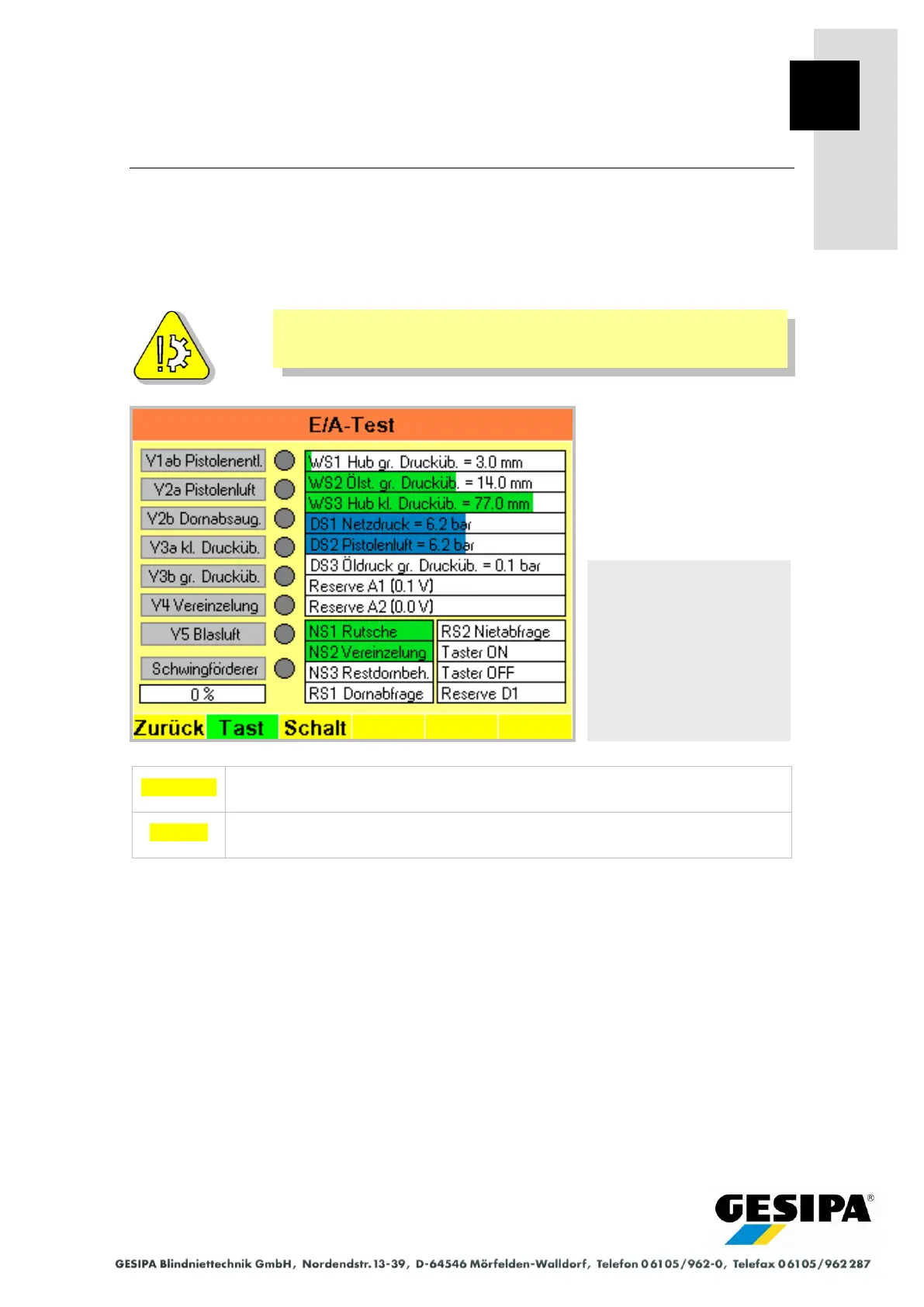
9.12 I/O Test
All GAV input and output statuses are shown in the "I/O test" menu. Initial statuses can be
changed irrespective of the current device status.
The values of the analog sensors for position and pressure are displayed as absolute values
while the settings for "zero point" are not taken into account.
Incorrect use of these functions can result in damage to the GAV.
The selected output changes the switched status when the rotary knob is
pressed, the original status is re-established when the knob is released.
The selected output changes the switched status when the rotary knob is
pressed, the status is retained when the knob is released.
Navigation:
AUTO
►MAN
► Menu
► GAV settings
► I/O test



 To Next Page