Access Codes
Access authorisation is described in Section 8.6 "Operation" - "Access Authorisation".
Changing access codes:
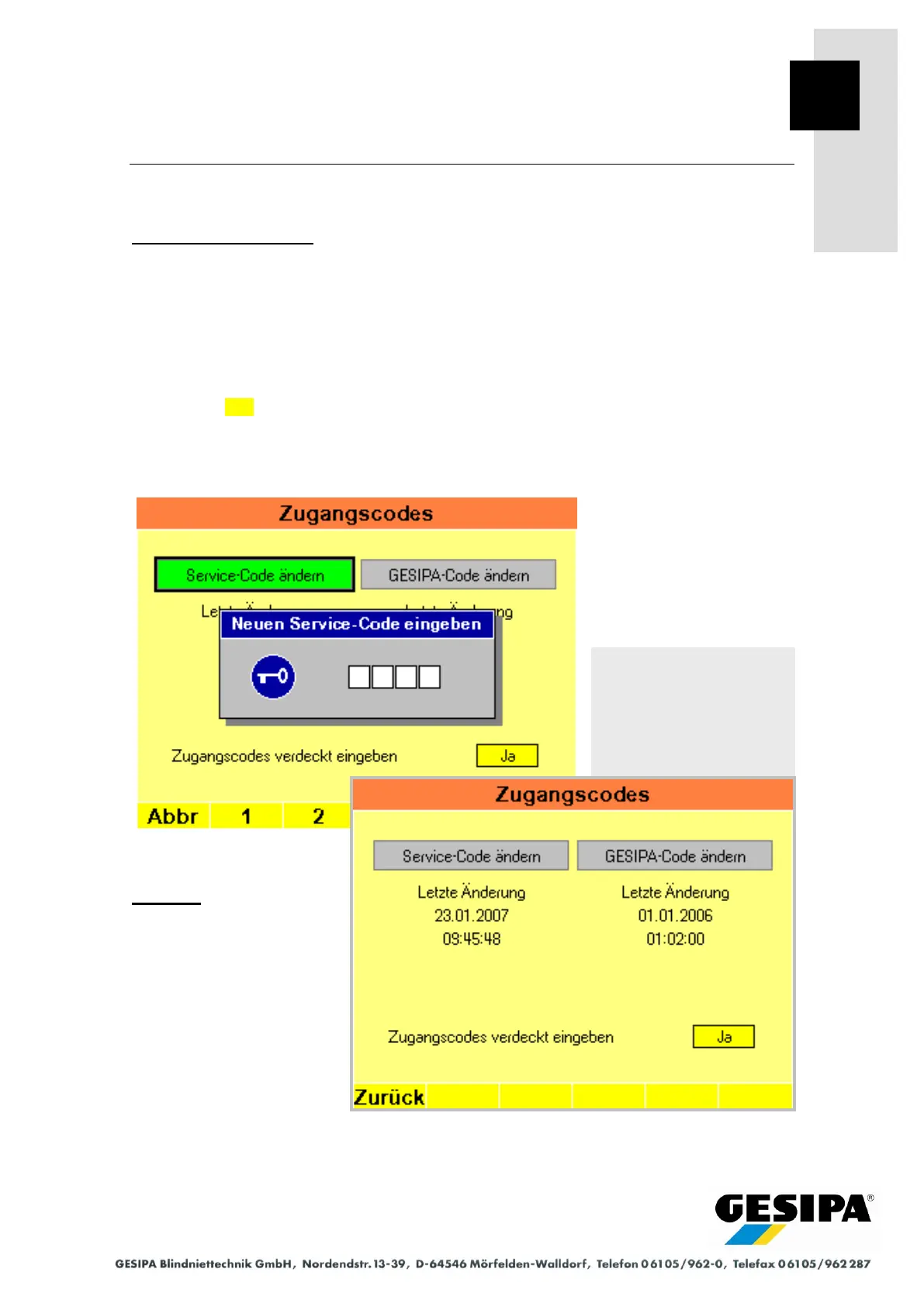
Service codes and GESIPA codes can be changed in the "Access Codes" menu.
The corresponding access authorisation must be assigned in order to change the Service code
or GESIPA code. The new code is then entered twice. The new code will be saved if both en-
tries are identical. The date and time of the last code change are also saved and shown in the
"Access Codes" menu.
As standard, entry of the access codes is concealed, asterisks * are shown in the input window
instead of the entered digits. To show the digits, the "Enter Access Codes Concealed" function
can be set to No in the "Access Codes" menu.
The Service code default is 1111.
Example:
In the illustrated example, the
Service code is changed, ac-
cess authorisation was as-
signed and the new Service
code can now be entered. On
successful entry, the date and
time of the "last change" are
shown.
Navigation:
AUTO
►MAN
► Menu
► Access Codes
Example: Code entry Service
code



 To Next Page