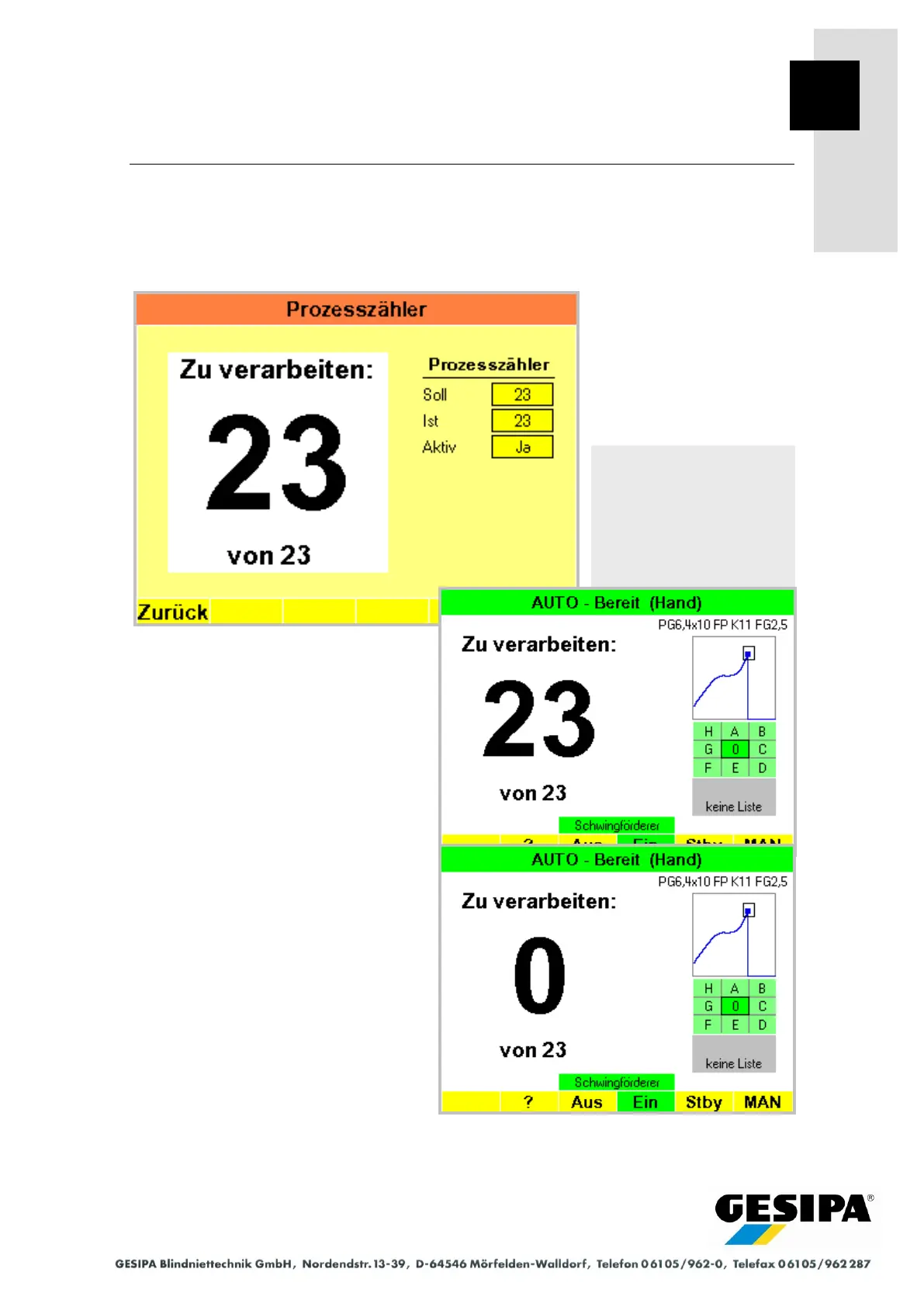
Process Counter
With the process counter a number of blind rivets to be processed per component can be speci-
fied and the processing displayed and monitored by counting in the AUTO main menu. The
function is not to be used together with a profile list. Installation of the required components is
described in Section 28.4 "PLC Interface" - "Process Counter".
The counter display is set to the specified
value (setpoint) by pressing a button (to be
installed by customer at the workplace).
A signalling device (lamp, buzzer) can be
activated and additionally the GAV
stopped when the specified number of
blind rivets has been processed (counter
reading 0).
Navigation:
AUTO
►MAN
► Menu
► Process counter



 To Next Page