Starting up/Setup mode
MP85A A0293_06_E00_03 HBM: public 53
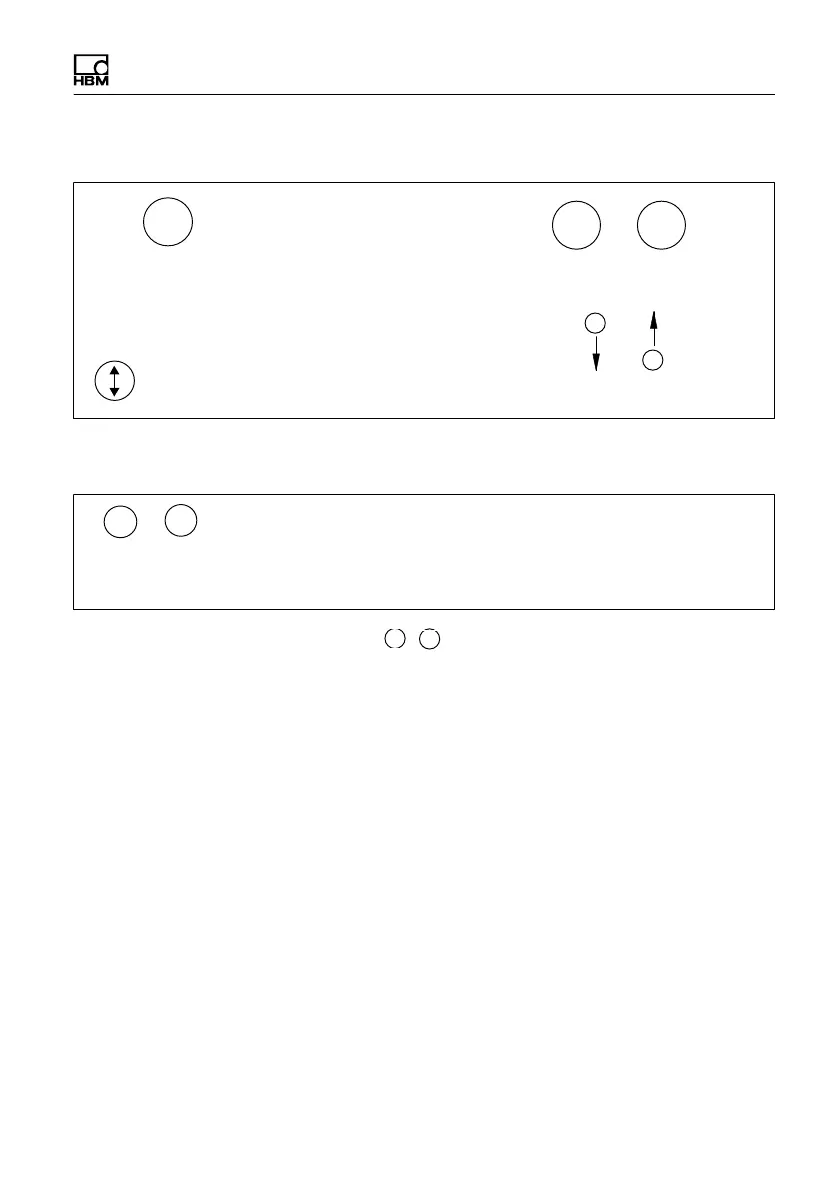
Function of keys:
1. Change from measuring mode to input mode
2. Select the first parameter in the group.
3. Confirm your entry
4. Return to measuring mode (press for 2 s)
Select parameter/group
SET
+
-
Flashes in the status field if the parameter value can be edited
+
-
Keys:
+
Press and hold - Runs through values continuously
Press briefly - Advances one value at a time
-
During measurement, if you press
+
-
, the following will be displayed:
1. Measured values
S MVx Measured value for channel x
S MVy Measured value for channel y
2. Process status, “ProcStat”
S Alarm The last process was terminated via the alarm window
S OK The last process was OK
S NOK The last process was not OK
S Started A process was started and has not yet finished



 To Next Page