94
FIGURE 3-77
The settings for the QC reminder based on
the number of Patient or Stat tests
performed is displayed. A reminder message
will be shown when this number of tests are
remaining, prior to QC lockout.
The number of measurements for this
reminder can be set to no more than half the
lowest number of measurements,
irrespective as to which level this refers.
The numbers in brackets show the lowest
and the highest number of tests that can be
set.
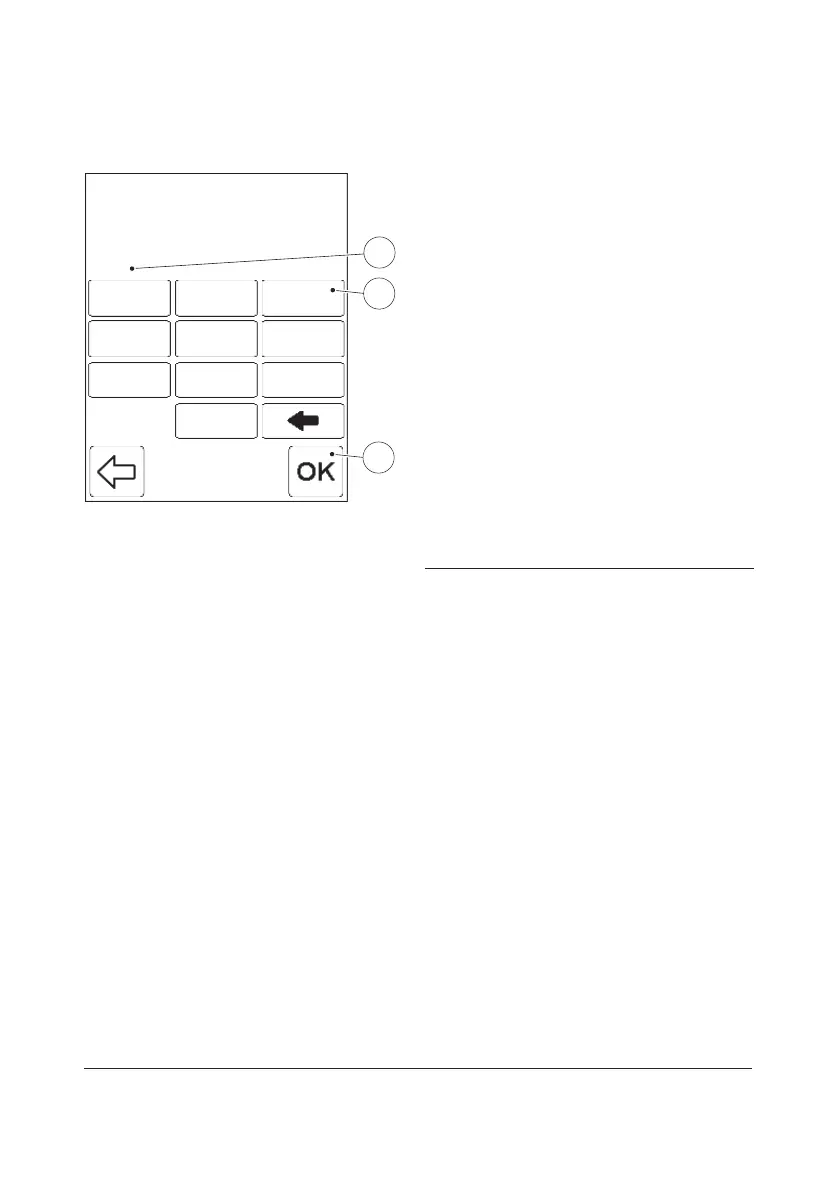
a) Enter the number of measurements for
the reminder(5) via the Digit buttons(6).
b) Press the Confirm button(7).
FIGURE 3-67 will be displayed.
5 No. of measurements for reminder
6 Digit button
7 Confirm button
Measurements (1 -X)
1
0
Reminder
1
5
2
87
4 6
9
3
0
11
55
22
8877
44 66
99
33
00
Measurements (1 - 50)
10
Reminder
1
5
2
87
4 6
9
3
0
11
55
22
8877
44 66
99
33
00
5
6
7


 To Next Page
 Loading...








