Caregiver Siderail Controls
Progressa® Bed Instructions for Use (171528 REV 9) 19
To Activate Foot UP
Press and hold the Foot Up control. The foot section will raise if it had been previously lowered using
Foot Down.
The Foot Up control also operates the Lower Leg Elevation.
To help prevent injury and/or equipment damage, obey these warnings:
• Warning—Lowering the foot section may cause linens, drainage bags, and other equipment to
come in contact with the floor. Follow facility protocol if they touch the floor.
• Warning—Do not use ankle restraints when you activate this feature.
Caution—Before you activate the foot section controls, make sure the area around the foot section is
clear of equipment, or equipment damage may occur.
Lower Leg Elevation (Vascular Position)
The foot and lower leg section can be raised into a vascular position by using the Foot Up control. This
position is achieved by the leg raising in combination with Trendelenburg and head section movement.
Lock out head controls if you do not want the head angle to raise or Trendelenburg to operate. To lock
out a control, refer to
“Lockout Controls” on page 16.
To Activate Lower Leg Elevation:
1. Press and hold the Foot Up control. The foot section will raise. Once the foot section is at maximum
elevation, the head of bed will raise approximately 15 degrees, then the bed will move into
Trendelenburg to raise the foot higher than the head.
2. Release the Foot Up control when the desired position is reached.
Another way to do this is Press Knee Up instead of Foot Up, then use Trendelenburg control. Alternately
press Head up and Trendelenburg if you wish to adjust the head of bed angle with respect to
Trendelenburg.
FLEXAFOOT™ FEATURE (FOOT EXTEND/RETRACT)
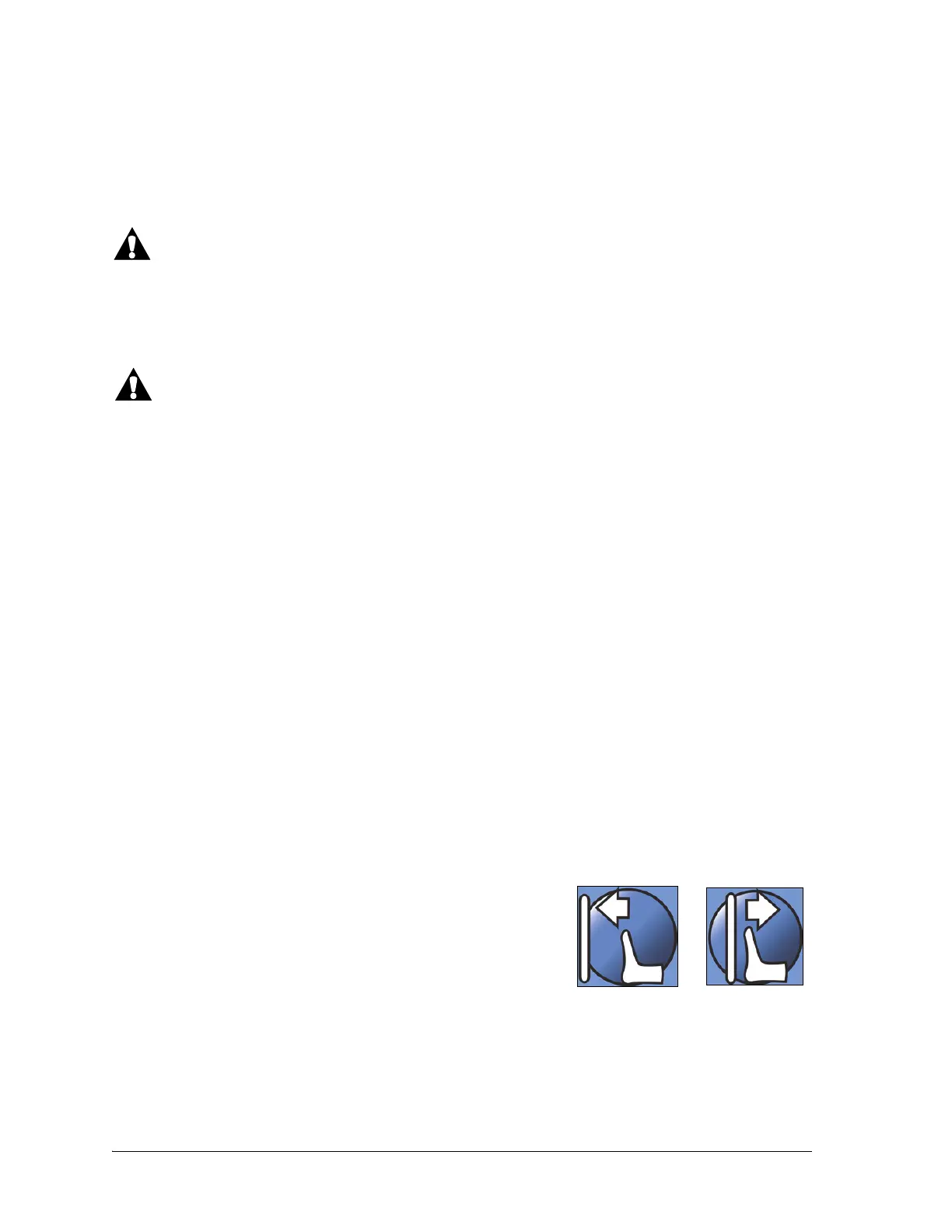
The length of the bed can be adjusted using the extend or retract
controls. This feature allows the Progressa® Bed to be customized
to the patient's height. The foot section can be retracted 10" (25
cm). To lock out a control, refer to “Lockout Controls” on page 16.
Make sure that the footboard is approximately 1-2” (25-51 mm)
from the patient’s heels.
To Activate:
• Press and hold the Foot Extend control to extend the foot section.
• Press and hold the Foot Retract control to retract the foot section.












 To Next Page