● Printing Characters 3-30
Procedure for printing numbers from AA0001-AA1000 through AB0001 to
ZZ1000 in the first line of the second row by incrementing the printed number by
one after each printing
2
1
Perform steps through of procedure .
7
1
2 Change the following settings.
This causes the cursor to move to the first line of the second row.
Initial value
[AA
0001
]
Range
[AA
0000
] increment [
0
1]
[ZZ
1999
] Direction [1]
Update [000000] Jump from: [・・
1000
]
[000001] to: [・・
0001
]
The following counting results are obtained. (Only the digits for which count
setup has been performed are shown.)
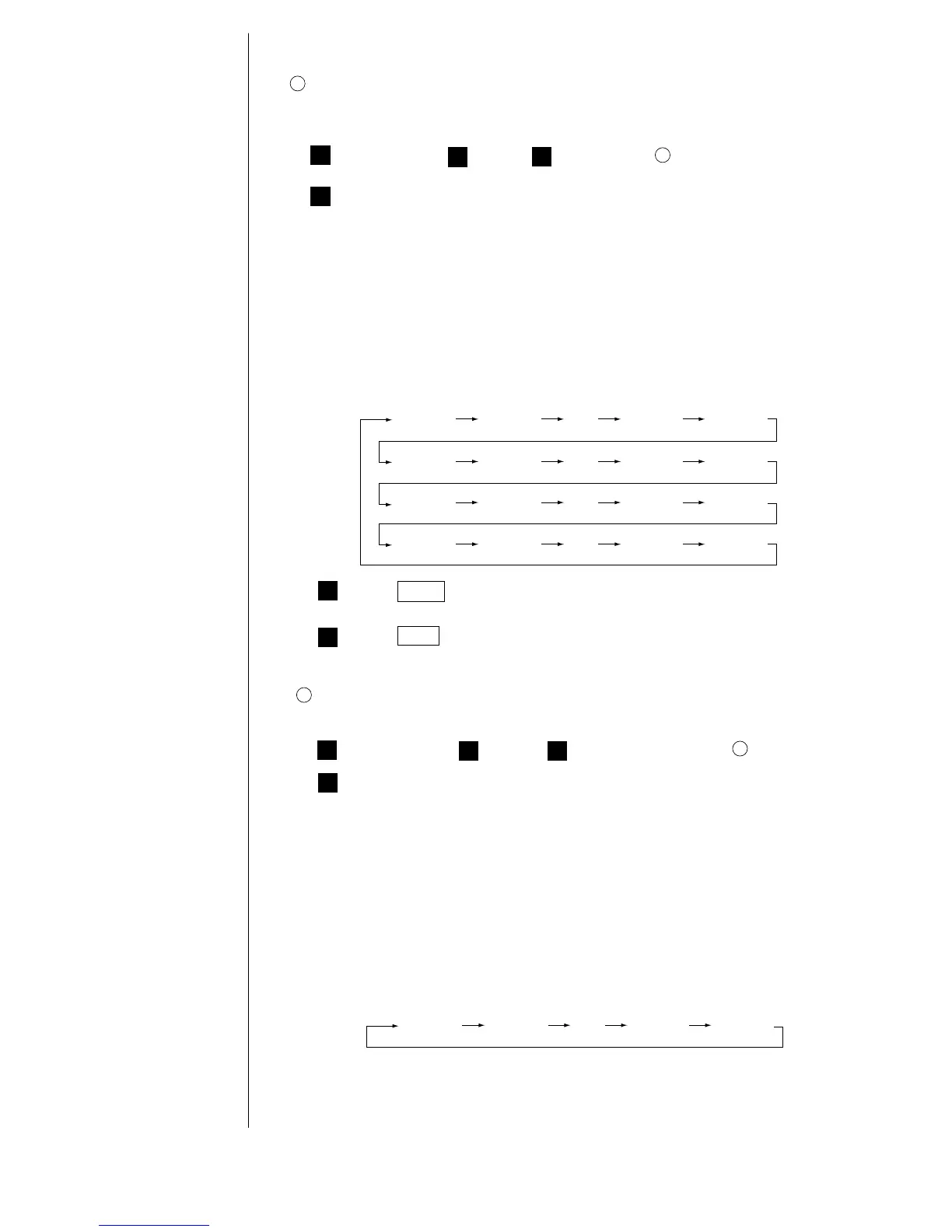
AA0001 AA0002 ……… AA0998 AA0999
AB1000 AC0001 ……… ZY0998 ZY0999
AA1000 AB0001 ……… AB0998 AB0999
ZY1000 ZZ0001 ……… ZZ0999 ZZ1000
1
Procedure for printing numbers in increments of 5 from AA0001 through AA9986 in
the first line of the second row
3
1
Perform steps through in operating example .
7
1
2
Change the settings as indicated below.
Value
[AA
0001
]
Range
[AA
0000
] Increment [05]
[AA
9999
] Direction [1]
Update [000000] Jump from: [AA
9986
]
[000001] to: [AA
0001
]
The following counting results are obtained. (Only the digits for which count
setup has been performed are shown.)
AA0001 AA0006 ……… AA9981 AA9986
1
(NOTE) Ensure that the jump source setting is the count value for the
increment setting.
4
Press Back .
You are then returned to the "Edit message" screen.
3
Press Apply .



 To Next Page
 Loading...









