F
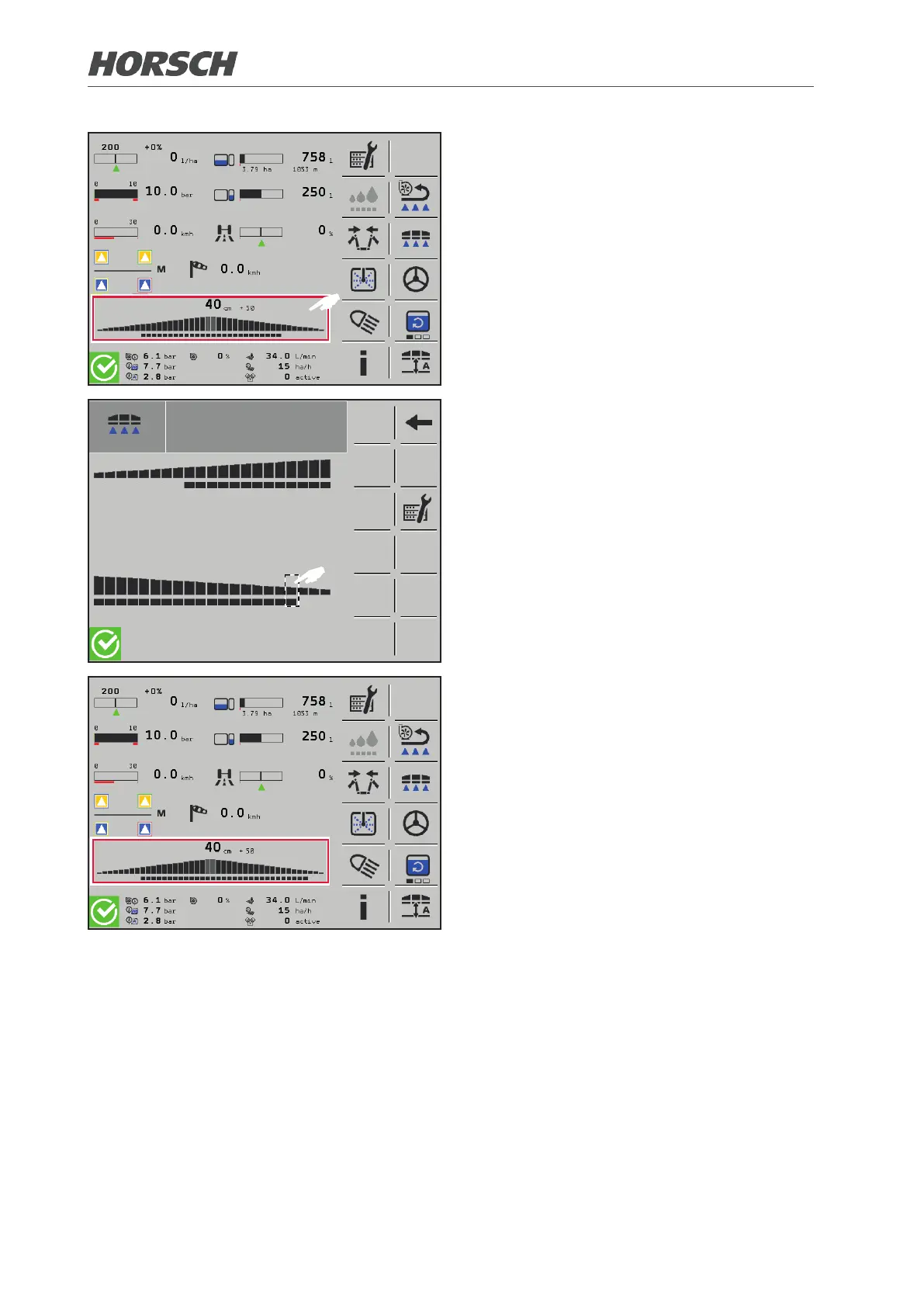
¾ Depending on the unfolded working width
of the folding boom, the required sections
are displayed on the terminal.
¾ If sections are installed via the hinge joint,
they are inactive. However, they can be
activated manually via the terminal. Access
the Sections submenu for this purpose.
F
¾ Select the deactivated section in the sub-
menu Sections for 3 sec. to activate it.
¾ In the same manner, active sections can
be deactivated again.
¾ Manually activated/deactivated additional
sections are displayed on the main page
of the terminal.
48 49











 To Next Page