2. Description of
machine function
and operation
HORSCH LEEB machines can be operated and
monitored via an ISOBUS-capable terminal.
These operating instructions are applicable to
HORSCH LEEB machines for crop protection:
• trailed crop protection sprayer LT / LT light
• trailed crop protection sprayer GS
• self-propelled crop protection sprayer 6.300
/ 7.300 / 8.300 PT
The operating instructions apply to the following
software versions:
• LSB: 1.4.7
• Machine terminal: 1.0
• HECU: 1.0
The following terminals have been approved by
HORSCH for the software:
• Müller Touch 800 (Software version
02.20.17)
• Müller Touch 1200 (Software version
02.20.17)
• Topcon X 25 (Software version V4.02.30)
• Topcon X 30 (Software version V3.24.35)
• Topcon X 35 (Software version V4.02.30)
• Fendt NT01 (Software version 785/838/785)
• John Deere GS 2630 (Software version
3.36.1073)
• John Deere GS 4600 (Software version
10.14.978-88)
• CCI (Software version 0100.05.00)
• Case AFS 700 (Software version V30.16.0.0)
• Claas S10 (Software version 2.7.22)
The main page for operation of the sprayer is
displayed after switching on the terminal.
If the sprayer is selected via the ISOBUS of the
tractor and the terminal is switched o while the
tractor engine is running, the following functions
are no longer available:
• Folding process is terminated (if presently
active)
• Steering remains at the position, seat valves
of steering are closed and the road travel
mode is without centring.
• Circulation is switched o
• Main switch of nozzle closes
• Agitator is switched o (if presently active)
• Filling process is switched o (if presently
active)
• Injector is switched o (if presently active)
• Cleaning is switched o (if presently active)
• Folding boom control is switched o.
2.1 Menu navigation
structure
¾ Active functions are highlighted by a green
square to the right above the symbol.
¾ Functions can be activated or deactivated
by briey touching the display or the control
button.
¾ Additional settings can be made on various
submenus. They are accessed by touching
the corresponding function on the main menu.
¾ With the arrow the user can return to the
previous page at any time.
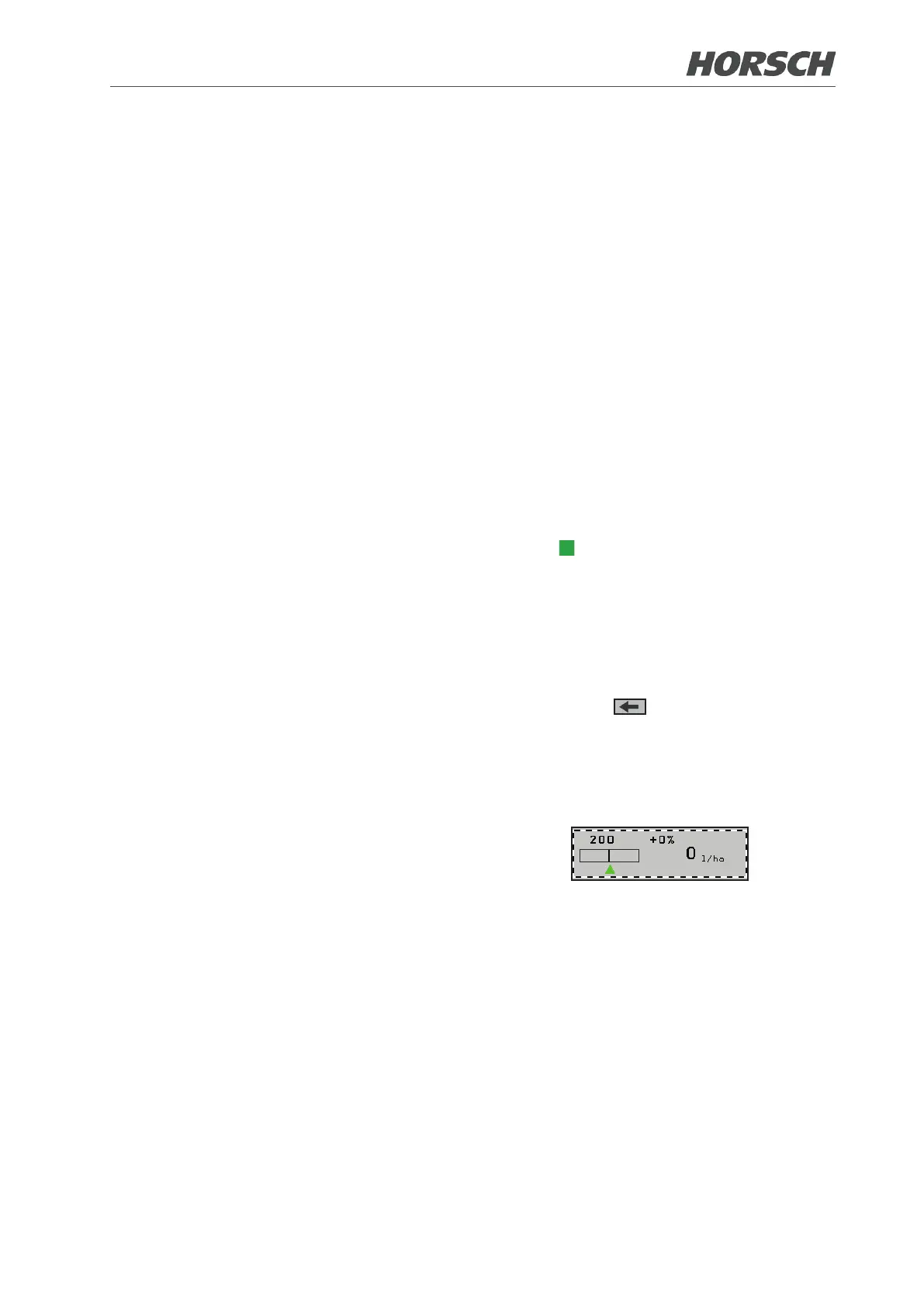
¾ A focus frame appears around the eld when
touching the functions in the menus and the
submenus.
MF 5











 To Next Page