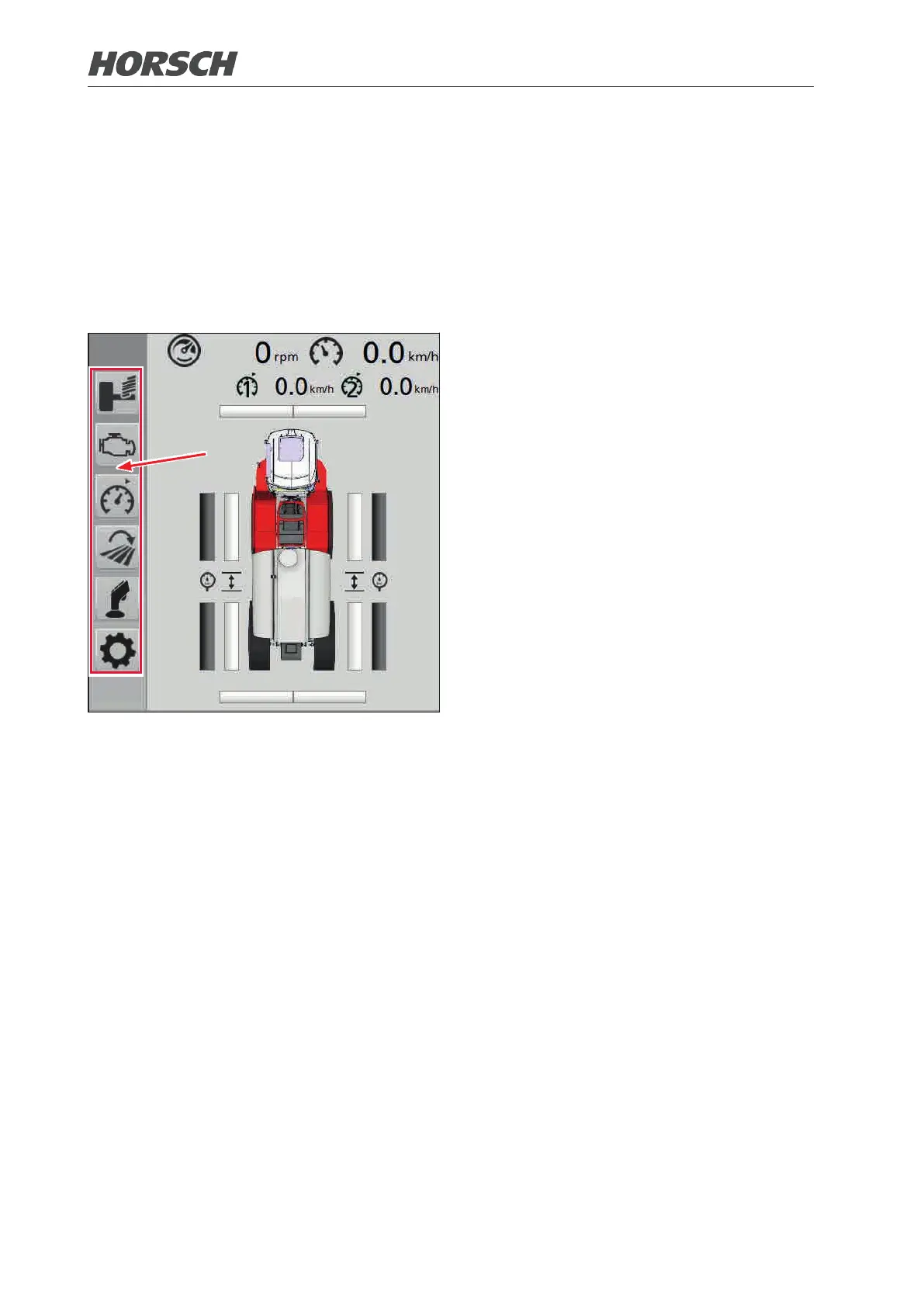
3.4.1 Submenus
The submenus are accessed via the various icons on the left.
The red selection frame can be moved by turning the rotary pushbutton up or down. A function
or input eld is activated or selected when pressing the button. Selected input elds are marked
with a green selection frame and can be changed with the rotary pushbutton. Turning as well as
up and down movements change the value in small increments. Left and right movements of the
button change the value in larger increments.
76 77











 To Next Page