FULLTEST3
EN - 17
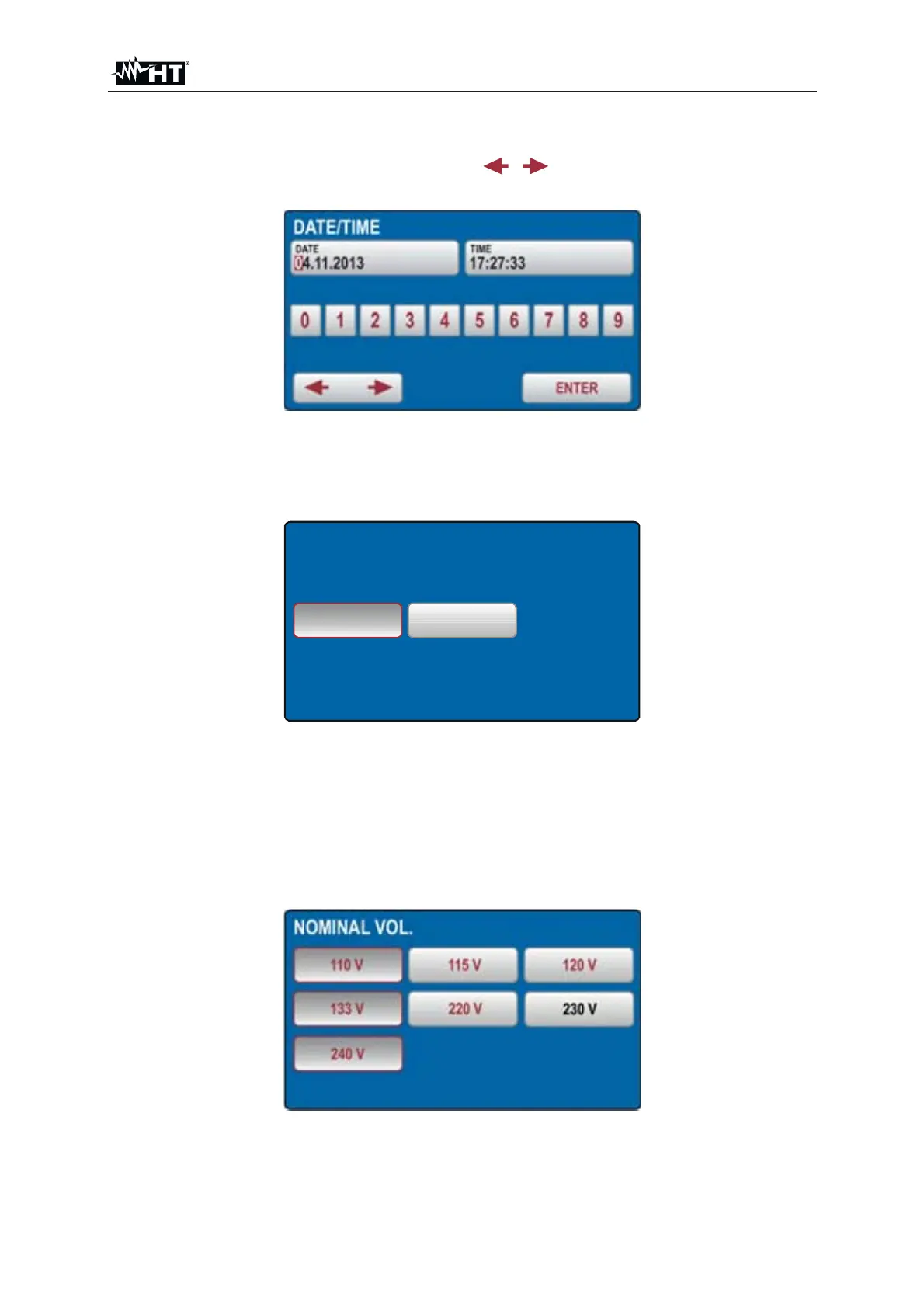
¾ DATE/TIME Æ In order to set date and time DATE/TIME menu shall be used.
Enter actual date and time by using the
, and
0
...
9
keys. Confirm it by
pressing the ENTER touch-screen key. Time starts to run on this confirmation
Fig. 13 : DATE/TIME Menu
¾ CONTACT VOLTAGE Æ This menu shall be used in order to select limit contact
voltage which is used in RCD and in R
A measurements. The voltage may be
either 25 or 50V.
50 V25 V
CONTACT VOL.
Fig. 14 : CONTACT VOL Menu
¾ NOMINAL VOLTAGE Æ This menu shall be used in order to select nominal
mains voltage used in LOOP and U
RES measurements. In LOOP measurements
it is used for calculation of prospective short-circuit current, see the “LOOP
IMPEDANCE / SHORT-CIRCUIT CURRENT (LOOP)” section. In U
RES function
(linear mode only) the nominal voltage is used for scaling of measured value, see
the “RESIDUAL VOLTAGE (U
RES)” section.
Fig. 15 : NOMINAL VOL Menu



 To Next Page