FULLTEST3
EN - 79
7. OPERATIONS WITH THE MEMORY
Each memory location consists of 3 levels: LEVEL1, LEVEL2 and LEVEL3 whose
names can be defined in the Setup menu (see § 5.5). At least LEVEL1 must be
inserted the first time the SAVE key is pressed. It is possible to add a comment (max
30 characters) to each saved result. Once saved, the measurement result is
automatically assigned to a memory location that is updated progressively with each
operation (max 999 locations). The date / time and the operator to be defined during
programming are also added to the result (see § 5.2).
7.1. SAVING DATA
In order to save the measurement result, proceed as follows:
1. Carry out the measurement
2. Press the SAVE hard key, the following screen is displayed (example)
SAVE
CUSTOMER
COMPANY A
LOCATION
ROMA
MACHINE
No
PLASTIC INJECTION MACHINE
003
DEVICE SERVICED
COMMENT
Fig. 80 : SAVE menu – Initial screen
3. Enter the information in the 3 levels and if necessary include a comment
associated with the measurement
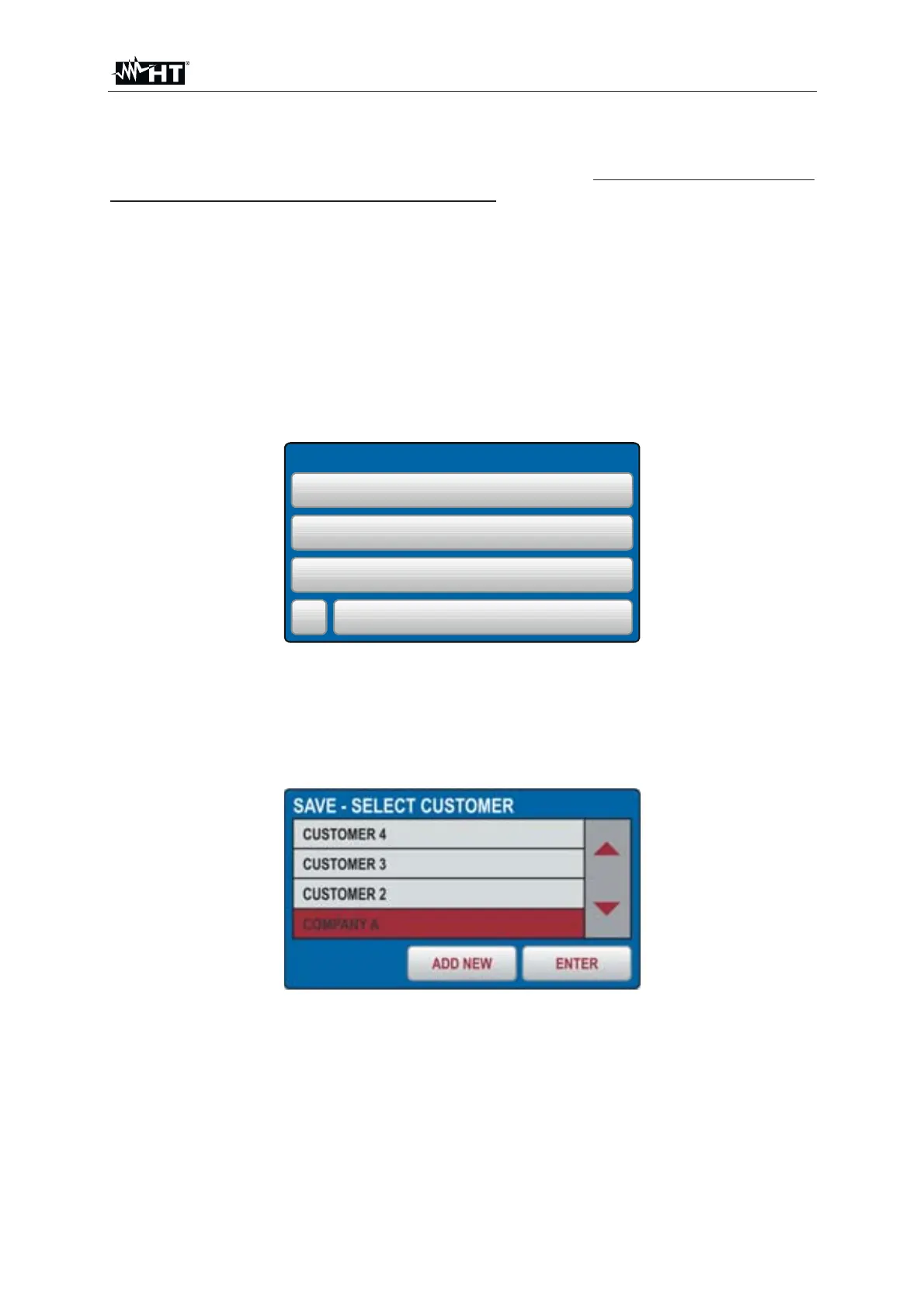
4. If you need to change and/or add the name associated with a level (e.g. LEVEL1),
tap the corresponding field. The following screen appears on the display
Fig. 81 : SAVE menu – Modify LEVEL1
5. Check the list of available customers by using the ź and Ÿ touch-screen keys (if
there are more than 4 customers entered)
6. Press the ADD NEW touch-screen key, the following screen will appear



 To Next Page