FULLTEST3
EN - 78
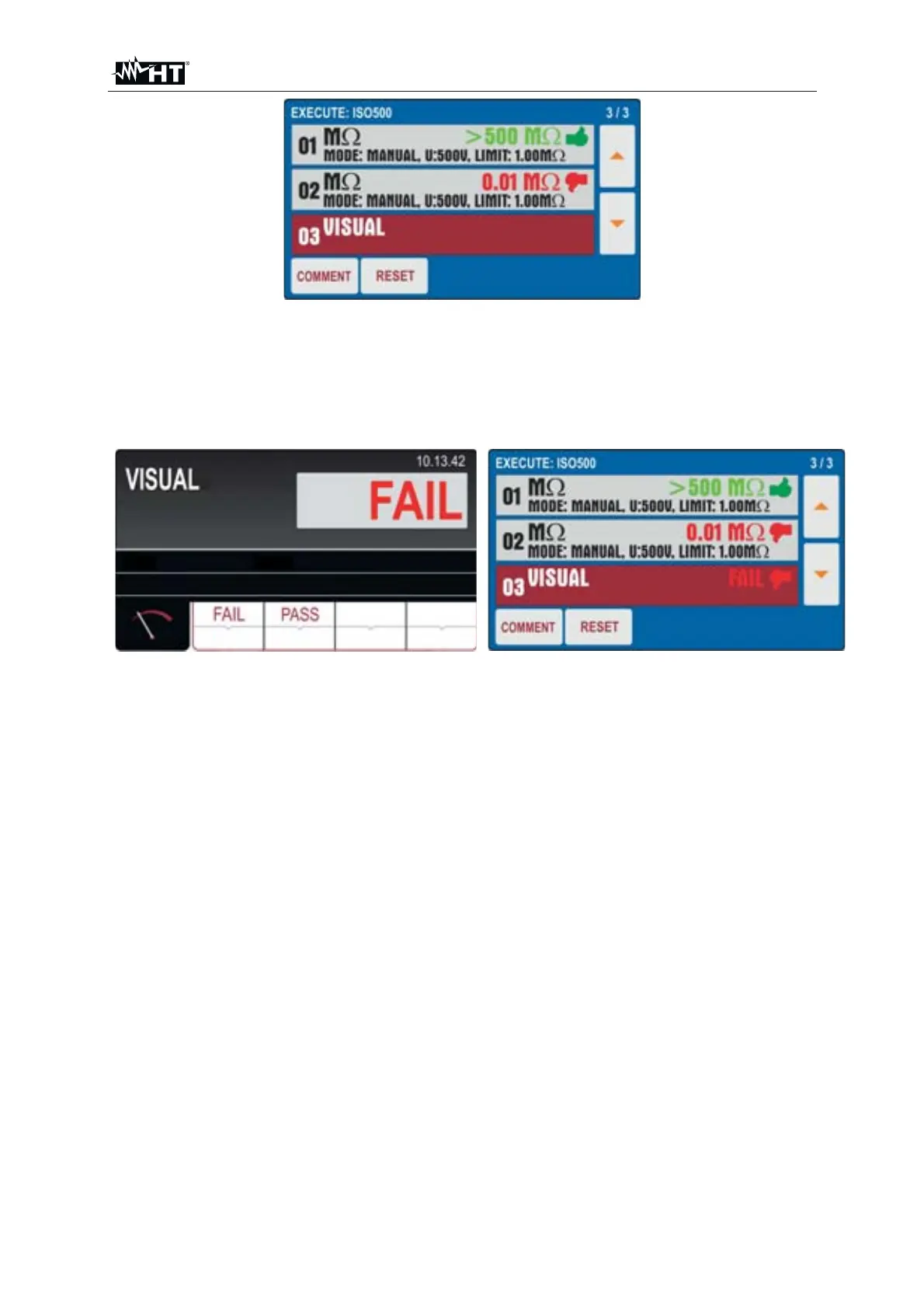
Fig. 78 : AUTO TEST Function - Partial result test 02
11. Press the START/STOP key twice to activate the "03" test of the Autotest which
in the example considered is the VISUAL function which indicates the Pass or
Failed result of the test inserted by the operator (see Fig. 79 - left side)
12. Press the COMMENT key to include a possible comment to the 03 test
Fig. 79 : AUTO TEST Function - Final result
13. At the end of the Autotest the instrument has a final screen similar to that shown
in Fig. 79 - right side
14. Save the test result by pressing the SAVE key (see § 7.2)
15. Press the RESET key to delete the measurement results restoring the initial
Autotest configuration so as to be able to repeat the operations if necessary



 To Next Page