FULLTEST3
EN - 82
7.3. RECALL RESULTS ON THE DISPLAY
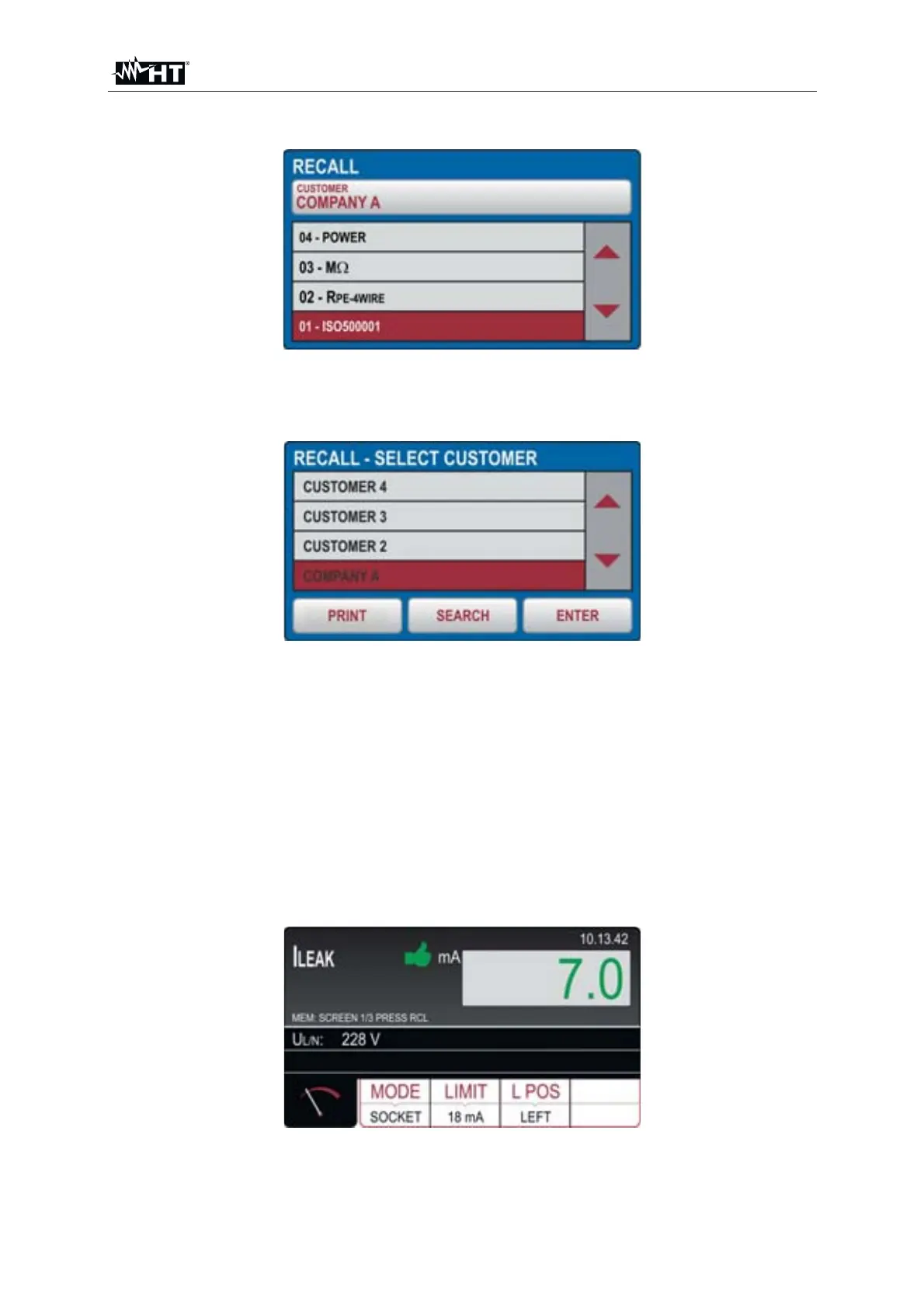
1. Press the RCL hard key, the following screen will appear (example).
Fig. 85 : RECALL menu
2. Check offered customer and if needed, select another one by pressing the
CUSTOMER touch-screen key first. The following screen will appear.
Fig. 86 : RECALL menu – Modity LEVEL1
3. Check the list of available customers by using the ź and Ÿ touch-screen keys (if
there are more than 4 customers entered)
4. Mark appropriate customer by pressing the customer touch-screen key, e.g.
CUSTOMER 3
5. Confirm the selection by pressing the ENTER touch-screen key, screen will turn
to RECALL menu. If there is a list of many available customers use the SEARCH
touch-screen key to select appropriate one quickly
6. Press the PRINT key to print the screen (with optional FT3MPT2 connected to the
USB2 or USB3 inputs)
7. Select wished measurement by using the ź and Ÿ keys
8. Press the RCL hard key again, saved result will be displayed as follows
Fig. 87 : RECALL menu – Recall result screen
9. Press the RCL hard key again in order to check next screens
10. Press the EXIT key to exit and return to the main screen



 To Next Page