FULLTEST3
EN - 16
5.4. TESTER INFO MENU
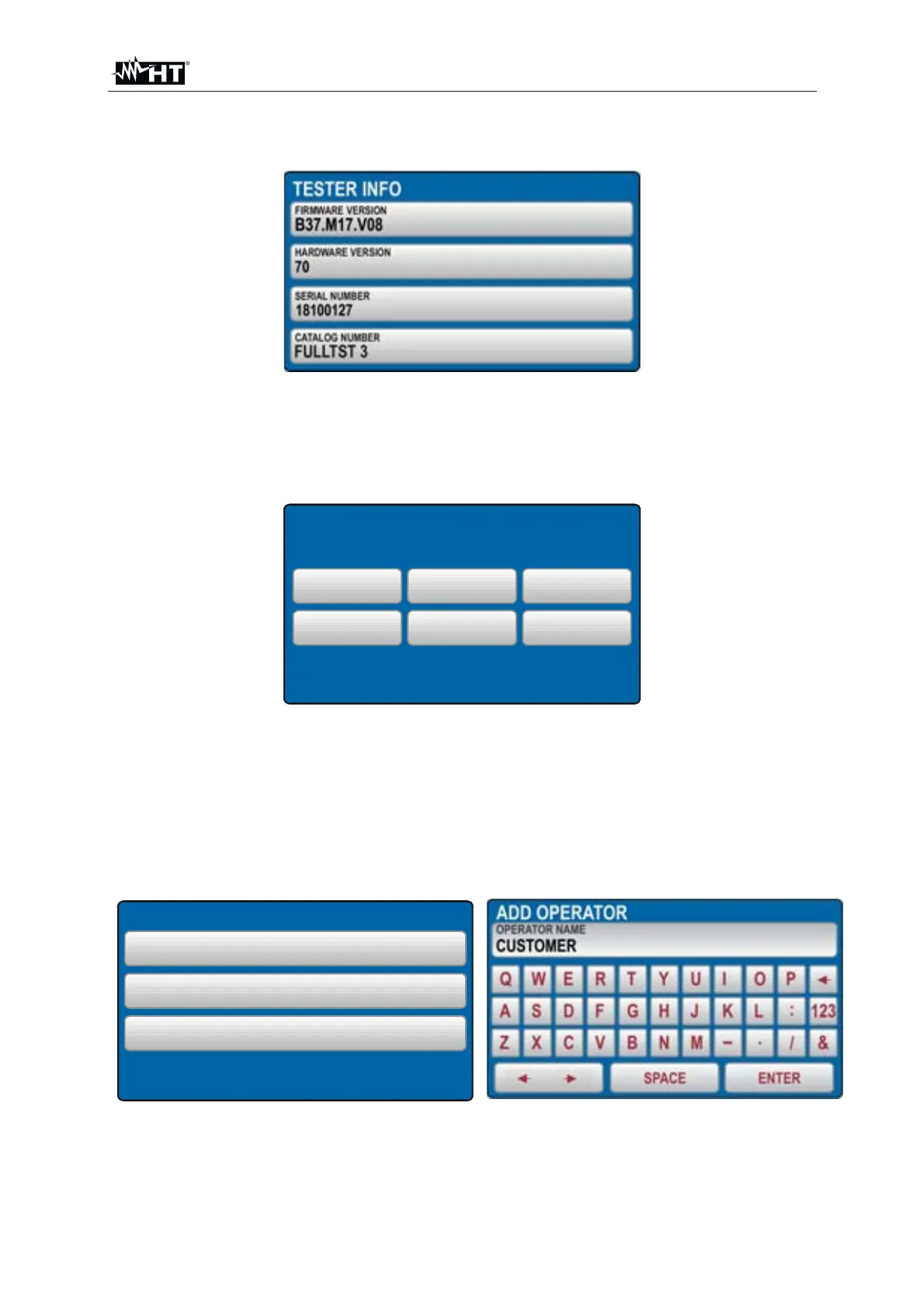
TESTER INFO menu displays basic data of the tester like firmware version, hardware
version, serial number and catalog number
Fig. 10 : TESTER INFO Menu
5.5. SETUP MENU
In this section is possible to set the values of the parameters used in the
measurements performed by the instrument. The below screen is shown
DATE/TIME NOMINAL VOL.
SETUP
LEVEL NAMES
SAFET INPUT RESETCONTACT VOL.
Fig. 11 : SETUP Menu
The below options are available :
¾ LEVEL NAMES Æ Up to 3 levels are available when saving test results LEVEL1,
LEVEL2 and LEVEL3. The operator can rename (max 12 characters) them
freely by using the virtual keyboard (see Fig. 12) and can be used during the
saving measurement data after the pressing od SAVE key (see § 7.1)
LEVEL NAMES
LEVEL 1
CUSTOMER
LEVEL 2
LOCATION
LEVEL 3
MACHINE
Fig. 12 : LEVEL NAMES Menu



 To Next Page