FULLTEST3
EN - 80
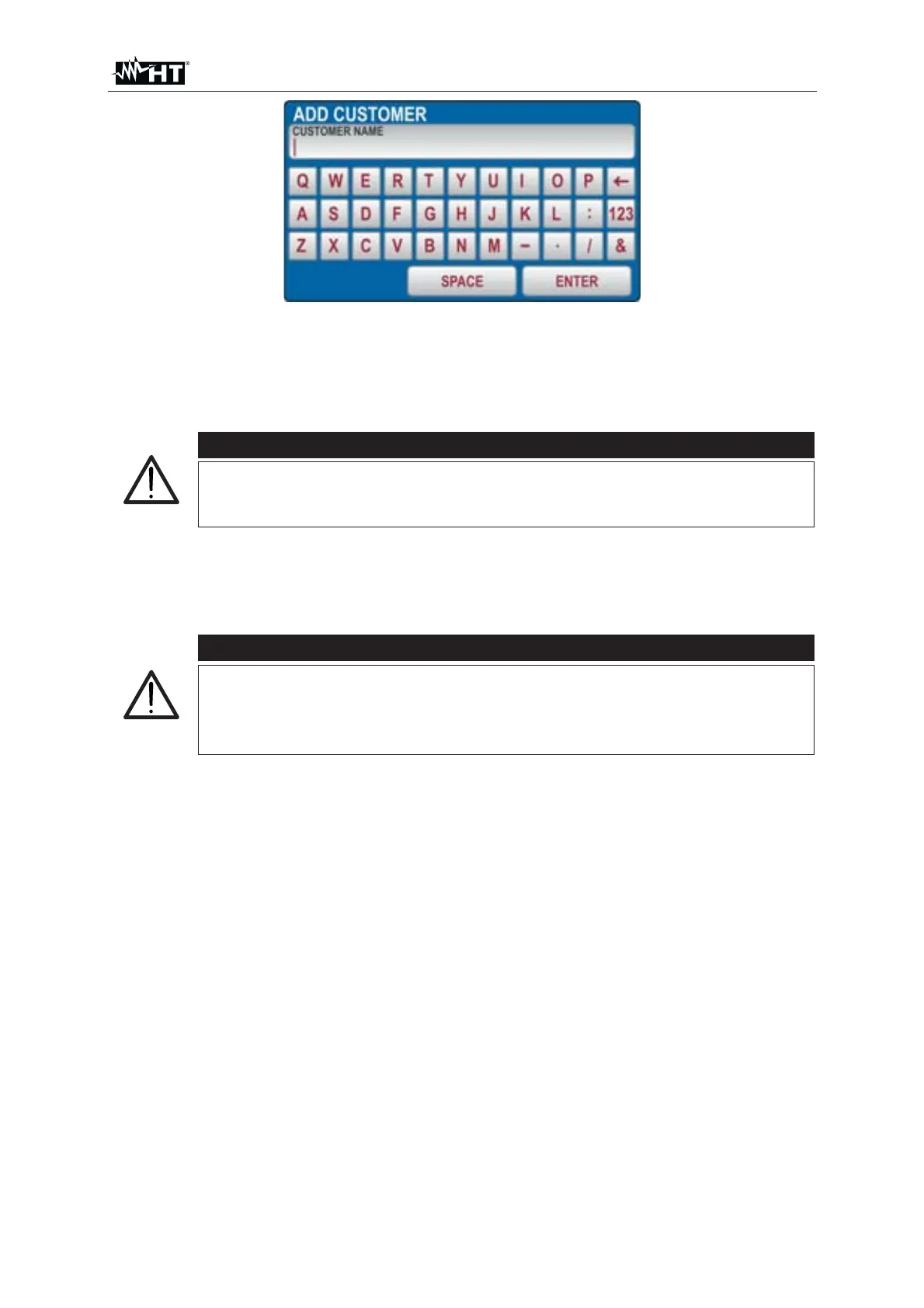
Fig. 82 : SAVE menu – Add new CUSTOMER
7. Press the ENTER touch-screen key to confirm the selection
8. Repeat the operation for the other two levels and for comment if needed following
the same procedure
CAUTION
When selecting LEVEL2 or LEVEL3 already used names and
“BLANK” are offered, so the operator can select one of existing
names or BLANK level directly (level 2 and level 3 are not required)
9. Press the SAVE hard key again to confirm saving operation. An acoustic sound
will follow as a confirmation save operation has successfully been accomplished.
Measurement screen will be offered again
CAUTION
x LEVEL1 it is mandatory be entered when saving test result while
LEVEL2, LEVEL3 and COMMENT are not required
x Levels shall be selected/entered in order from the top (LEVEL1)
to the bottom (COMMENT). Do not skip empty levels



 To Next Page