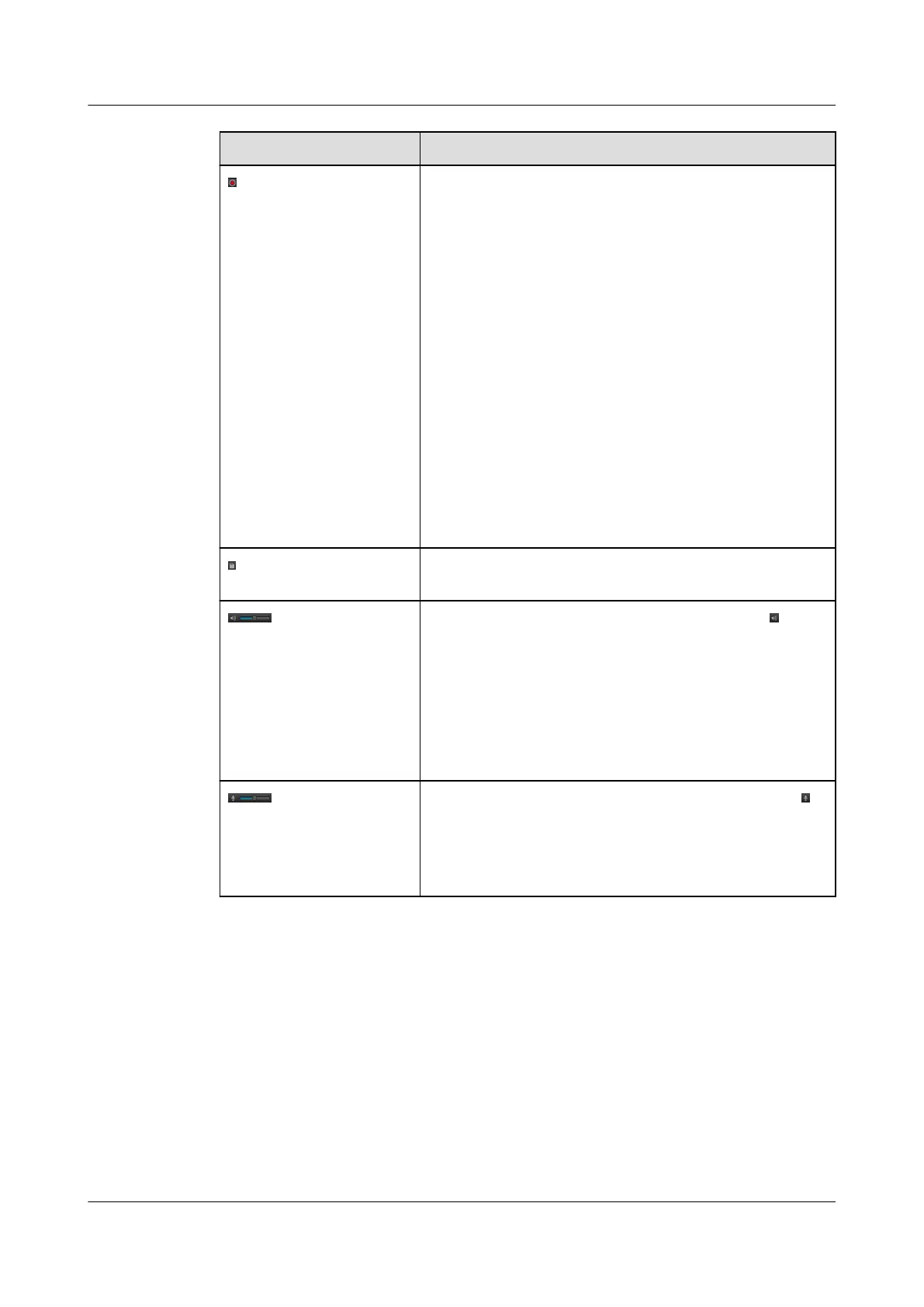
Button Enables You To...
Start and stop local recording.
The records are stored in the directory in the path configured
in Path for saving video of local parameters. The directory is
named by the camera IP address. The record is named in the
format of IPC Model_YYYY-MM-DD-HH-MM-
SS_MSMSMS, for example, IPC6211-
VRZ_2014-03-28-09-00-06_001.
For details about how to configure Path for saving video,
see 13.5 Setting Local Parameters.
The button blinks during the local recording.
NOTE
You need to run the web browser as the administrator.
The local recording will stop in one of the following scenarios:
l Users manually stop the local recording.
l The recording times out.
l Users manually stop live video viewing.
l Users close the current browser.
Start secure data (SD) card recording. This function is
available only on an IPC with a built-in SD card.
Audio stream on or off. To close this function, click .
The function is available only when you set Video stream
type to Hybrid stream. For details, see 13.5 Setting Local
Parameters.
Drag the slider to set the volume.
NOTE
Audio stream and two-way audio cannot be enabled at the same
time.
Start or stop two-way audio. To close this function, click .
Drag the slider to set the volume.
NOTE
Two-way audio and audio stream cannot be enabled at the same
time.
IPC6221-VRZ-SP
Configuration Guide
4 Live Video Viewing
Issue 02 (2016-04-06) Huawei Proprietary and Confidential
Copyright © Huawei Technologies Co., Ltd.
29



 To Next Page