13.1 Managing Users
By level of rights, users are classified into three types: system administrator (admin), senior
operator, and common operator. You can add, modify, or delete a user.
13.1.1 Adding a User
The admin user creates all initial users uniformly. When creating users, the admin user can
bind roles to the users and assign rights to the roles.
Procedure
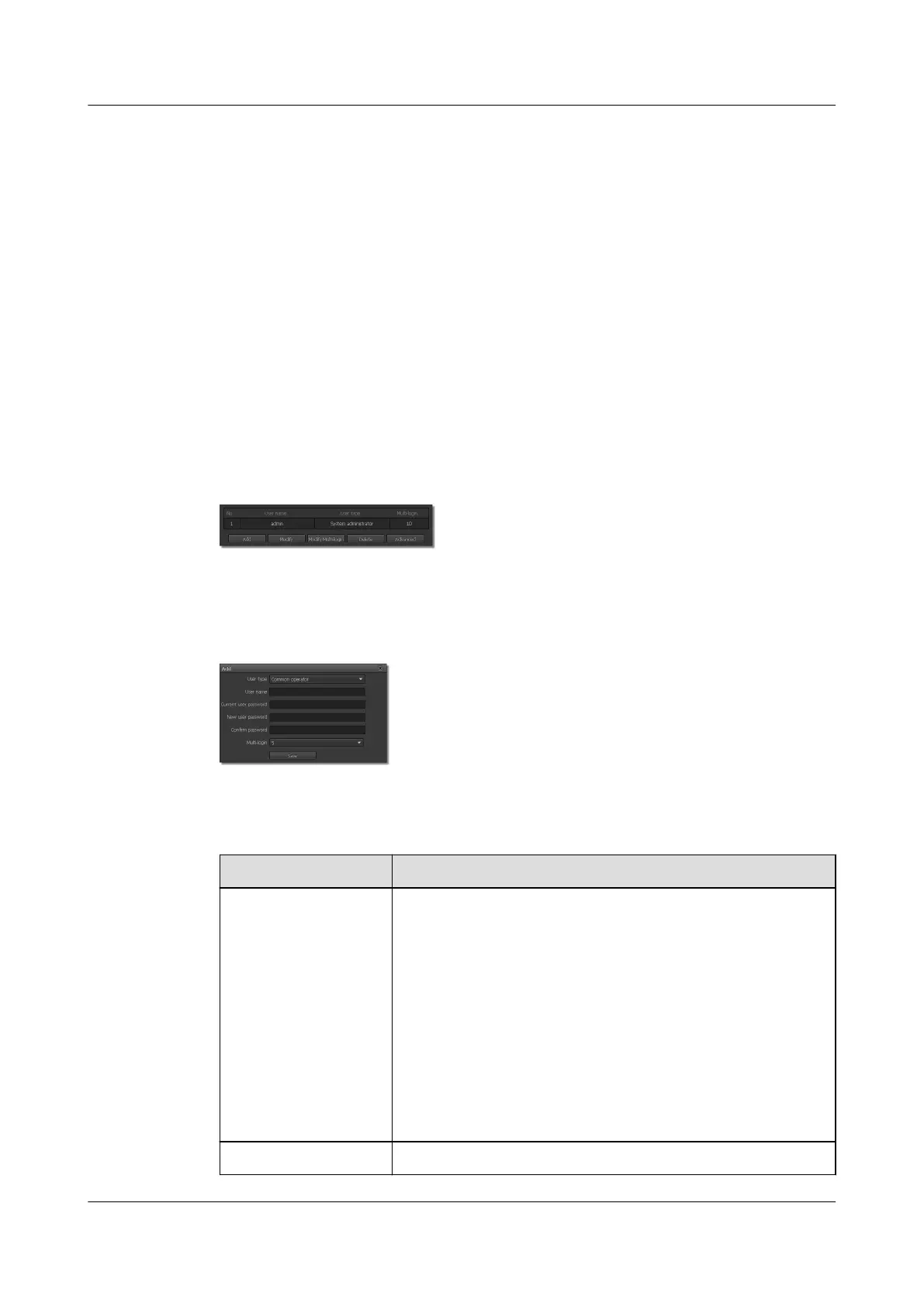
Step 1 Choose Settings > System Configuration > User Management.
The User Management page is displayed, as shown in Figure 13-1.
Figure 13-1 User Management tab page
Step 2 Click Add.
The dialog box for Add is displayed, as shown in Figure 13-2.
Figure 13-2 Adding a user
Step 3 Set parameters. For detailed parameter description, see Table 13-1.
Table 13-1 Parameter description
Parameter
Description
User Type Select a user type from the drop-down list box.
Users of different levels have different rights. The options are as
follows:
l System administrators: They have all operation rights. They
can add senior operators and common operators.
l Senior operators: They have all operation rights except for
those exclusive to system administrators. They can add
common operators.
l Common operators: They only have common operation
rights, including viewing live video, setting PTZ parameters,
and changing their own passwords.
User Name Enter a name for the new user.
IPC6221-VRZ-SP
Configuration Guide
13 Managing the System
Issue 02 (2016-04-06) Huawei Proprietary and Confidential
Copyright © Huawei Technologies Co., Ltd.
87



 To Next Page