9 Configuring the Video Block Detection
Function
You can configure video block detection function for the full screen. After the configuration,
an alarm will be generated when the camera lens is blocked.
Procedure
Step 1 Choose Settings > Intelligent Analysis > Video Block Detection.
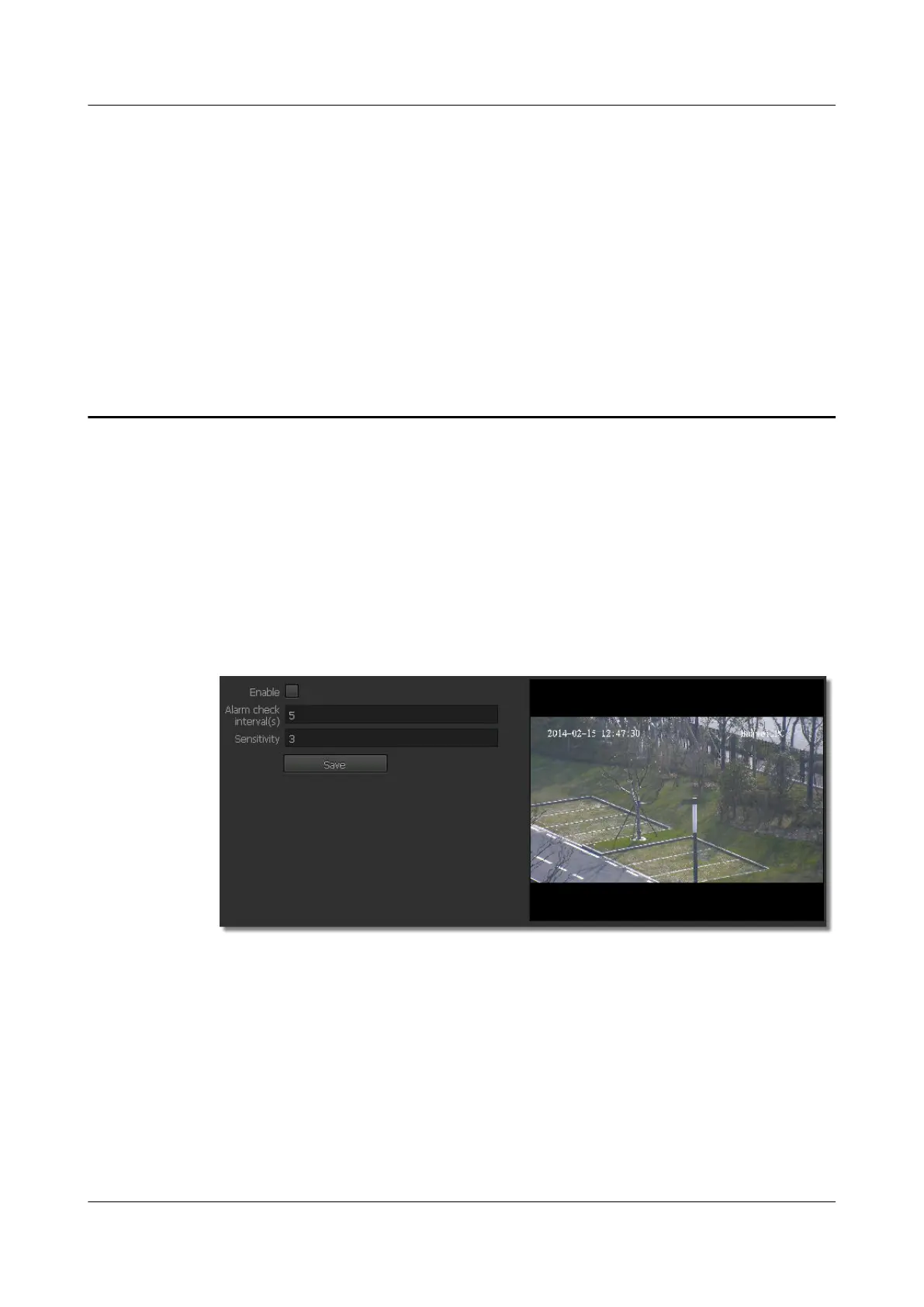
The Video Block Detection page is displayed, as shown in Figure 9-1.
Figure 9-1 Video Block Detection tab page
Step 2 Select Enable.
Step 3 Set parameters. For detailed parameter description, see Table 9-1.
IPC6221-VRZ-SP
Configuration Guide
9 Configuring the Video Block Detection Function
Issue 02 (2016-04-06) Huawei Proprietary and Confidential
Copyright © Huawei Technologies Co., Ltd.
73



 To Next Page