5 PTZ Control
You can manage the IPC in the PTZ control panel during video viewing.
NOTICE
The PTZ control and configuration function is available only for cameras connected to an
external PTZ.
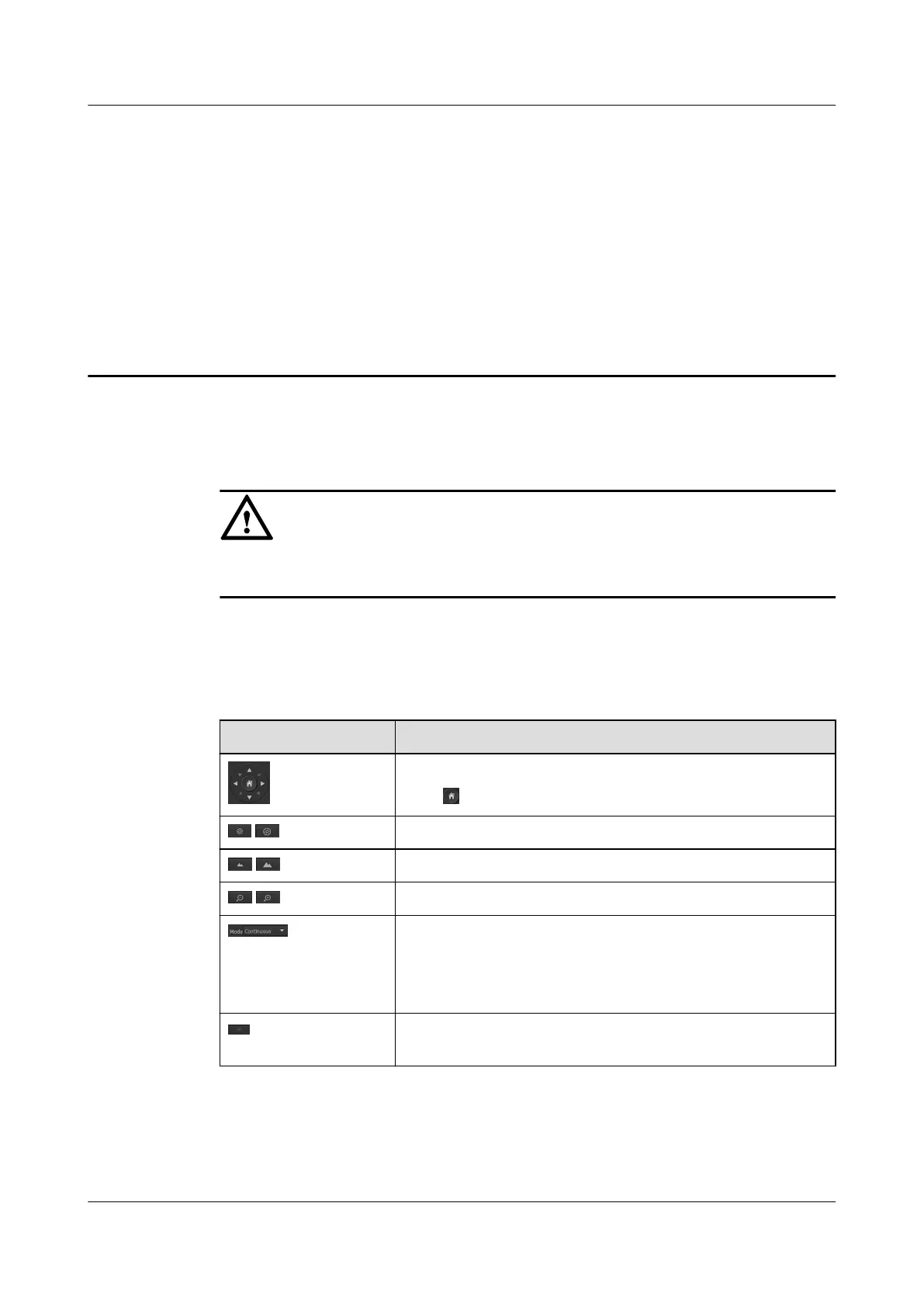
On the menu bar, click Preview. The page for viewing live video is displayed. On the left of
this page, you can use the PTZ control panel to manage the camera. Table 5-1 describes the
buttons in the PTZ control panel.
Table 5-1 Button description
Button
Function
Click to navigate the PTZ in eight directions.
Click , the camera will rotate to the home position.
/ Click to adjust the aperture.
/ Click to adjust the image definition.
/ Click to adjust the camera shooting range.
If you select the Continuous mode, you can hold down the
directional key to rotate the PTZ continuously or release the
directional key to stop PTZ rotation.
At present, the IPC supports only the Continuous mode.
Click to turn the light on, or click it again to turn the light off.
This function is a reserved function and is unavailable.
IPC6221-VRZ-SP
Configuration Guide
5 PTZ Control
Issue 02 (2016-04-06) Huawei Proprietary and Confidential
Copyright © Huawei Technologies Co., Ltd.
30



 To Next Page