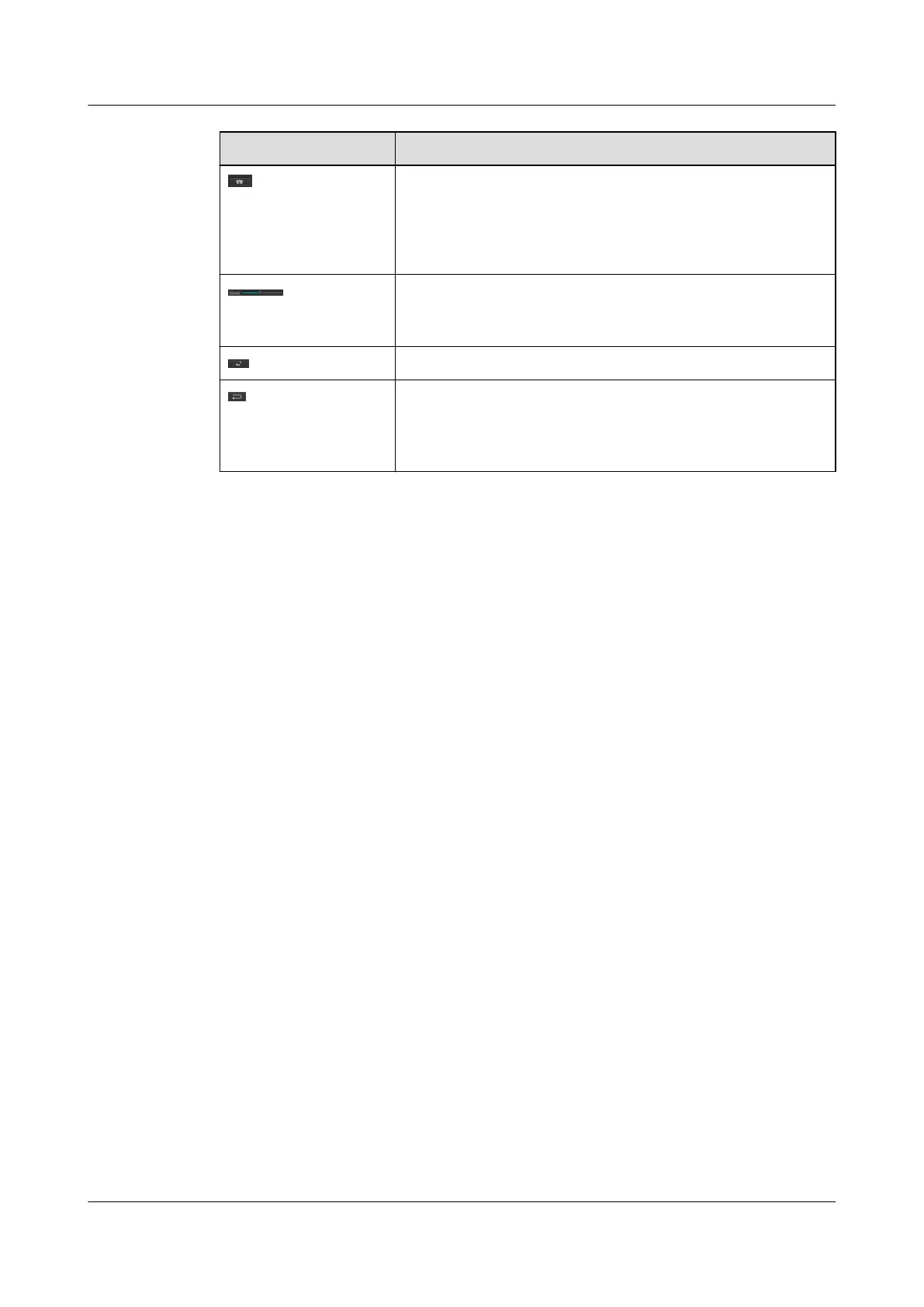
Button Function
Click to enable the rain wiper, or click it again to disable the rain
wiper.
NOTE
This button is available only when you select the Wiper linkage switch
output 1 check box on the PTZ&Serial Port Parameters page.
Control the PTZ rotation and the zoom adjusted speed in the
following way (a larger value indicates a higher speed): Drag the
slider.
Click to take One push.
Reset the lens. If the image still blurs due to out-of-
synchronization of the lens after automatic or manual focus,
click this button to enable the lens to perform calibration and
focus again to make the image clear.
IPC6221-VRZ-SP
Configuration Guide
5 PTZ Control
Issue 02 (2016-04-06) Huawei Proprietary and Confidential
Copyright © Huawei Technologies Co., Ltd.
31



 To Next Page