7.1 Setting Basic Network Parameters
By setting basic network parameters, you can quickly perform basic network configurations
on the device, such as the maximum size of data packets transferred on the network, data
transmission quality, and against attacks parameters.
7.1.1 Setting MTU Parameters
You can set maximum transmission unit (MTU) parameters to specify the maximum size of
data packets transferred on the network.
Procedure
Step 1 Choose Settings > Network Configuration > Network Parameters.
The page for Network Parameters is displayed.
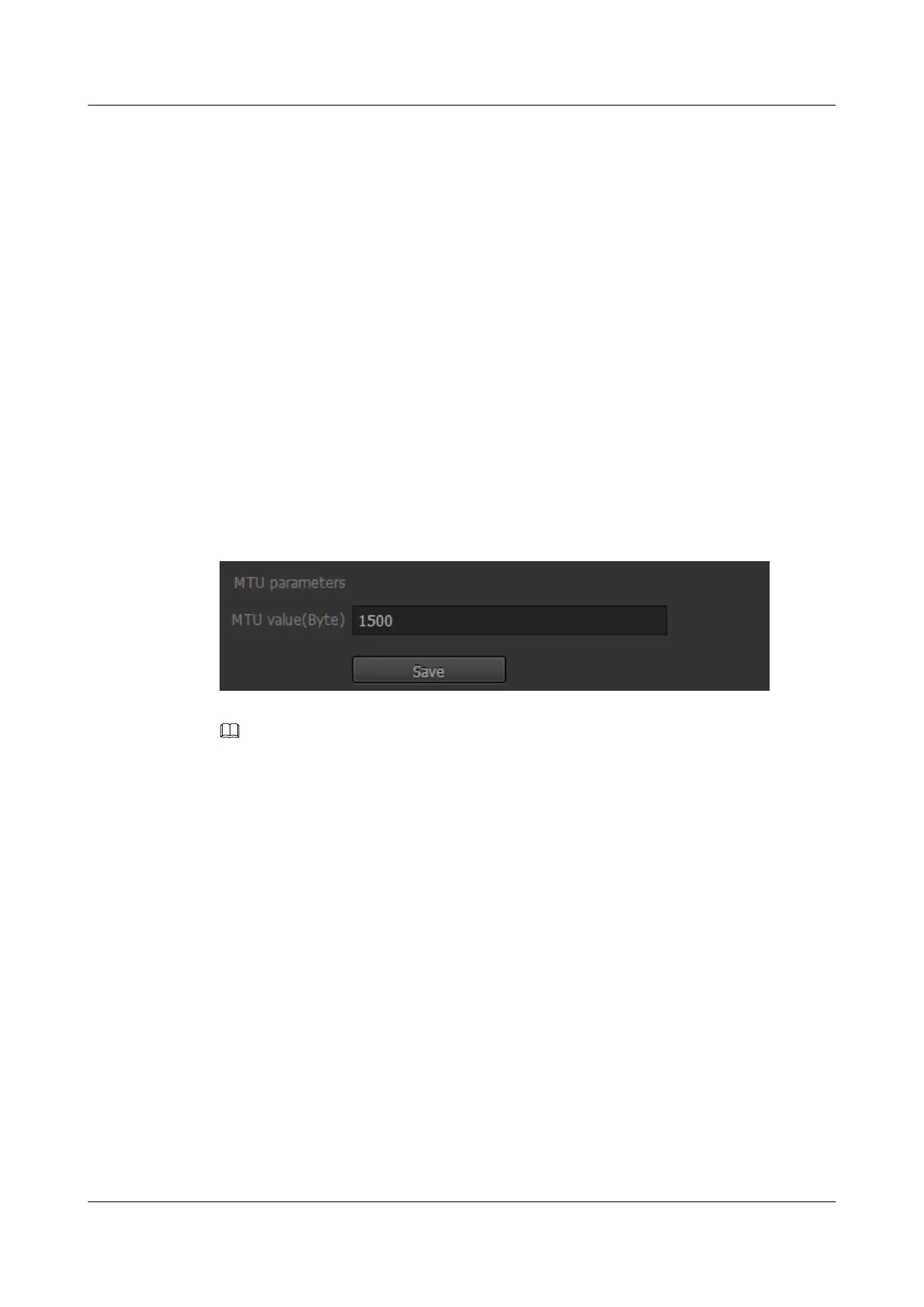
Step 2 Enter an MTU value, as shown in Figure 7-1.
Figure 7-1 MTU value
NOTE
l The MTU value is an integer ranging from 800 to 1500. The default value of is 1500.
l A small MTU increases the system load. When high-consumption features (such as SEC) are enabled, the
CPU usage becomes high. In this case, do not set a small MTU.
Step 3 Click Save.
----End
7.1.2 Setting QoS Parameters
QoS is a network security mechanism for resolving network issues such as delay and
congestion. When the network is overloaded or congested, QoS ensures that the packets of
important services are not delayed or discarded, and therefore ensures data transmission
quality.
Procedure
Step 1 Choose Settings > Network Configuration > Network Parameters.
The page for Network Parameters is displayed.
Step 2 In the QoS parameters area, set Media stream DSCP and Signaling stream DSCP. DSCP is
short for differentiated services code point, as shown in Figure 7-2.
IPC6221-VRZ-SP
Configuration Guide
7 Setting Network Parameters
Issue 02 (2016-04-06) Huawei Proprietary and Confidential
Copyright © Huawei Technologies Co., Ltd.
53



 To Next Page