Parameter Description How to Set
Upload configuration file Users can upload the
configuration file stored on
the local PC.
NOTE
You need to set ISP parameters
and platform registration
parameters in the
configuration file based on the
site requirements and then
upload the configuration file,
or you can first upload the
configuration file and modify
the parameter settings on the
web pages.
1. Click Browse and select
the configuration file.
2. Enter the file key.
NOTE
Use the same file key as
that used for the download
operation.
3. Click Upload to upload
the configuration file.
After the file is
uploaded, the IPC
restarts automatically.
----End
13.3 Configuring the Web Login Protocol
You can configure the Web server protocol.
Procedure
Step 1 Choose Settings > System Configuration > Configuration Management.
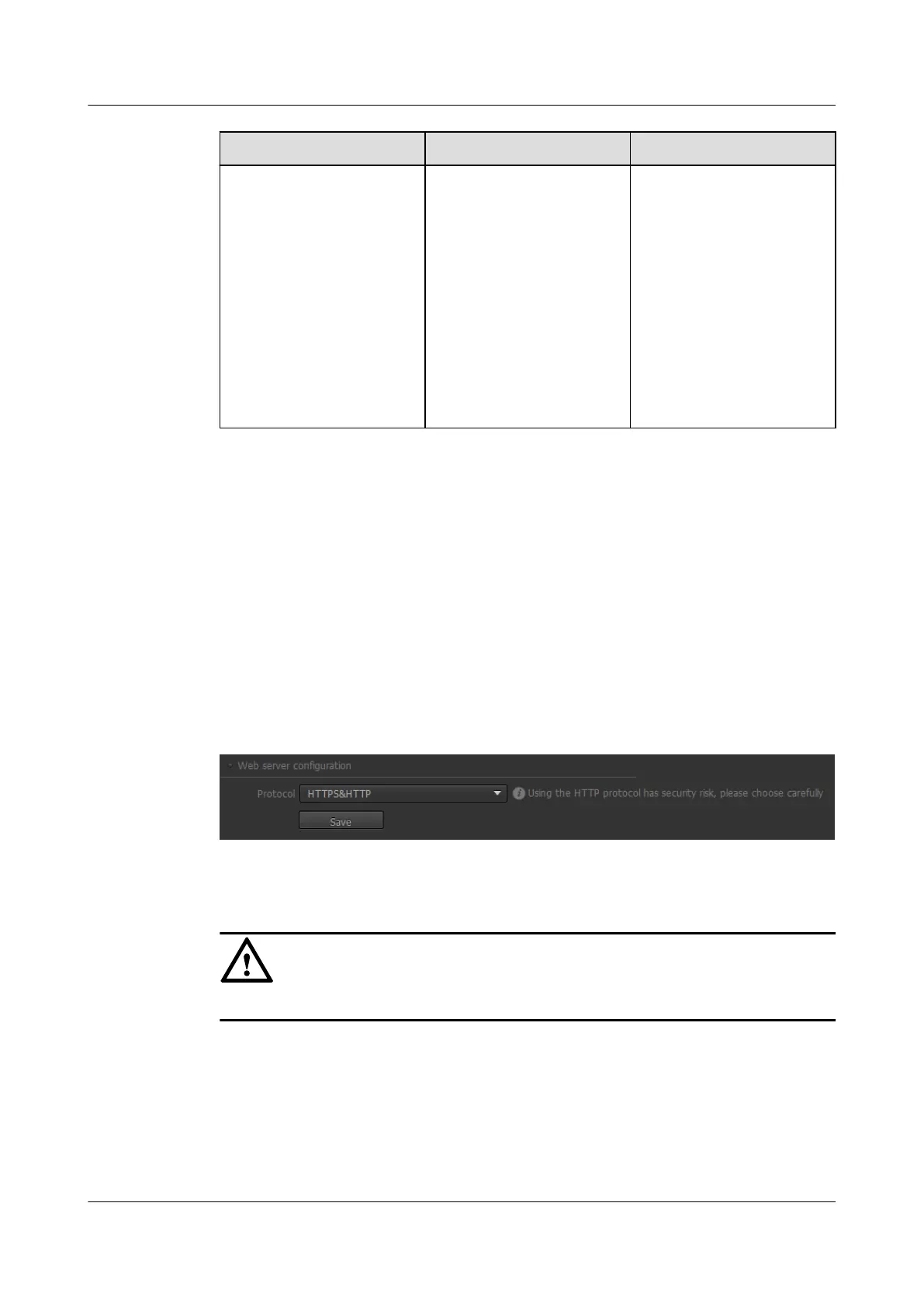
The Configuration Management page is displayed, as shown in Figure 13-10.
Figure 13-10 Configuration Management tab page
Step 2 In the Web server configuration area, configure the protocol for accessing the IPC web
page.
NOTICE
To improve security, you are advised to use the protocol HTTPS.
----End
13.4 Managing the Storage Device
Using the storage management function, you can view the SD card status, limit the rate, and
conduct continuous recording.
IPC6221-VRZ-SP
Configuration Guide
13 Managing the System
Issue 02 (2016-04-06) Huawei Proprietary and Confidential
Copyright © Huawei Technologies Co., Ltd.
92



 To Next Page