Step 4 Specify the current user password, new password, and confirm password.
Step 5 Click Save.
----End
13.1.3 Changing the Maximum Number of Multipoint Logins
You can change the maximum number of multipoint logins of a user.
Procedure
Step 1 Choose Settings > System Configuration > User Management.
The User Management page is displayed, as shown in Figure 13-5.
Figure 13-5 User Management tab page
Step 2 Select a user.
Step 3 Click Modify Multi-login.
The Modify Multi-login page is displayed.
Step 4 Enter Current user password and modify Multi-login.
Step 5 Click Save.
----End
13.1.4 Deleting a User
System administrators can delete unnecessary users to ensure system security.
NOTE
l System administrators can delete senior operators and common operators. System administrators cannot
be deleted.
l Senior operators can delete common operators.
l Common operators do not have the right to delete users.
l When a logged user is deleted, the deletion does not take effect immediately and the user can still perform
operations on the web pages. The deletion takes effect only when the user logs out.
Procedure
Step 1 Choose Settings > System Configuration > User Management.
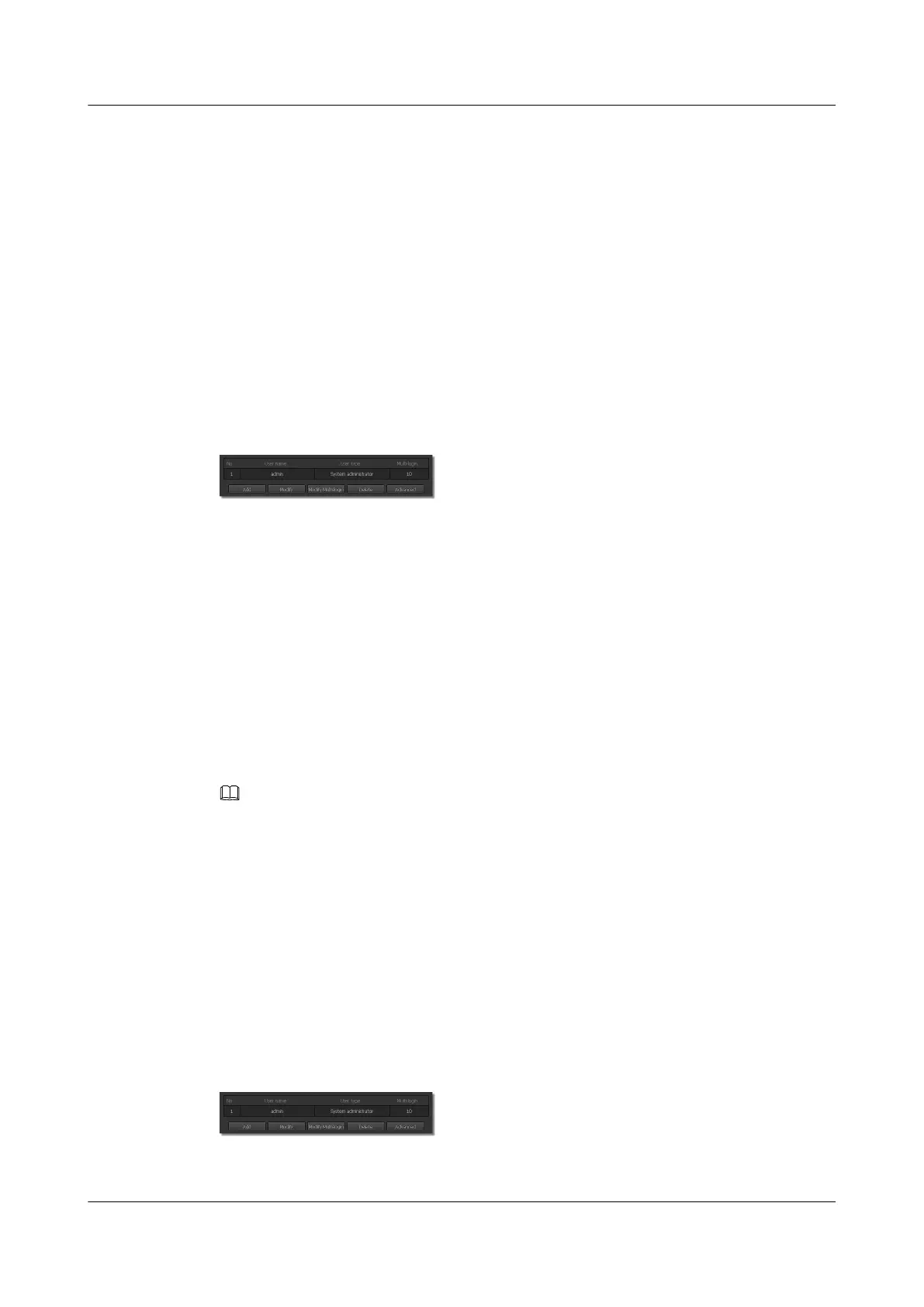
The User Management page is displayed, as shown in Figure 13-6.
Figure 13-6 User Management tab page
Step 2 Select a user.
IPC6221-VRZ-SP
Configuration Guide
13 Managing the System
Issue 02 (2016-04-06) Huawei Proprietary and Confidential
Copyright © Huawei Technologies Co., Ltd.
89



 To Next Page