NOTE
l Max. incorrect password inputs: maximum number of consecutive incorrect password attempts.
l Lock Interval: duration that an account is locked when the number of consecutive incorrect password
attempts exceeds the maximum.
l If Max. incorrect password inputs is set to 0, the maximum number of consecutive incorrect password
attempts is unlimited and the account will not be locked.
l If Max. incorrect password inputs is not set to 0 but Lock Interval is set to 0, an account will be locked
permanently when the number of consecutive incorrect password attempts exceeds the Max. incorrect
password inputs.
Step 4 Click Save.
----End
13.2 Managing the Configuration File
You can upload and download the configuration file of an IPC.
Procedure
Step 1 Choose Settings > System Configuration > Configuration Management.
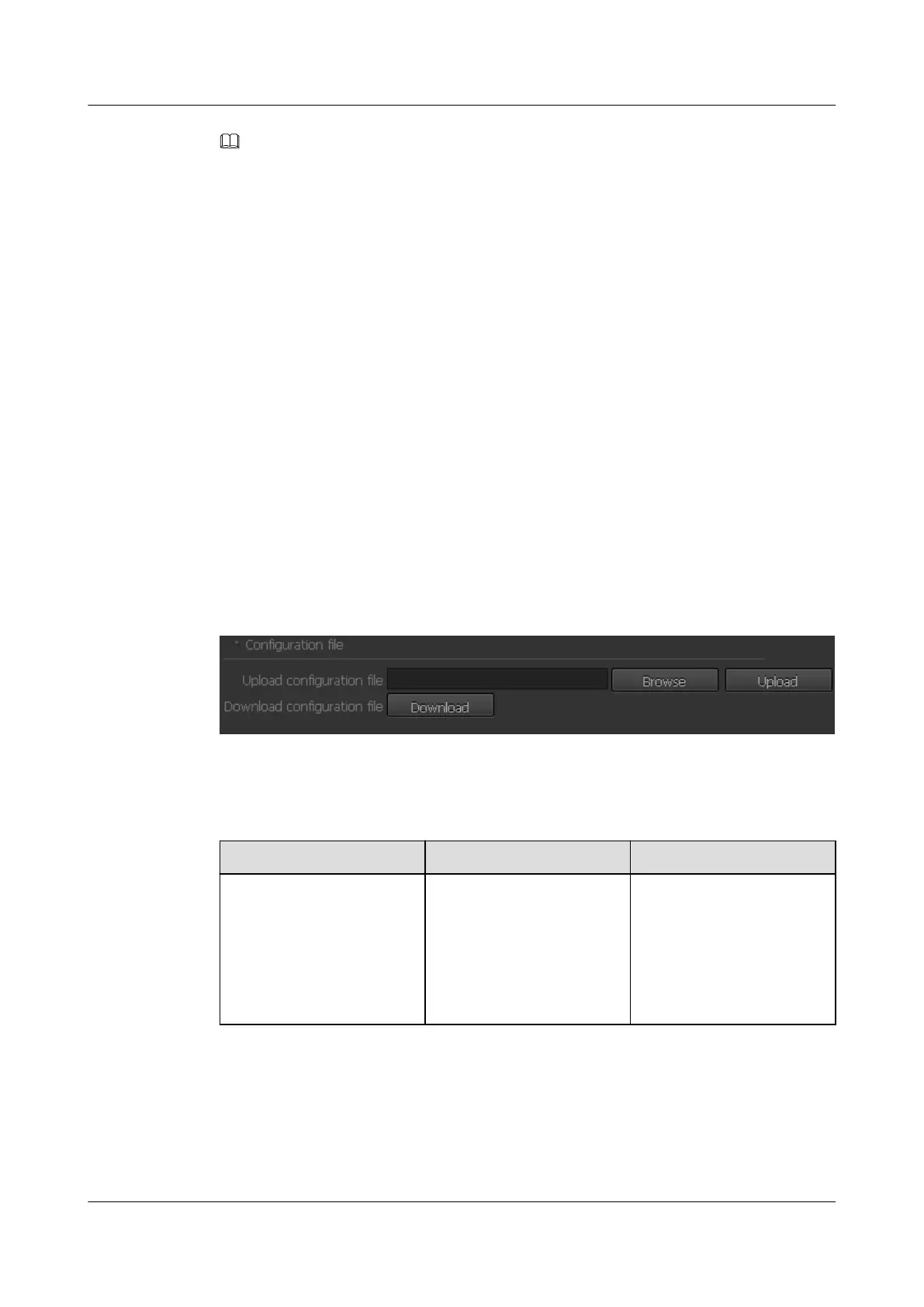
The Configuration Management page is displayed, as shown in Figure 13-9.
Figure 13-9 Configuration Management page
Step 2 Set parameters in the Configuration file area. For detailed parameter description, see Table
13-2.
Table 13-2 Parameter description
Parameter
Description How to Set
Download configuration file Users can download the
current configuration file to
save device parameters. If
necessary, users can upload
the configuration file again
to restore the device
parameters.
1. Click Download.
2. Enter the file key in the
displayed dialog box.
NOTE
Use the download function of
the browser.
IPC6221-VRZ-SP
Configuration Guide
13 Managing the System
Issue 02 (2016-04-06) Huawei Proprietary and Confidential
Copyright © Huawei Technologies Co., Ltd.
91



 To Next Page