Parameter Description
Duration Duration of the alarm.
NOTE
If Duration is set to 0, the
alarm persists permanently.
Step 3 Click Save.
----End
10.2 Setting Temperature Alarm Parameters
When the IPC operating temperature is out of a specific range (-40°C to +60°C), a
temperature alarm is generated.
Procedure
Step 1 Choose Settings > Alarm Configuration > Temperature Alarm.
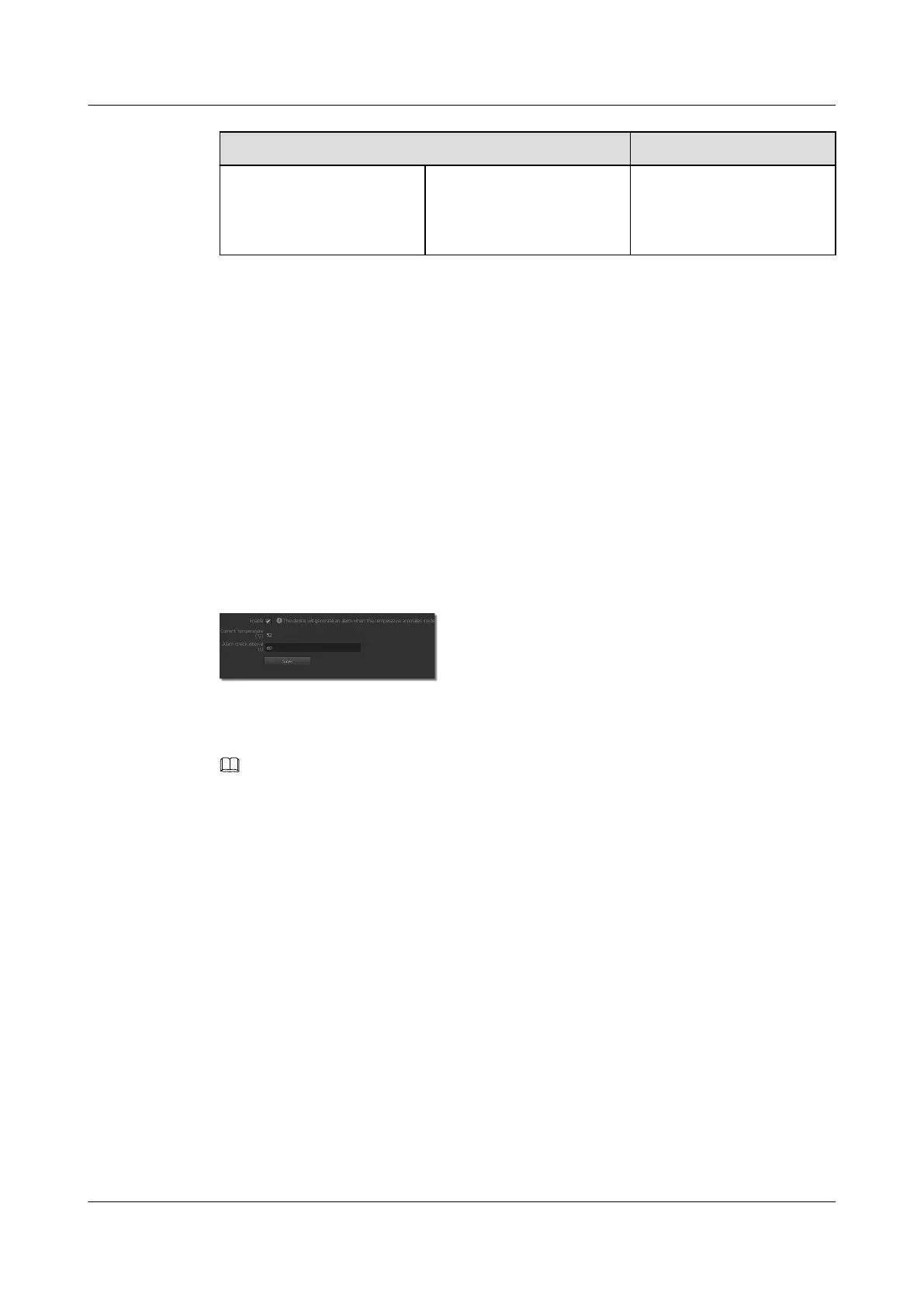
The page for Temperature Alarm is displayed, as shown in Figure 10-2.
Figure 10-2 Temperature alarm tab page
Step 2 Select Enable.
Step 3 Set Alarm check interval.
NOTE
Current temperature indicates the current IPC temperature. To update the current temperature, click the
Temperature Alarm tab again.
Step 4 Click Save.
----End
10.3 Setting Alarm Deployment Policy Parameters
You can specify an alarm deployment policy for the IPC, that is, specify a time segment for
receiving specified alarms. If the IPC is not configured with any alarm deployment policy, no
alarm is generated.
Context
An alarm deployment policy includes device alarm deployment and alarm deployment plan.
l The device alarm deployment can be video alarm deployment or alarm input X
deployment.
l The alarm deployment plan allows users to specify the alarm time for different types of
incidents. A single incident type supports a maximum of eight alarm deployment time.
IPC6221-VRZ-SP
Configuration Guide
10 Setting Alarm Parameters
Issue 02 (2016-04-06) Huawei Proprietary and Confidential
Copyright © Huawei Technologies Co., Ltd.
77



 To Next Page