NetCol5000-A 42 kW Air Cooled In-row Precision Air
Conditioner
User Manual
Huawei Proprietary and Confidential
Copyright © Huawei Technologies Co., Ltd.
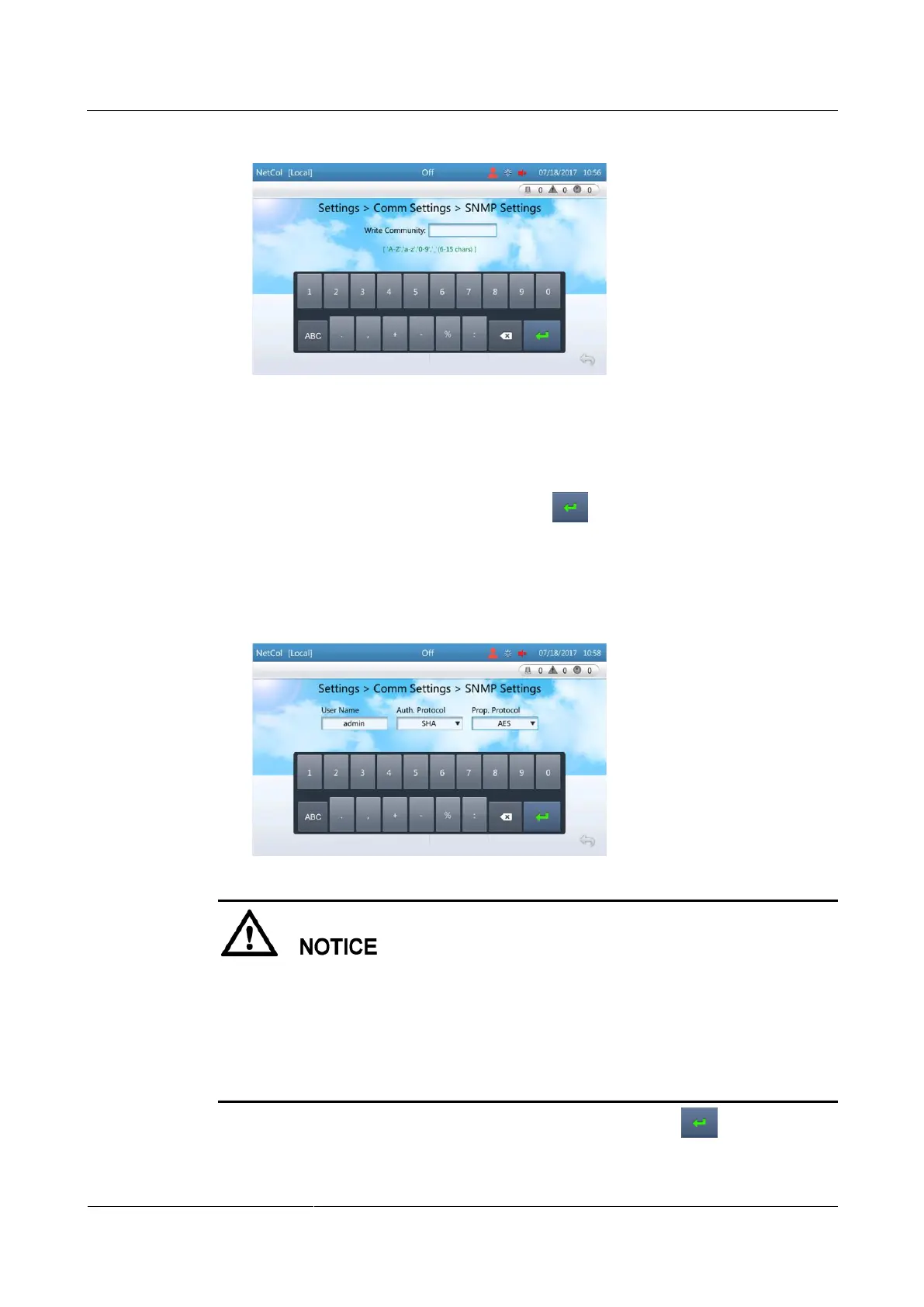
Figure 4-17 Setting write community
Step 4 Add an SNMPv3 user.
1. Tap Add under SNMP V3.
2. Enter a planned value for User Name, select values for Auth. Protocol and Prop.
Protocol from drop-down list boxes, and tap , as shown in Figure 4-18.
MD5 and DES protocols are not secure. It is recommended that you set Auth. Protocol
to SHA, and set Prop. Protocol to AES. The following operations use the recommended
settings as an example.
Figure 4-18 Setting the protocol type
Passwords of an authentication protocol and proprietary protocol must comply with the
following policies:
The password must consist of 8–15 characters and contain at least two types of characters
among uppercase letters (A–Z), lowercase letters (a–z), and digits (0–9).
A password must be different from the corresponding user name or inverted user name.
A password must not be a string containing duplicate sections, such as 12a12a12a.
3. Set SHA Password and Confirm Password as planned, and tap , as shown in
Figure 4-19.







 To Next Page