b. Set the IP address of your computer to 192.168.3.* ("*" as 2 to 254).
c. Open your Internet browser. Enter 192.168.3.1 in the address bar and
press Enter to access the web-based management page of your
secondary router.
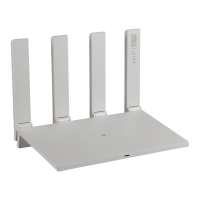
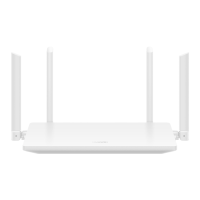
HUAWEI_WIFI_AX2
HUAWEI_WIFI_AX2
34 How do I access the web-based management
page of my secondary router in Repeater (Bridge)
mode?
Issue 01 (2022-02-18) Copyright © Huawei Technologies Co., Ltd. 129

 To Next Page
 Loading...