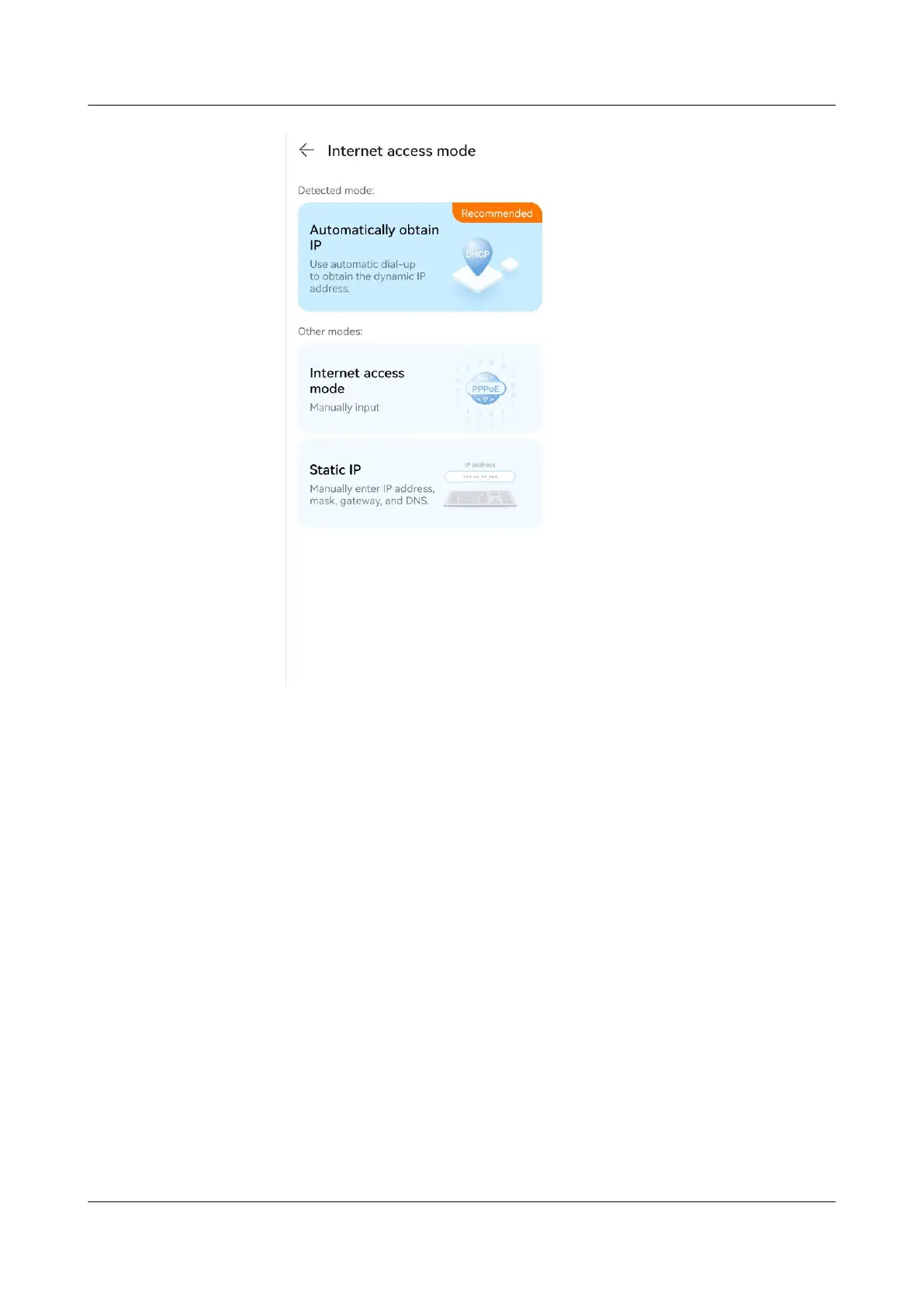
– If your Internet access mode is DHCP, no further congurations are
required. Once you have followed the Internet access wizard and set your
Wi-Fi name, Wi-Fi password, and login password.
– Optional: If your Internet access mode is PPPoE,enter the broadband
account and password and click NEXT.
– If you want to manual connection, do not connect the Ethernet cable to
WAN port on the HUAWEI router. Click CONNECT LATER > Static IP.
HUAWEI_WIFI_AX2
HUAWEI_WIFI_AX2
4 How can I set up the Internet for my new HUAWEI
router on my phone
Issue 01 (2022-02-18) Copyright © Huawei Technologies Co., Ltd. 10


 To Next Page
 Loading...