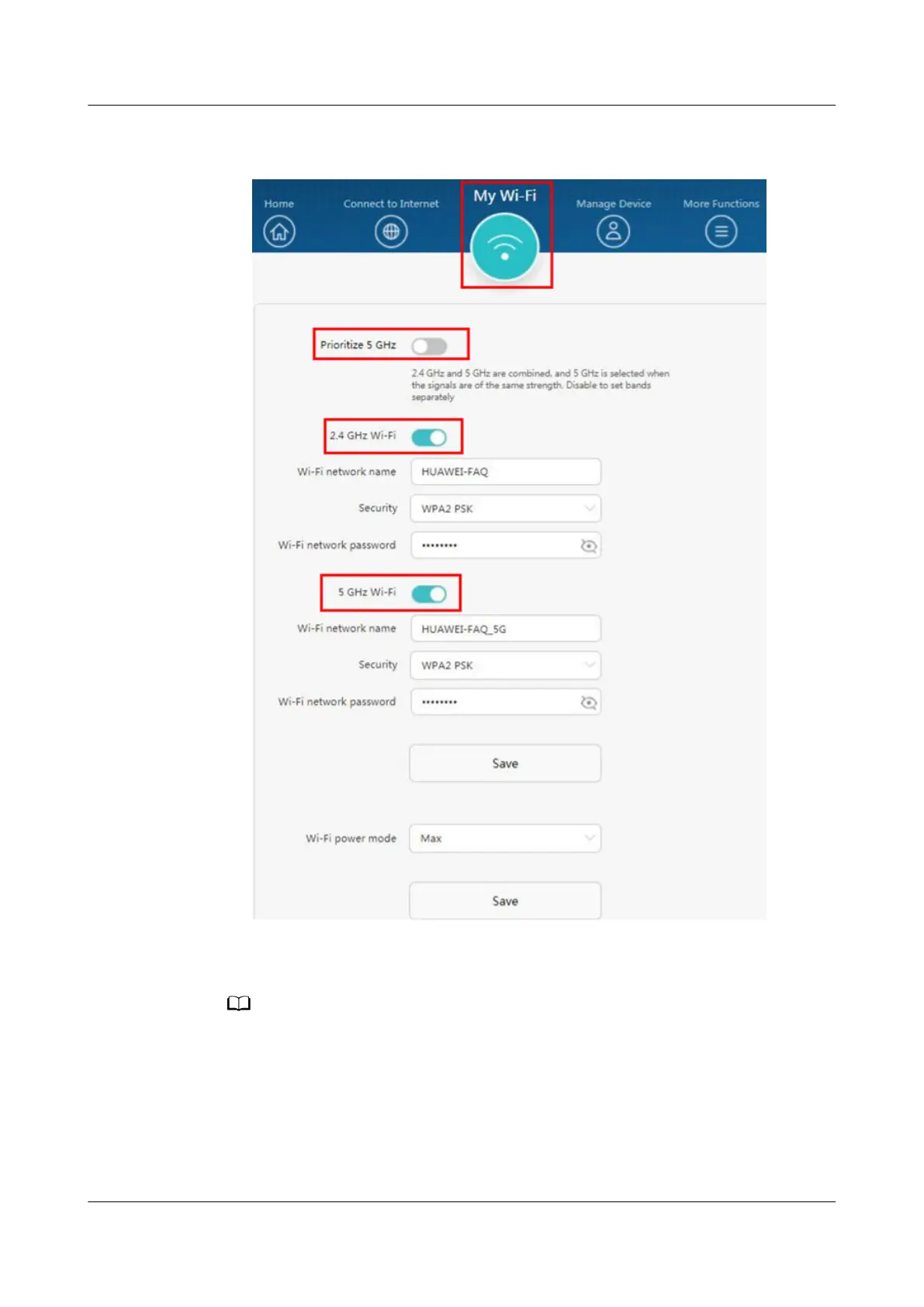
● You can also disable Prioritize 5 GHz / Tri-band auto-switch to o your 2.4
GHz or 5 GHz Wi-Fi network respectively.
----End
● When you disable Wi-Fi, you can select After restarting, your router will turn on Wi-
Fi automatically, so that the next time you restart your router, the Wi-Fi function is
automatically enabled.
● When the router's Wi-Fi is disabled, your phone, tablet, or laptop will not be able to
connect to your router. You can enable Wi-Fi by restarting your router.
● If you disabled your router's Wi-Fi through the web-based management page and
selected After restarting, your router will turn on Wi-Fi automatically, Wi-Fi will be
enabled automatically when you restart your router.
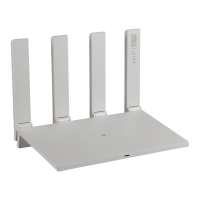
HUAWEI_WIFI_AX2
HUAWEI_WIFI_AX2
10 How do I enable or disable Wi-Fi on my HUAWEI
router
Issue 01 (2022-02-18) Copyright © Huawei Technologies Co., Ltd. 39

 To Next Page
 Loading...