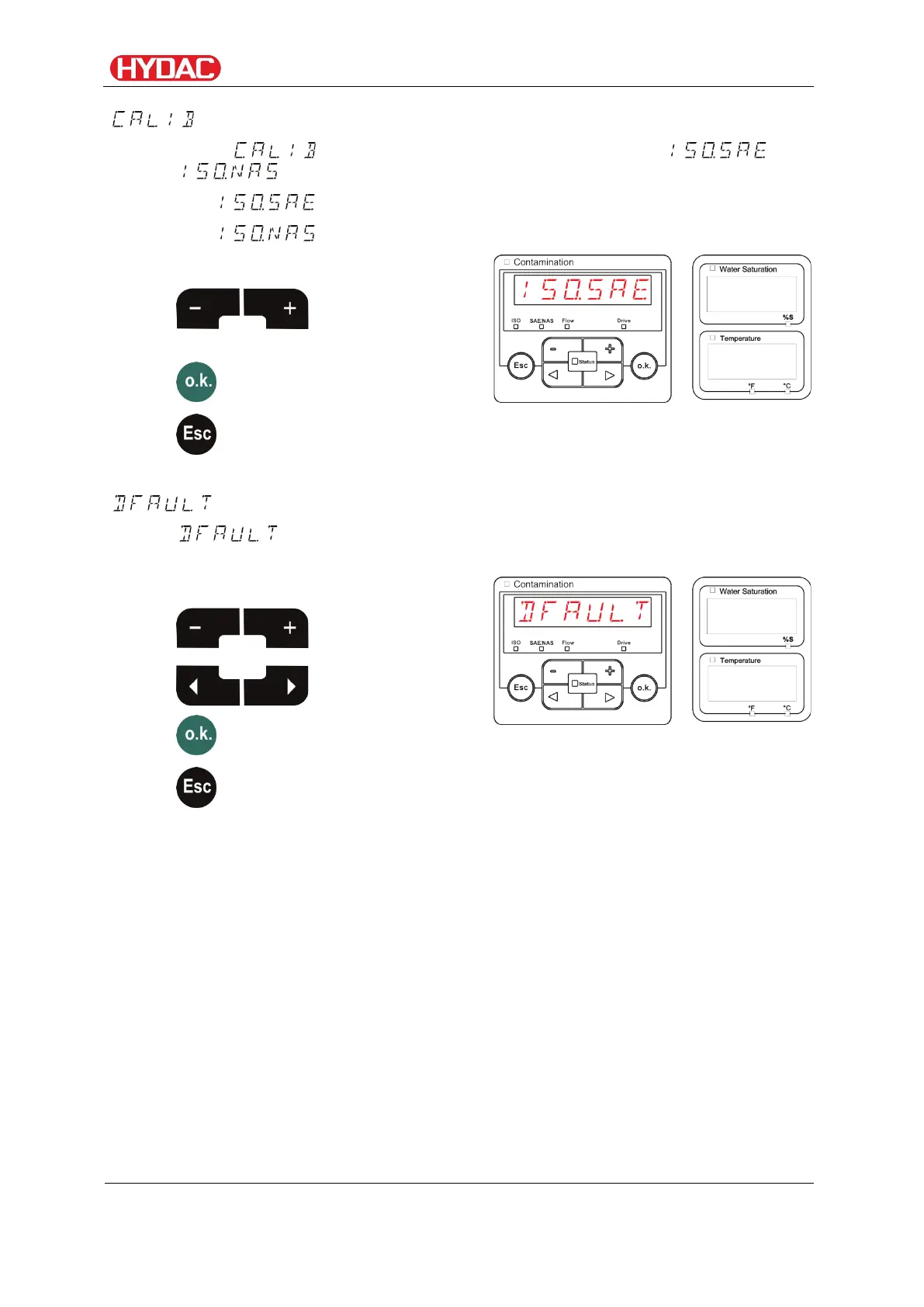
Select operating level / configuration menu
– Select calibration type
Under , select the desired calibration type, either or
.
The calibration type is based on ISO4406:1999 / SAE.
The calibration type is based on ISO4406:1987 / NAS.
Use the following buttons:
between the types
of calibration
change
– Reset to default settings
resets the FCU back to default settings. For the factory settings,
see page 59.
Use the following buttons:
value
change
FCU1310
en(us)
Page 59 / 124
BeWa FCU1310 V300 3371346f en-us 2017-01-27.docx 2017-01-27


 To Next Page