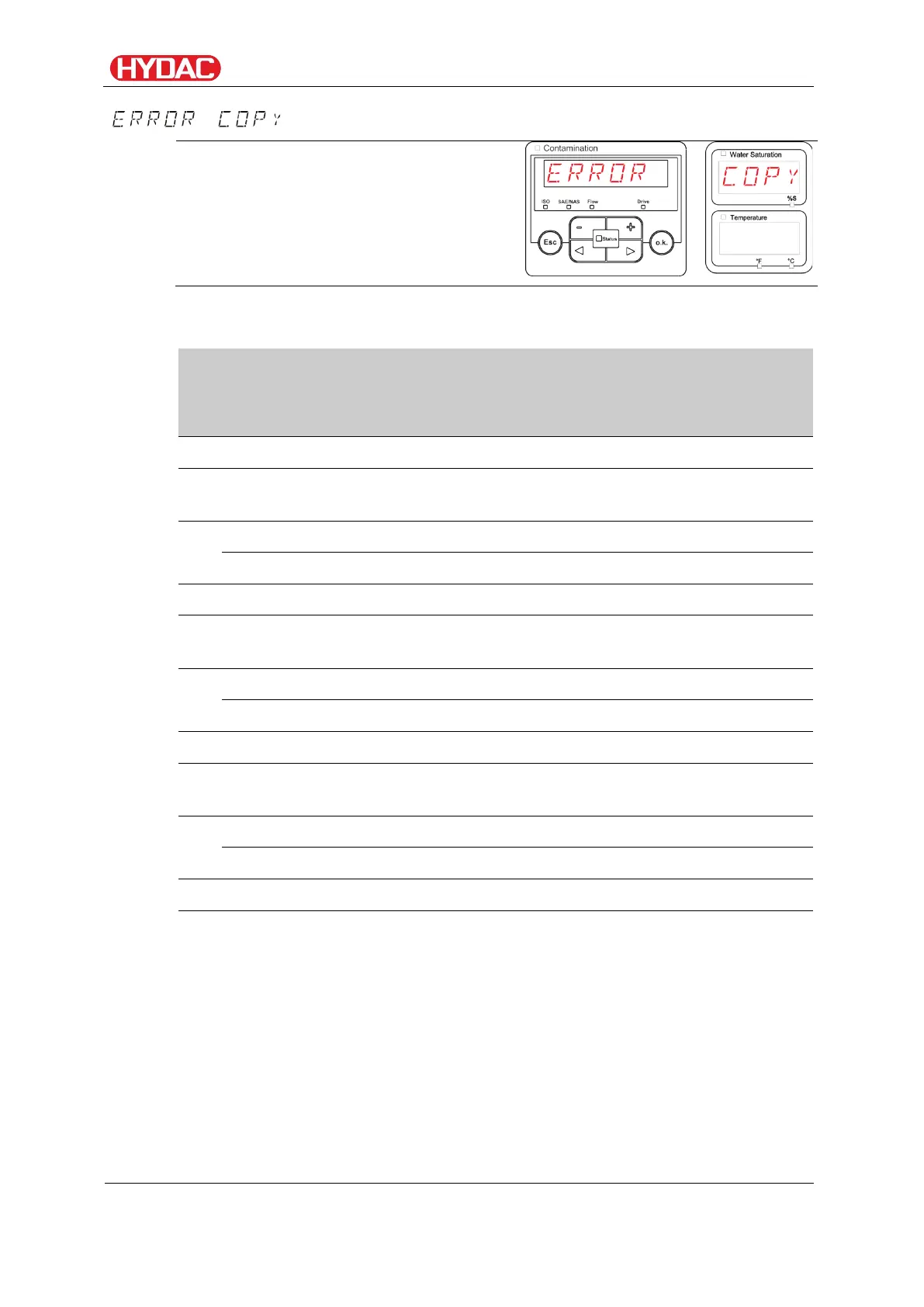
Reading internal measurement memory
- Data transmission failed
If a fault occurs during the copy
procedure, or if you remove the USB
memory stick from the socket before the
procedure is complete, the following
message will be output on the display.
To remedy faults, proceed as follows:
Description
Insert the USB memory stick in your PC and delete all data.
Put the USB stick back in the USB socket of the FCU. The
download will start automatically
3.
If the error does not recur
Insert the USB stick in your PC and reformat it.
Put the USB stick back in the USB socket of the FCU. The
download will start automatically
6.
If the error does not recur
Use a different compatible USB memory stick.
Put the USB stick back in the USB socket of the FCU. The
download will start automatically
9.
If the error does not recur
Contact the HYDAC Service department.
The download has been successfully completed
FCU1310
en(us)
Page 74 / 124
BeWa FCU1310 V300 3371346f en-us 2017-01-27.docx 2017-01-27


 To Next Page