Reading internal measurement memory
Installing the Bluetooth USB adaptor
If the PC already has a Bluetooth interface, use only this to establish a
connection to the FCU.
Prior to the installation of new Bluetooth software, we strongly recommend
deinstalling all existing Bluetooth drivers. The parallel use of different
Bluetooth interfaces often leads to driver conflicts.
If problems should arise, consult the Bluetooth USB adaptor handbook or
consult the manufacturer of your PC hardware.
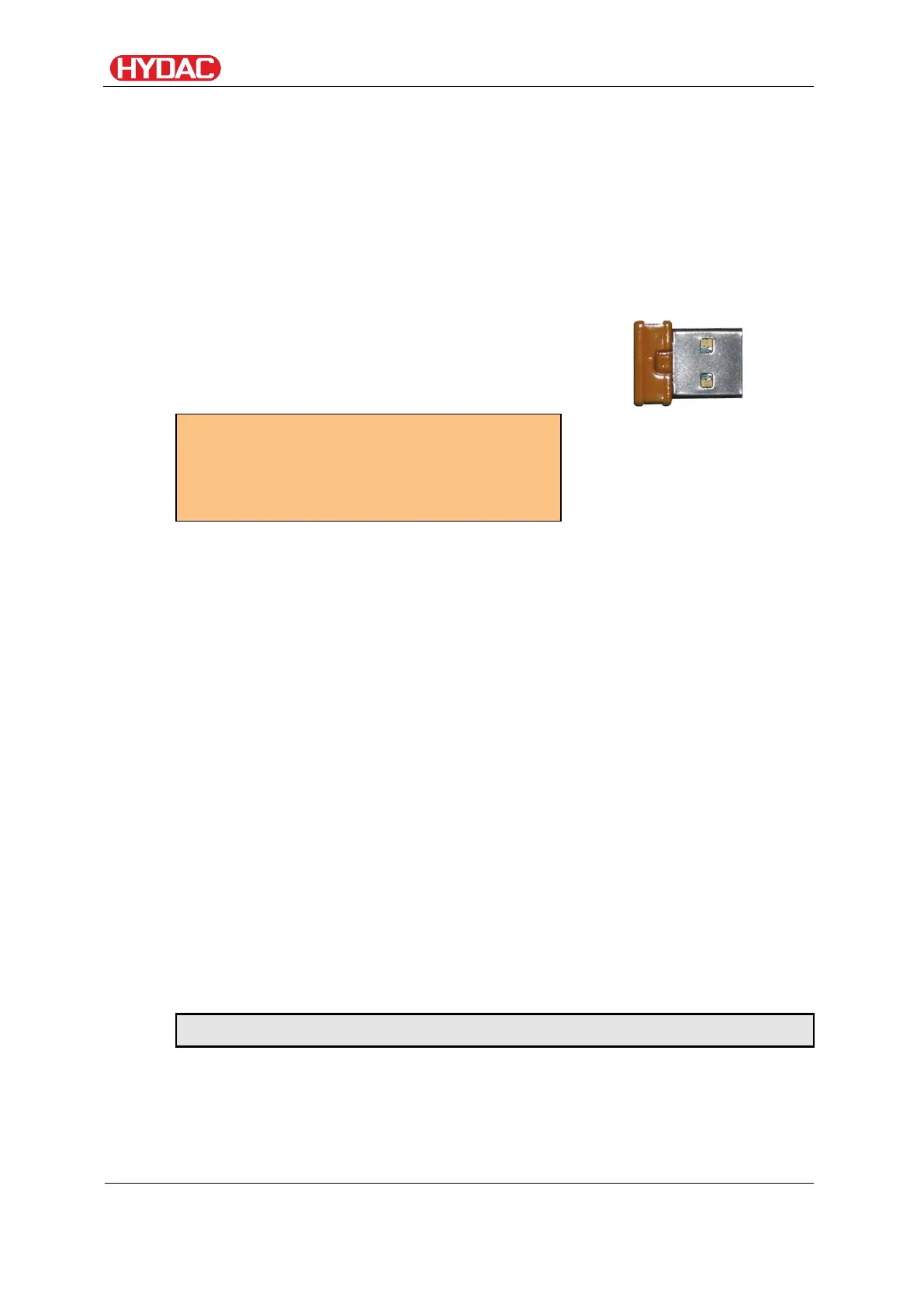
We recommend using the HAMA USB
adaptor "Nano", which we successfully
tested for many PC/operating system
combinations.
(looks something like this)
For HYDAC part no., see
page 105, chapter "Selecting
accessories"
We cannot guarantee the functionality
and compatibility of the Bluetooth USB
adapter with your system. We do not offer
support or replacements in this case.
Guarantee and liability for the USB adapter
Warranty and liability - for whatever legal reason - for the delivered item shall
be excluded. Moreover, it does not apply to defects which have been
deceitfully concealed or in cases of culpable harm to life, physical injury and
damage to health. We shall not be liable for loss not incurred by the supplied
object itself, and he is not liable in particular for loss of profit or other financial
loss incurred by the Customer.
Connecting/Linking the FCU via Bluetooth
The FCU is registered in the Bluetooth environment as: FCU 1310.
If the connection to the FCU is established via Bluetooth, the measured
values can be read by FluMoS, for example. The FCU protocol is used to
communicate with the HSI.
The data transfer through the Bluetooth connection depends on your PC
hardware and on the installed software. There are a multitude of Bluetooth
modules and software drivers on the market that do not completely fulfill the
specifications of IEEEE 802.15.
The code for the security question is: 0000
FCU1310
en(us)
Page 76 / 124
BeWa FCU1310 V300 3371346f en-us 2017-01-27.docx 2017-01-27


 To Next Page