Download The Files
97
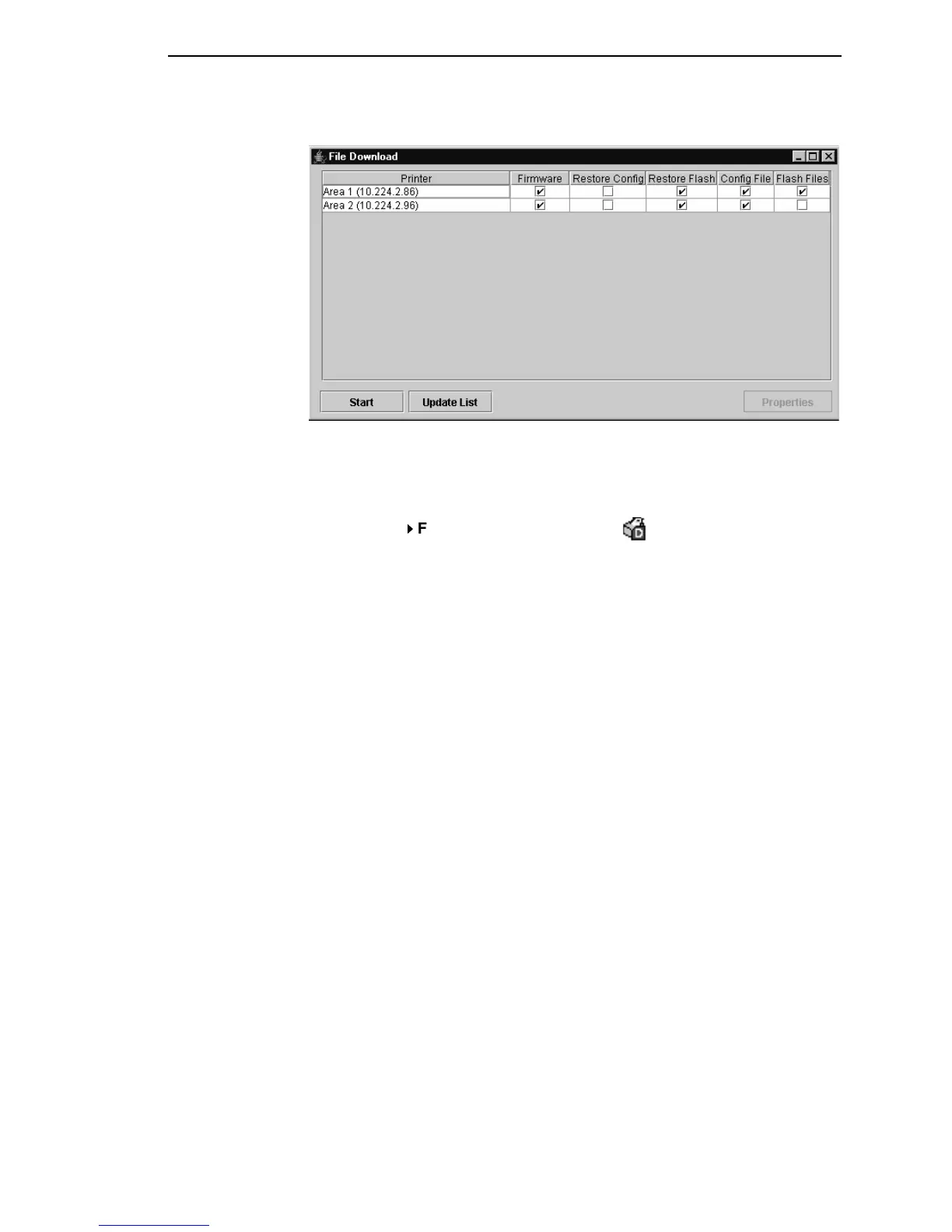
Figure 77. File Download: Manufacturing
Example 3
In this example, the user selected the Manufacturing folder, then selected
Applications
File Download or clicked the (file download) button. The
File Download dialog box opens. See Figure 77.
In this example, the Area 1 and Area 2 printers will download the same
program (firmware) file and a configuration file, since both files are in the
same folder as the two printers (see Figure 72). In addition, the Area 1 printer
will download a flash file.
Both printers will have their flash memories restored.



 To Next Page
 Loading...










