12 User Guide
9. HP290 ALARMS
Any active faults will be displayed on the home screen.
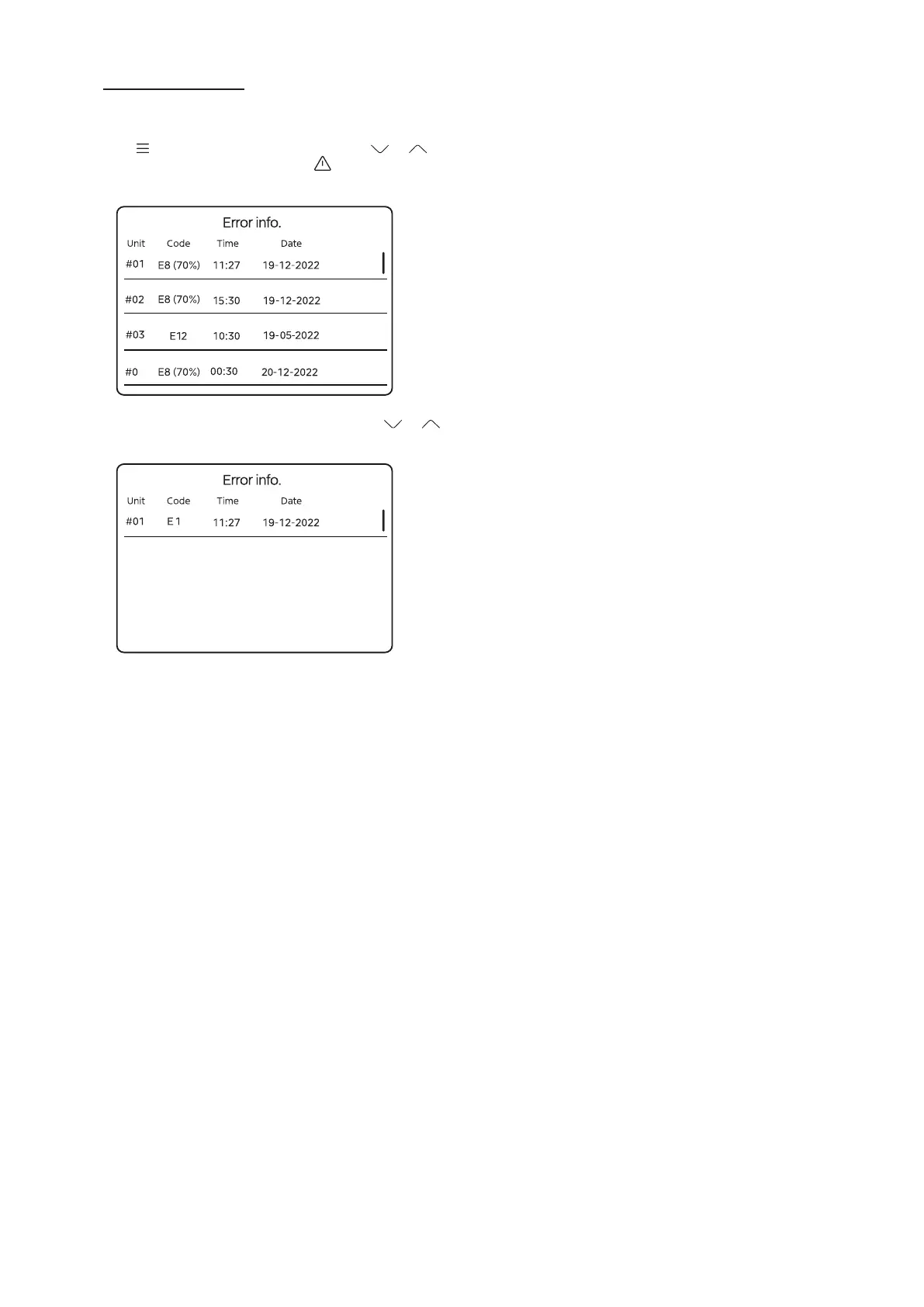
To see error information, from the Home Screen, press the
menu button
, then use the up and down arrows or to
move the display so that the error symbol is displayed (Error
info.), then press enter (O).
4
To set a parameter scroll through the fault codes use
or .
Press O to scroll through the pages for more information.
E8 water flow fault



 To Next Page