Section 9 - Fault Finding
94 Installation and Maintenance
FAULT FINDING
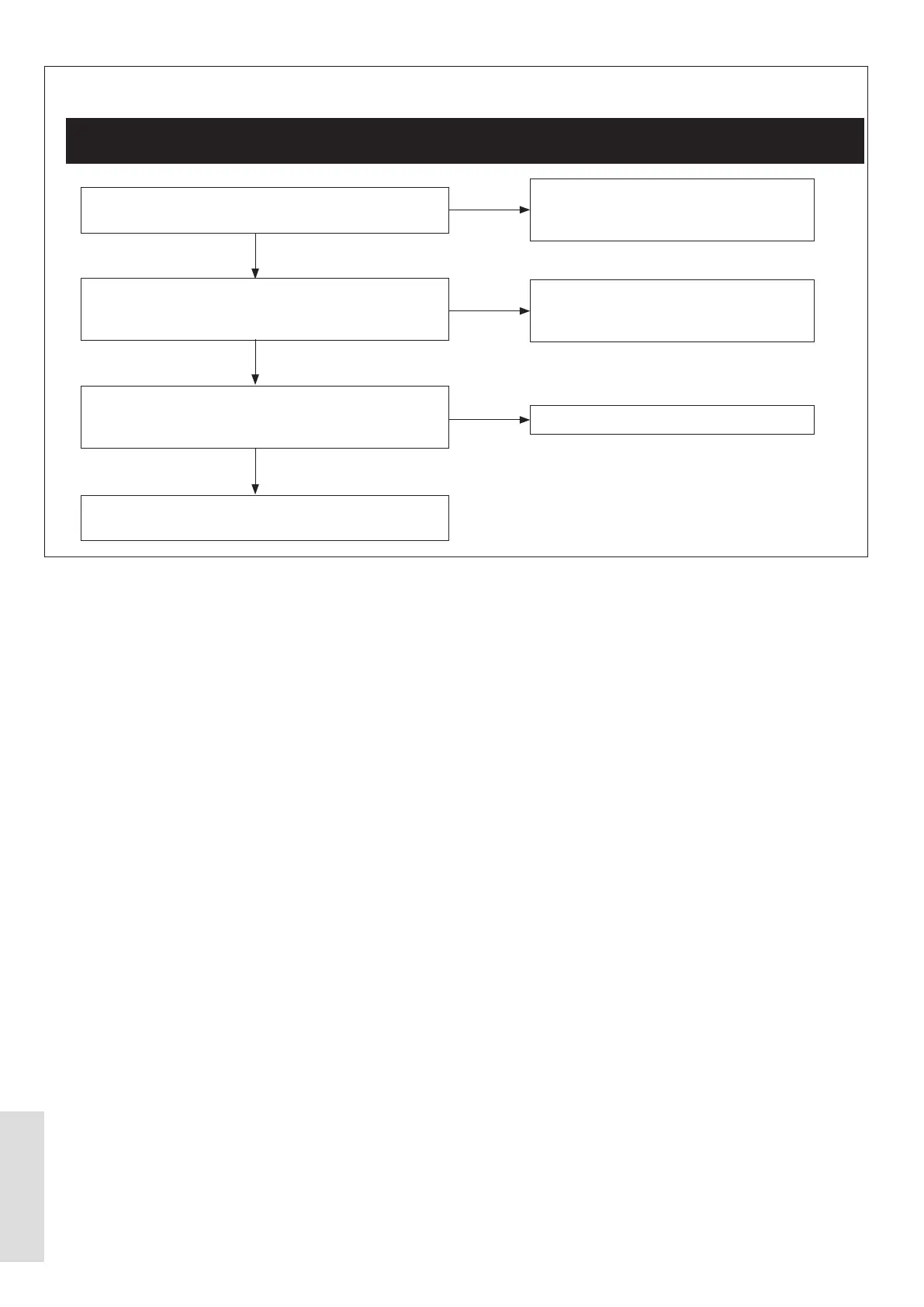
9.1.1 Inverter Error
ᘐ WARNING: Set the power supply to OFF. Wait for a minimum of 10 minutes before you work on the appliance. This
is to let harmful electrical charges decrease to below a safe limit.
Is the 240 V AC mains electrical wiring assembly
connected to the Inverter PCB?
Is the 7-way Modbus wiring assembly correctly
connected to the Outdoor PCB and the Inverter PCB?
Refer to Figure 64)
Disconnect the wiring assembly from the Inverter at the
Compressor. Connect wiring assembly from the Inverter
into Inverter Tester. Is Inverter defective?
If the fault continues, after the the appliance has been
restarted, then replace the Inverter PCB
Make sure that a 240 V AC mains
electrical wiring assembly is connected to
the Inverter PCB.
Make sure that the 7-way Modbus wiring
assembly is correctly connected to the
Outdoor PCB and to the Inverter PCB.
Replace the Inverter PCB.
NO
NO
YES
YES
YES
NO



 To Next Page