11
RDX A8 User and Service Guide — Version 1.0
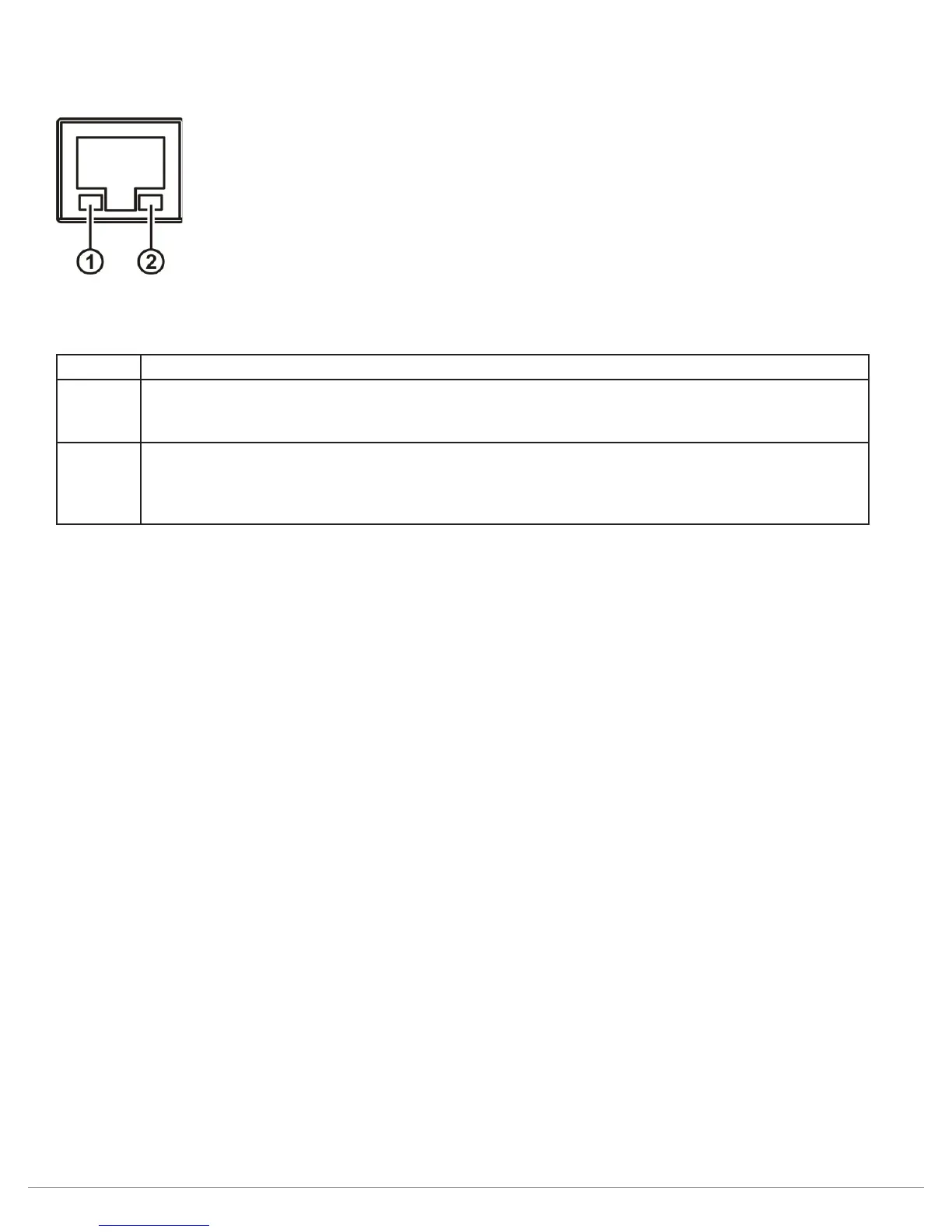
ii. Ethernet port LED behavior
Figure 3—Ethernet port
Number Description
1 Link/Activity LED:
Blinking – indicates a link is established.
Off – indicates no link is established
2 Speed LED:
Amber on – indicates a Gigabit connection (1000 Mbps).
Green on – indicates a 100-Mbps connection.
Off – indicates a 10-Mbps connection.
Table 3—Ethernet port



 To Next Page