40
RDX A8 User and Service Guide — Version 1.0
v. User settings
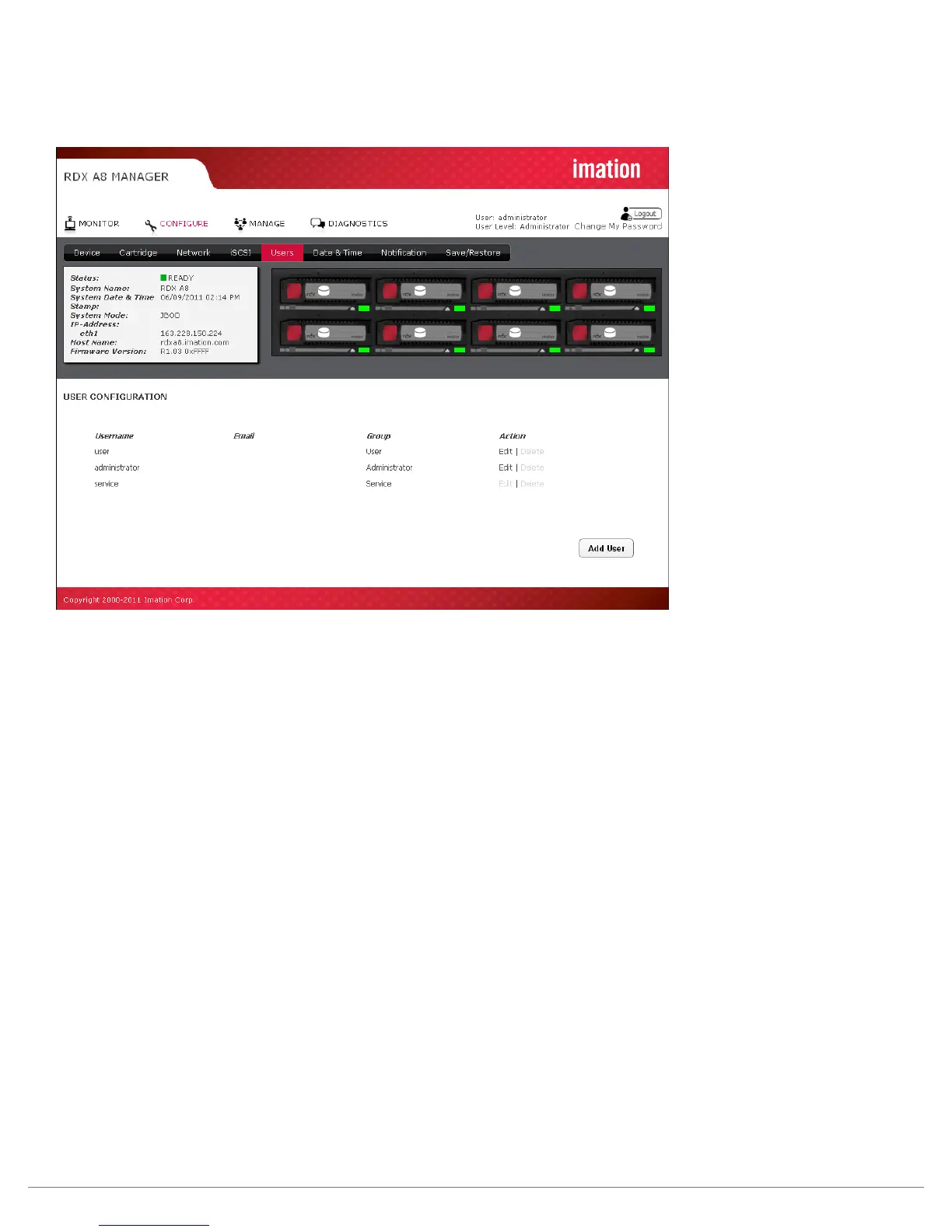
The Users tab allows the user to edit existing user accounts and to new accounts. Administrator level users
may edit Administrator and User level accounts. Service level users may edit all account levels.
Figure 24—RDX A8 Manager Configure Users
New user accounts may be created by selecting the “Add User” button. Existing user accounts may be
edited by clicking “Edit” in the Action column for the appropriate user account. User accounts that have
been created may be deleted by clicking “Delete” in the Action column for the appropriate user account.
The default user accounts of Service, Administrator and User cannot be deleted.
The following fields are required for each user account:
Username:
The login name of the user account. Requirements are: must be 3 to 16 characters, no special characters,
must begin with a letter, and must be all lower case.
Email:
This is the email address associated with this user name. This field must be between 6-80 characters long,
and be in valid email address format.
Password/Password confirmation:
The password for the user account. Requirements are: must be 5 to 16 characters, no special characters,
must begin with a letter, and must be all lower case.
Group:
Assign access rights to the account as follows.
User level:
User level access only allows access to the “MONITOR” functions of the RDX A8 Manager. The user
cannot change any configuration settings/add user accounts/ or reformat/create tape format cartridges.
Administrator level:
Administrator level grants access to all functions within the unit including “MONITOR”,
“CONFIGURE”, “MANAGE” and “DIAGNOSTICS”.
Service Level:
Service level grants access to all the same functions as Administrator, as well as allows clearing
the System Logs.



 To Next Page