47
RDX A8 User and Service Guide — Version 1.0
ii. Ejecting cartridges
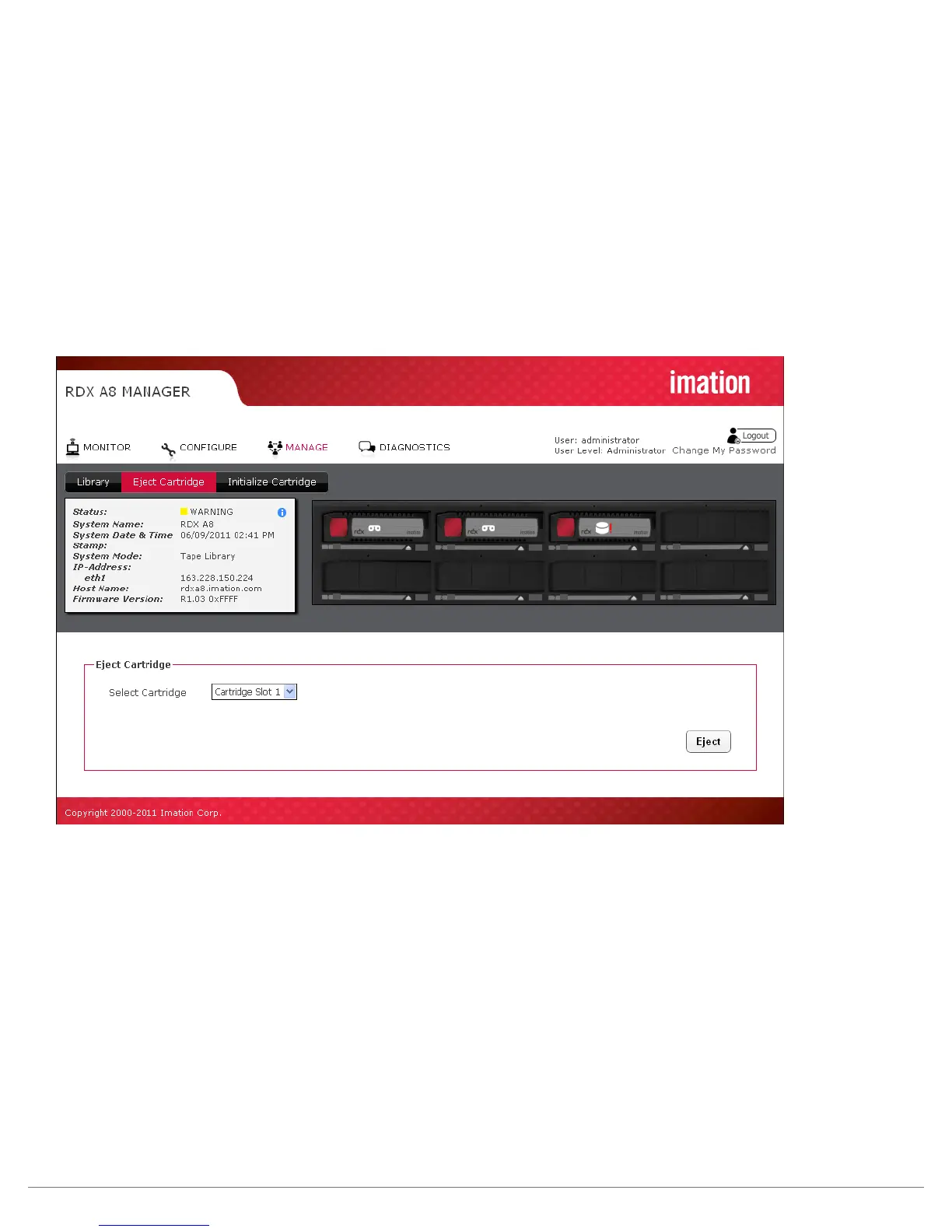
Depending on the RDX A8 System Mode, and current activitiy, cartridges may be ejected on the
MANAGE/Eject Cartridge screen. The cartridge is ejected by selecting the appropriate slot from the
drop down menu and clicking the Eject button.
In Tape Library mode, the software application may lock the cartridges from local eject and require that
they are ejected through the software application.
In JBOD mode, connecting to an iSCSI host will put the cartridges in Ejection Protection mode, disabling
ejection via the web interface and the front panel Eject button. If the cartridges are ejection protected,
the Ejection Protection icon will be displayed in the Active System Graphic, and on the OCP. In this mode
the cartridges may be ejected in the Windows operating system of the iSCSI host by right-clicking on the
drive in Windows Explorer and clicking Eject.
Figure 30—RDX A8 Manager Eject Cartridge



 To Next Page