16
RDX A8 User and Service Guide — Version 1.0
c. Installing cables and connections
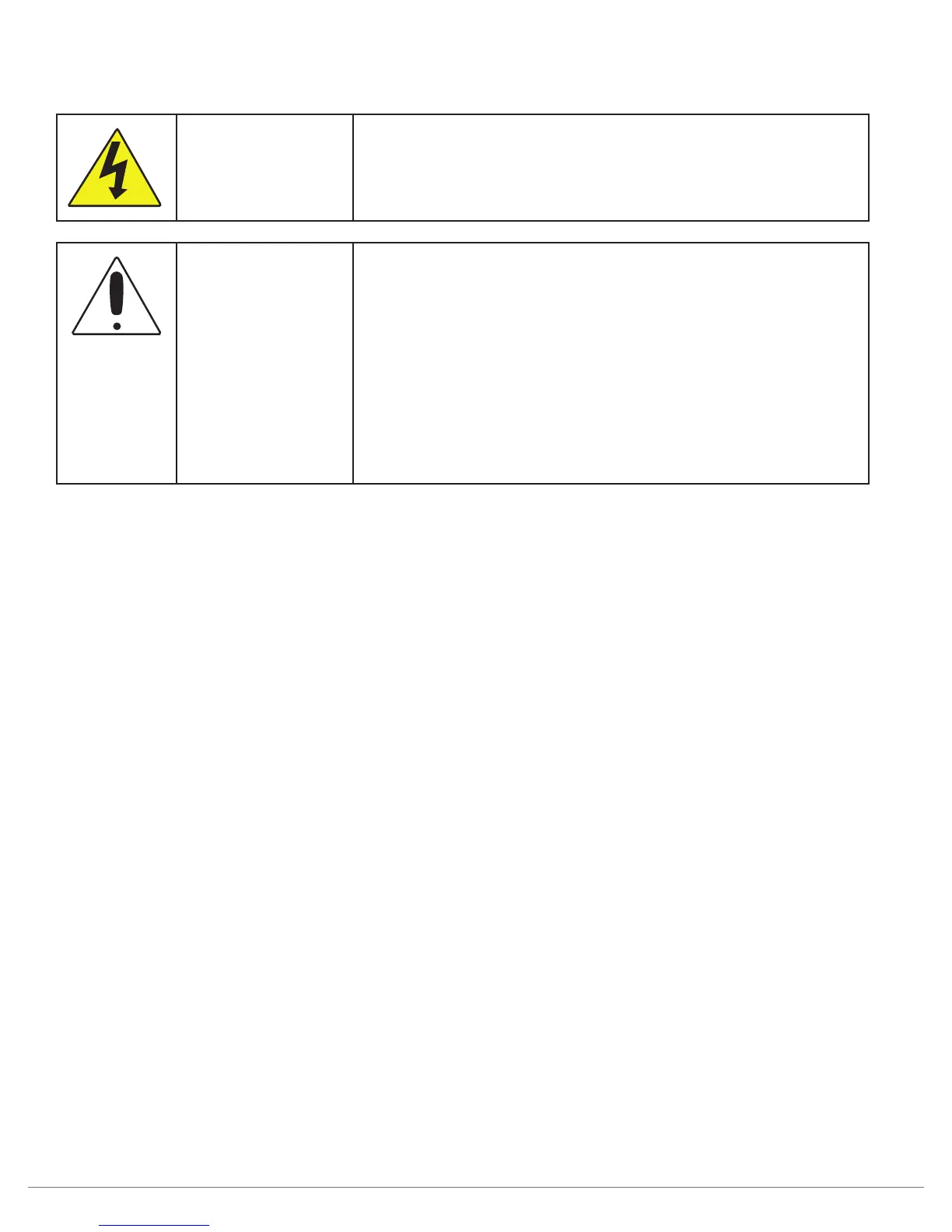
DANGER
High voltage
Risk of electric shock
• Do not remove cover. No user-serviceable parts are inside.
• Refer servicing to qualified service personnel.
WARNING
Usage of unapproved power cords
Risk of personal injury
Risk of damage to devices
Before connecting a power cord to the unit:
• Ensure that the power cord meets individual country
specific safety requirements.
• Use a sufficient conductor amp capacity to avoid
overheating the unit.
The manufacturer disclaims all liability in the event a
non-manufacturer approved power cord is used.
To connect the power cord to the unit:
1. Plug the power cord into the power connector (AC connector) on the rear panel of the
power supply; see section Rear panel,
2. Plug the power cord into an appropriate electrical outlet.
To connect the network cable:
The connection to the Ethernet network is via an industry stand RJ45 copper interface on the rear panel
of the unit; see section Rear panel.
1. Inset the Ethernet cable into the Ethernet port #1 of the unit. When the plug is in the full seated
position, a positive click should be heard.



 To Next Page